Web Development
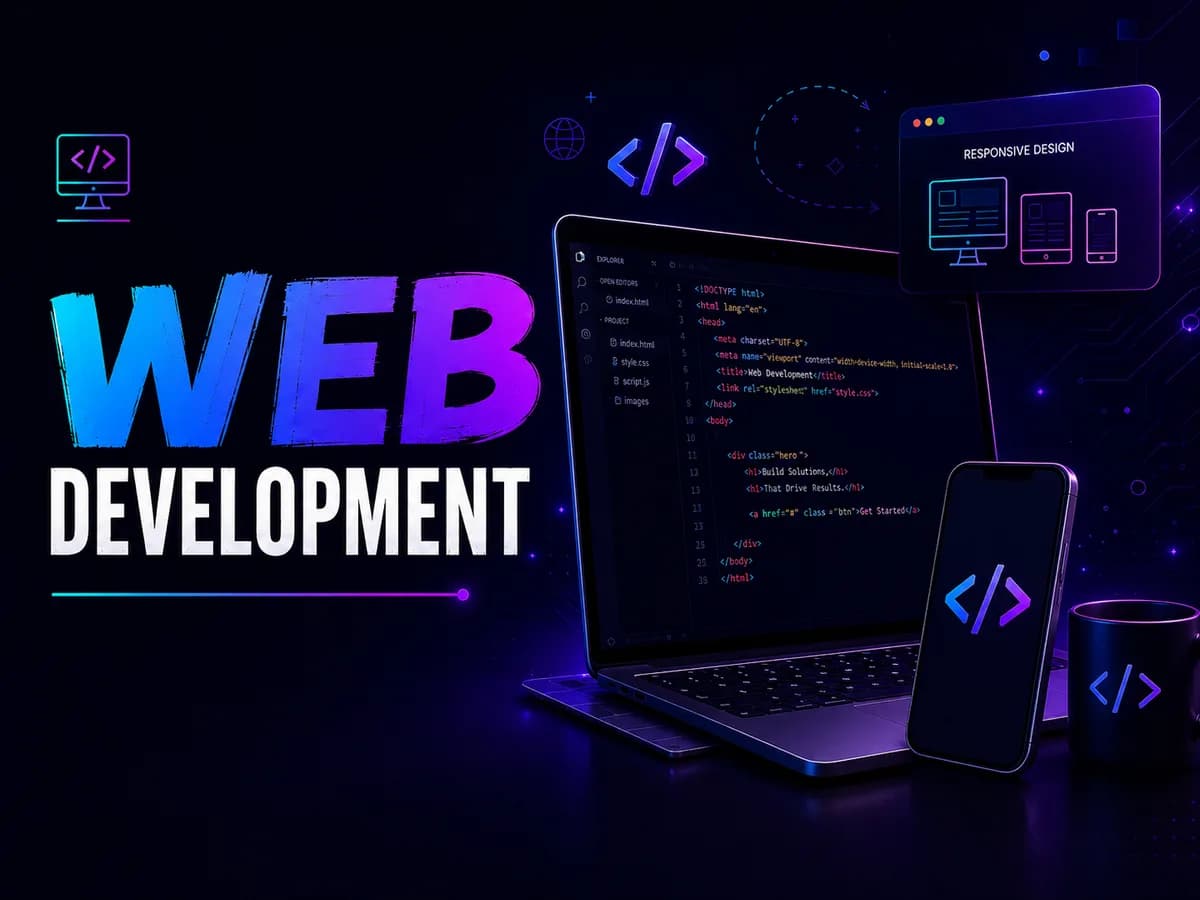
Frontend to backend — HTML, CSS, JavaScript, React, Node.js, databases and deployment, ending with applications you have shipped.
Launch your career in web development with structured training in Hoshiarpur. You learn to create responsive, interactive and functional websites using HTML, CSS, JavaScript, frontend frameworks, backend technologies, databases, APIs and the tools professional teams actually use. Designed for beginners, students, freshers and aspiring developers who want practical, industry-relevant skills rather than theory.

- Category
- Web Development
- Level
- Beginner to Intermediate
- Duration
- 3 Months
- Mode
- Online / Offline
Introduction video coming soonWatch Course Introduction
Watch. Learn. Build. See how the training works in practice — learners working with coding tools, building website interfaces, practising development concepts and applying what they learn.
A short walkthrough of the syllabus, the projects you will build and how the batches are run — worth five minutes before you enrol.
Who can do this course?
The programme is built to work for people arriving from very different starting points.
Students & freshers
Build a strong foundation in website creation, coding, responsive design and web development concepts.
BCA & MCA students
Strengthen your technical knowledge through websites, applications, academic projects and practical development tasks.
Aspiring developers
Learn frontend and backend concepts and understand how complete websites and web applications are built.
Career shifters
Develop practical web development skills and prepare to move into the IT and software industry.
Creative & tech enthusiasts
Turn creative ideas into engaging websites while getting hands-on with modern development technologies.
Working professionals
Upgrade your technical capability with current tools, frameworks, APIs, databases and deployment practice.
Why choose this program?
Six things that separate a programme you finish from one you benefit from.
- 01
Beginner-friendly learning path
Start with the fundamentals and progress toward advanced concepts through a structured approach.
- 02
Practical, project-based training
Learn by writing code, completing assignments, developing websites and building real web applications.
- 03
Frontend to backend
Understand the whole development process, from designing interfaces to building backend functionality and connecting databases.
- 04
Modern development technologies
Work with HTML, CSS, JavaScript, React, Node.js, Express.js, APIs, databases, Git and GitHub.
- 05
Portfolio-focused projects
Build websites and applications that demonstrate your skills in internships, interviews and freelance work.
- 06
Guided learning & doubt support
Learn through examples, coding sessions, practical exercises, debugging and continuous technical guidance.
Course modules
12 modules, 122 sessions — sequenced so each one builds on what you just shipped.
- 12 Modules
- 3 Months
- Beginner to Intermediate
- Certificate Included
- Beginner
- 12 Modules
- Intermediate
- Projects
- Certification
What this module covers
- How the web works
- Frontend vs backend
- Web terminology
- Environment setup
6 sessions
What you will learn
Concrete capabilities, not topics covered. Each one is demonstrated in work you keep.
- Website structure and development fundamentals
- HTML5 and semantic web development
- CSS3 and modern website styling
- Responsive and mobile-friendly design
- JavaScript programming and logic building
- DOM manipulation and interactive websites
- Modern JavaScript and asynchronous programming
- React frontend development
- Backend development fundamentals
- REST APIs and JSON
- Database connectivity and CRUD operations
- Git and GitHub
- Website hosting and deployment
- Debugging and problem solving
- Real-world website and application development
Tools & technologies you'll learn
The same tooling the teams hiring for this role use every day.
- HTML5
- CSS3
- JavaScript
- VS Code
- Git & GitHub
- React
- Node.js
- Express.js
- SQL & Databases
- REST APIs & JSON
- Responsive Web Design
- Browser Developer Tools
- Web Hosting & Deployment
Career outcomes
After completing Web Development, these are the directions students most often take. Outcomes depend on your own work and the market — we do not promise placements or salaries.
Frontend Developer
Create responsive, interactive website interfaces using HTML, CSS, JavaScript and React.
Backend Developer
Build server-side applications, APIs, business logic and database-connected solutions.
Full Stack Developer
Work across frontend, backend, databases and APIs on complete web applications.
Web Developer
Design, develop, maintain and improve websites and web-based solutions.
React Developer
Build modern, interactive user interfaces using React and JavaScript.
Web Application Developer
Develop functional web applications around business requirements and user needs.
Freelance Web Developer
Build websites and applications for clients and independent projects.
Software Development Foundation
Build a base that supports future growth into software engineering and advanced programming.
Where the work is
- Product and agency teams
- Freelance projects
- Campus placements
- In-house roles
Where to go next
- MERN stack
- Next.js
- TypeScript
- Cloud & DevOps
Industry applications
- Product companies
- Digital agencies
- Startups
- Freelance & remote work
Hands-on projects
Every module ends in built work. These are the pieces you finish the programme holding.

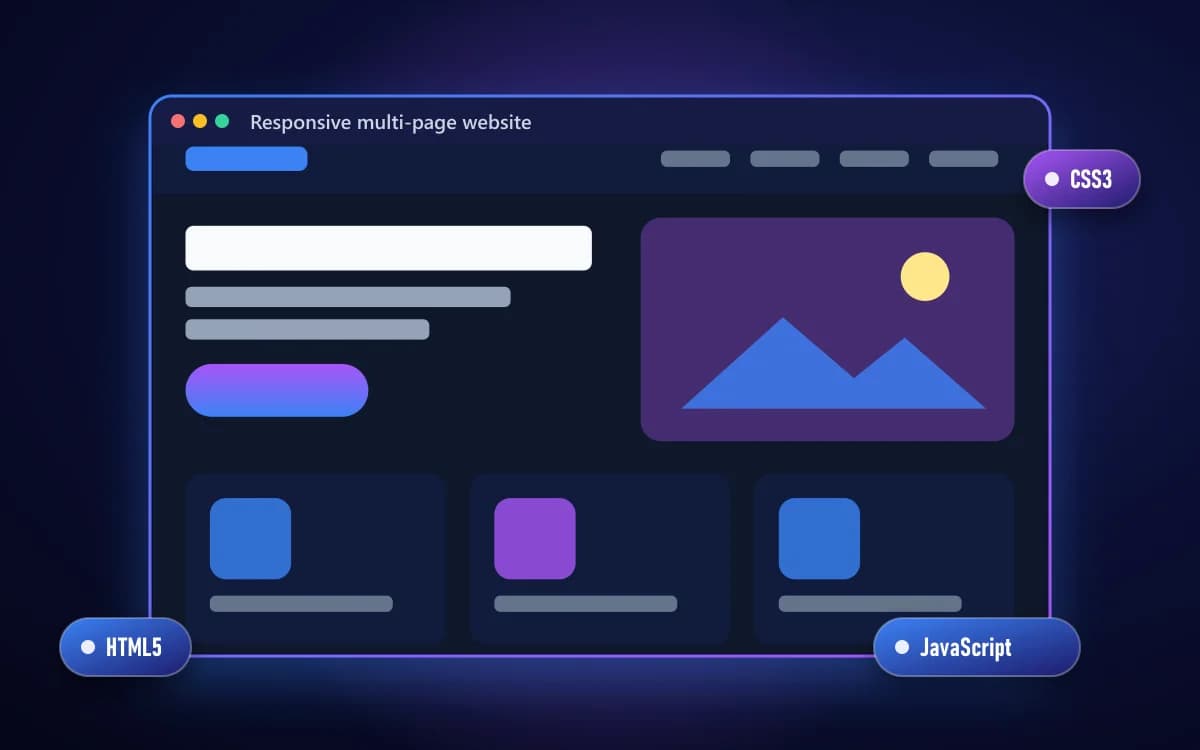
Responsive multi-page website
BeginnerA complete site built mobile-first, from semantic HTML through to deployment.
- HTML5
- CSS3
- JavaScript
Skills practised: Responsive design, Semantic HTML, Deployment

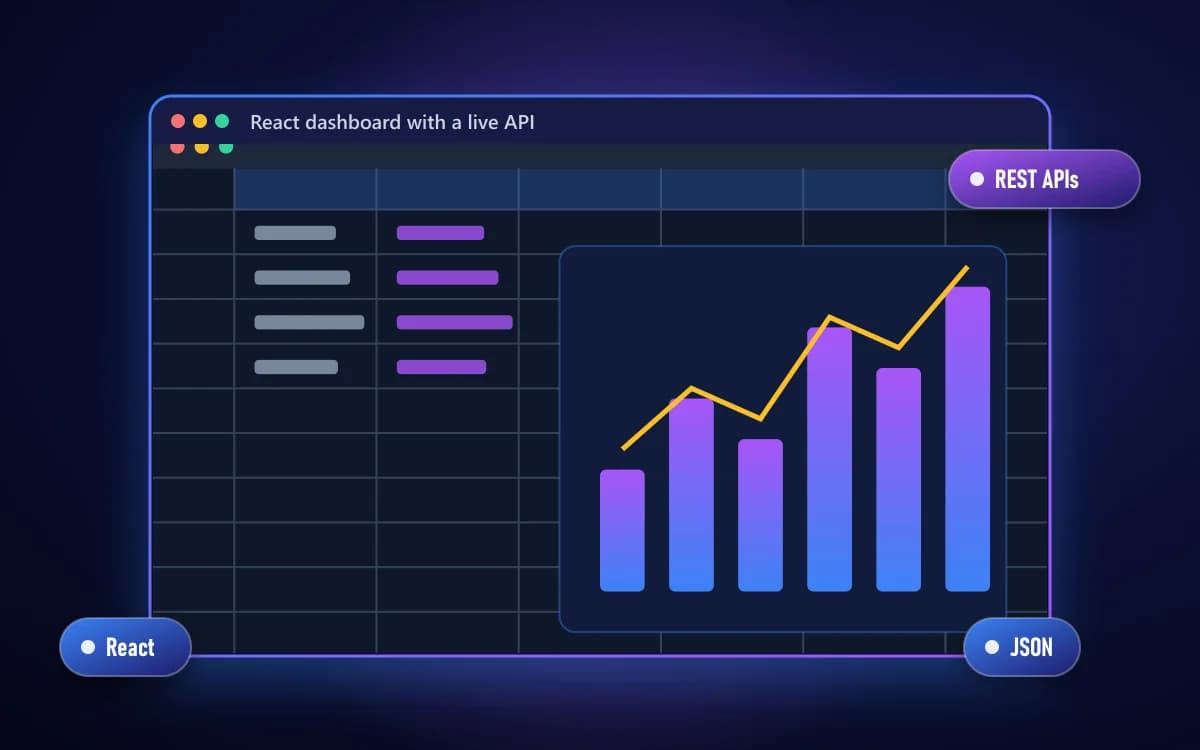
React dashboard with a live API
IntermediateComponents, state and routing, fed by data fetched asynchronously and rendered as it arrives.
- React
- REST APIs
- JSON
Skills practised: Hooks, Async data, Routing

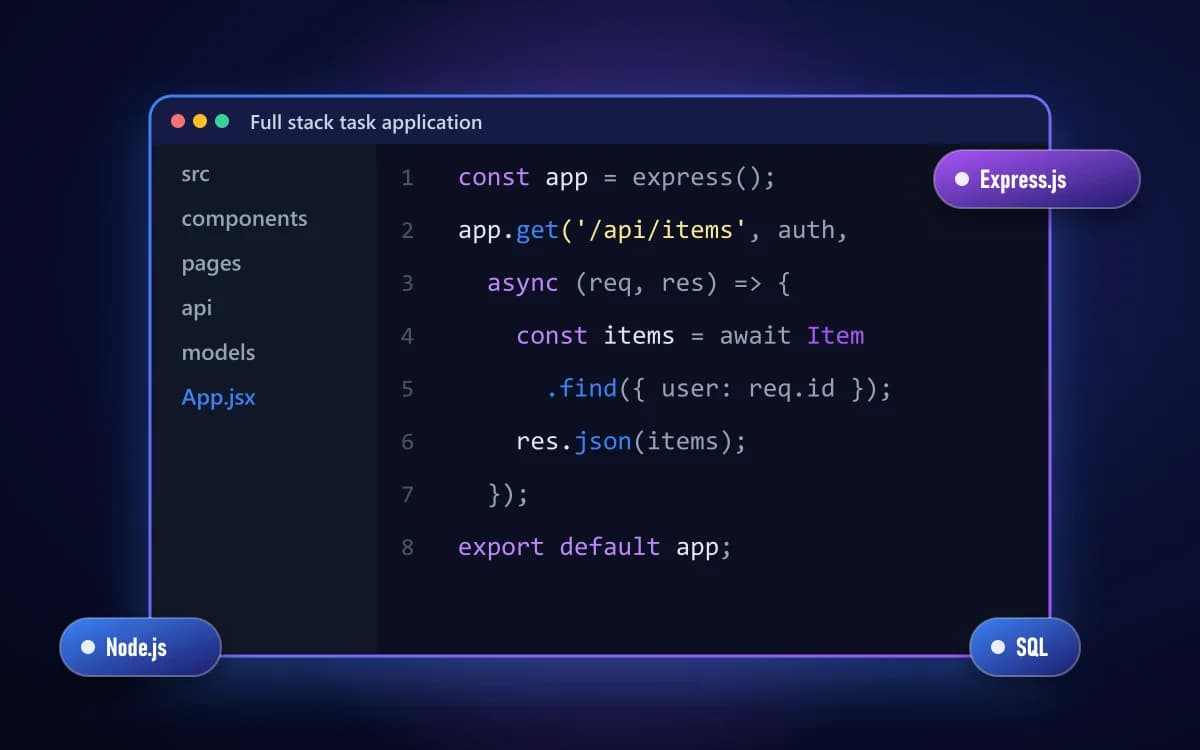
Full stack task application
AdvancedAn Express API over a database, consumed by a React front end, with authentication and CRUD.
- Node.js
- Express.js
- SQL
- React
Skills practised: REST design, CRUD, Auth concepts

- 0+Happy Students
- 0+Industry Projects
- 0%Practical Training
- YesIndustry Experts
Why learn web development with us?
Web development is judged by what runs. Every concept here arrives attached to something you are building, and every build goes through review the way real work does.
Practical learning approach
Coding exercises, assignments, website tasks and hands-on projects rather than theory alone.
Industry-relevant curriculum
Technologies and practices widely used for building modern websites and web applications.
Step-by-step training
Progress from HTML and CSS to JavaScript, React, backend, databases, APIs and deployment.
Real-world projects
Projects that build coding confidence, problem-solving ability and portfolio quality.
Expert guidance
Structured support with practical demonstrations, coding assistance, debugging help and doubt solving.
Career-focused skills
Frontend, backend, database, API and version-control skills for internships, interviews and freelancing.
Frequently asked questions
The questions counsellors are asked most about Web Development.
Yes. Web Development begins from fundamentals, and the pace is set so nothing is assumed.
Ask About Web Development
Send your question and a counsellor will call you back. No obligation to enrol.
- Live Project Training
- Internship Certificate
- Placement Assistance
- Industry Mentors
- Interview Preparation
- Online + Offline Mode
3 Months · Online / Offline
Ready to start your learning journey?
Build practical skills, work on real projects and take the next step towards your career.
Related courses
Programmes students often take alongside or after this one.
Web DevelopmentFull Stack Web Development
Front to back, database to deploy — build and ship complete web applications.
6 Months
Web DevelopmentMERN Stack Development
MongoDB, Express, React and Node — one language end to end, from first component to a deployed full stack application.
5 Months
Web DevelopmentWeb Designing
Design and build websites that look right and work on every screen — HTML5, CSS3, JavaScript, Bootstrap and responsive layout.
2 Months
ProgrammingJava Programming
Java from first syntax to application development — object-oriented programming, data structures and practical projects.
4 Months