Skip to content
Web Development

Web Designing

Design and build websites that look right and work on every screen — HTML5, CSS3, JavaScript, Bootstrap and responsive layout.

Prepare for a career in web design with structured training in Hoshiarpur. You study website design, HTML, CSS, JavaScript, responsive design and user interface work, then put each of them into practice. Built for beginners: the course teaches website creation step by step, so creative and technical skill grow together rather than one waiting on the other.

Web Designing training at TechCadd
Certificate on completion
Category
Web Development
Level
Beginner
Duration
2 Months
Mode
Online / Offline
Web Designing introductionIntroduction video coming soon
Watch

Watch Course Introduction

Watch. Learn. Design. See how students work through the concepts behind building websites, get practical design training, and move through a course structured around real practice.

A short walkthrough of the syllabus, the projects you will build and how the batches are run — worth five minutes before you enrol.

Audience

Who can do this course?

The programme is built to work for people arriving from very different starting points.

  • Students & freshers

    Begin your web journey by mastering HTML, CSS and JavaScript fundamentals and the skills modern responsive websites need.

  • BCA & MCA students

    Expand your web development skills and apply website design concepts to college assignments.

  • Aspiring web designers

    Learn every skill needed to build attractive, responsive websites.

  • Career changers

    Gain practical skills and get ready to move into web design work.

  • Creative students

    Combine creative skill with technology across layout, typography, colour, responsive design and user interface.

  • Working professionals

    Develop digital skills and learn how to design and manage professional websites.

Why this program

Why choose this program?

Six things that separate a programme you finish from one you benefit from.

  • 01

    Web design training for beginners

    Start with the basics of website design and progress to modern concepts through simple instruction, worked examples and exercises.

  • 02

    Hands-on design experience

    Move from theory to real work: design web pages, build layouts, style elements and make sites responsive.

  • 03

    Contemporary web technologies

    Work with HTML5, CSS3, JavaScript, Bootstrap, responsive design and user interface practice.

  • 04

    Practical website projects

    Build real website projects and learn how professional sites are designed, styled and optimised across screen sizes.

  • 05

    Designing creatively

    Turn your own ideas into attractive websites through demonstrations, design assignments, doubt solving and technical guidance.

  • 06

    Career-ready design skills

    Gain the skills that support internships, freelancing, web design roles and further study of web technologies.

Curriculum

Course modules

12 modules, 102 sessions — sequenced so each one builds on what you just shipped.

  • 12 Modules
  • 2 Months
  • Beginner
  • Certificate Included
  1. Beginner
  2. 12 Modules
  3. Projects
  4. Certification
  1. What this module covers

    • Website structure
    • Browsers
    • Domains & hosting
    • Page elements
    6 sessions
Outcomes

What you will learn

Concrete capabilities, not topics covered. Each one is demonstrated in work you keep.

  • Build standards-based pages with HTML5
  • Style and lay out sites confidently with CSS3
  • Make any layout responsive across desktop, tablet and mobile
  • Add interactivity and form validation with JavaScript
  • Apply user interface and usability principles to a design
  • Deploy, host and optimise a finished website
Toolchain

Tools & technologies you'll learn

The same tooling the teams hiring for this role use every day.

  • HTML5
  • CSS3
  • JavaScript
  • Bootstrap
  • Responsive Web Design
  • Flexbox & CSS Grid
  • VS Code
  • Git & GitHub
  • Figma / UI Design Tools
  • Web Browsers & Developer Tools
  • Domain & Web Hosting Basics
  • SEO-Friendly Web Design
After the course

Career outcomes

After completing Web Designing, these are the directions students most often take. Outcomes depend on your own work and the market — we do not promise placements or salaries.

  • Web Designer

    Create attractive, responsive websites for businesses, organisations and individuals.

  • UI Designer

    Build visually appealing interfaces through layout, typography, colour, components and design principles.

  • Frontend Developer

    Build the visual and interactive parts of a website with HTML, CSS and JavaScript.

  • WordPress Designer

    Build and customise websites on WordPress.

  • UI/UX Designer

    Shape the user experience through usability, navigation, visual layout and interaction.

  • Freelance Web Designer

    Design websites independently for clients, startups, businesses or personal brands.

Where the work is

  • Product and agency teams
  • Freelance projects
  • Campus placements
  • In-house roles

Where to go next

  • Frontend development
  • React
  • WordPress development
  • UI/UX design

Industry applications

  • Digital agencies
  • Startups
  • E-commerce
  • Freelance & studio work
Practice

Hands-on projects

Every module ends in built work. These are the pieces you finish the programme holding.

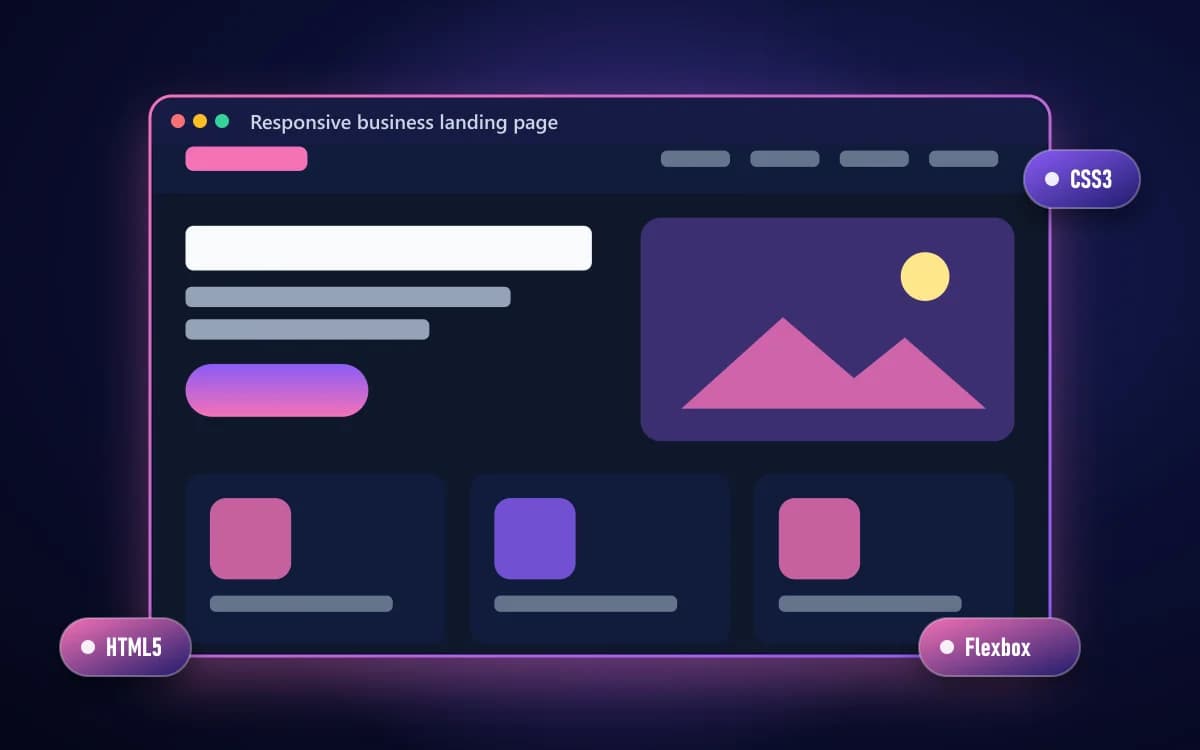
  • Responsive business landing page

    Responsive business landing page

    Beginner

    A single-page site built mobile-first, from a layout sketch to a deployed page.

    • HTML5
    • CSS3
    • Flexbox

    Skills practised: Layout, Responsive design, Typography

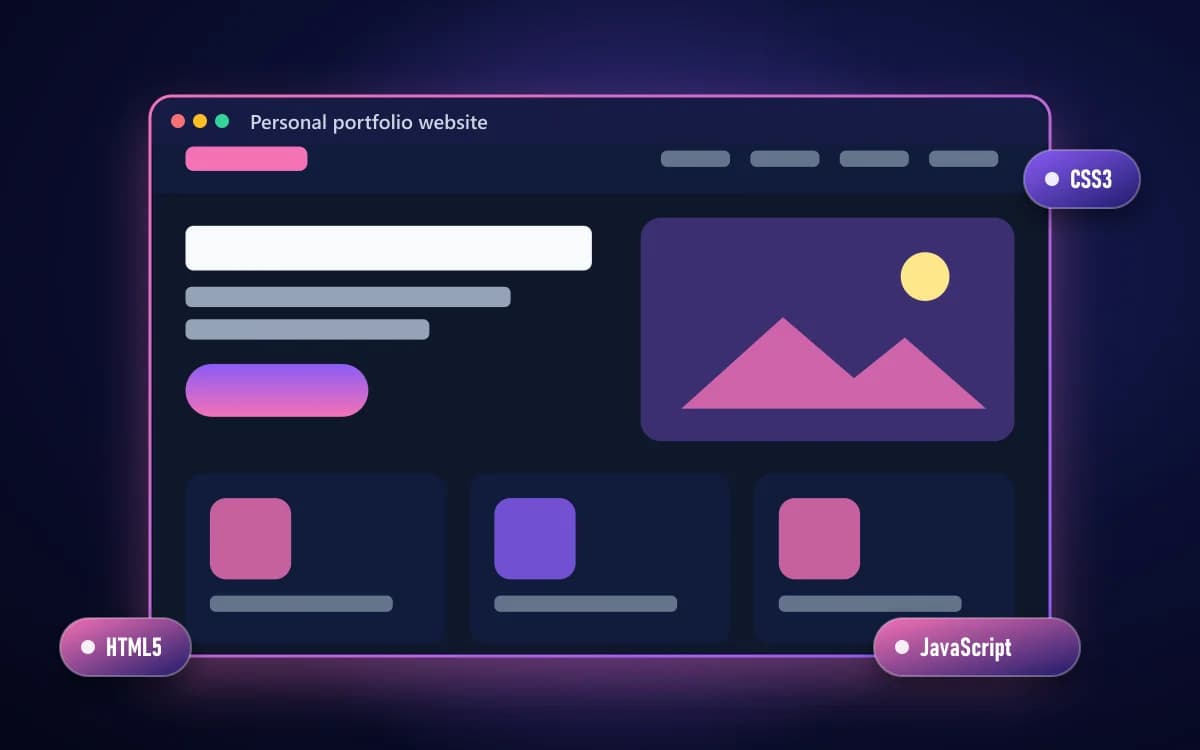
  • Personal portfolio website

    Personal portfolio website

    Intermediate

    A multi-page portfolio with navigation, a working contact form and validation.

    • HTML5
    • CSS3
    • JavaScript

    Skills practised: Forms & validation, Navigation, Visual hierarchy

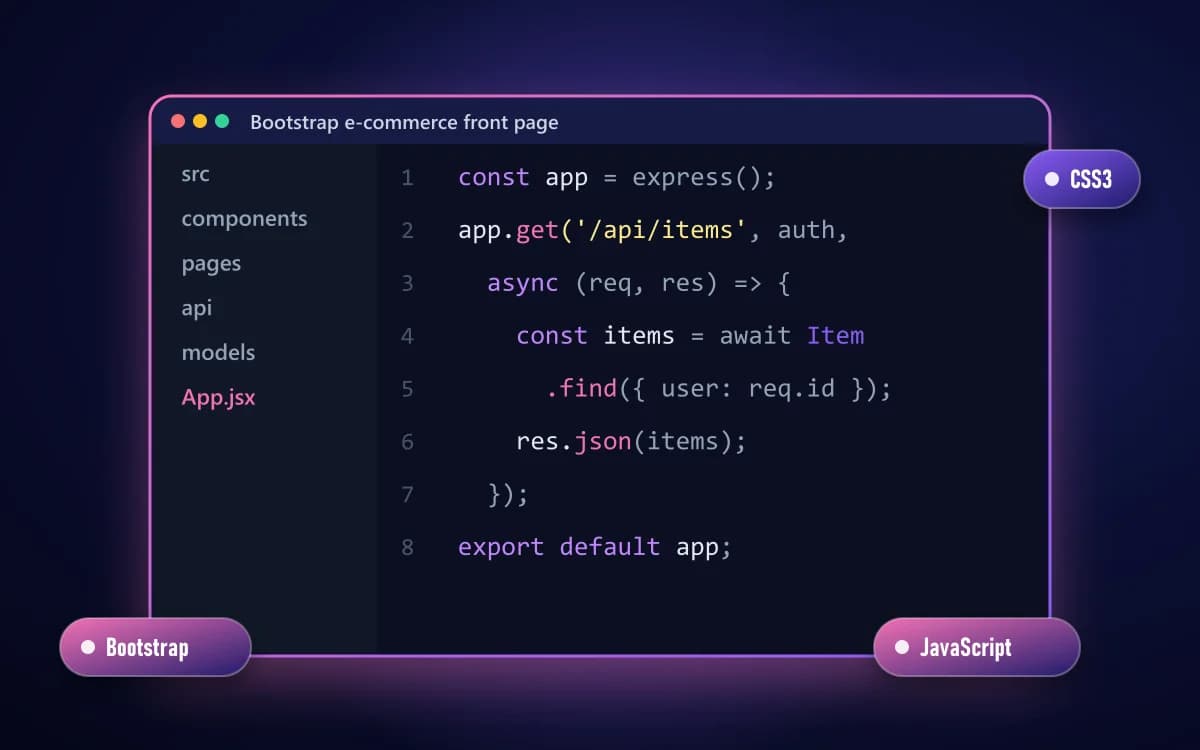
  • Bootstrap e-commerce front page

    Bootstrap e-commerce front page

    Intermediate

    Product grid, cards and navbar assembled with Bootstrap, then optimised for speed and mobile.

    • Bootstrap
    • CSS3
    • JavaScript

    Skills practised: Bootstrap components, Grid layout, Optimisation

A TechCadd trainer running a session
1000+Students TrainedLive ProjectsPlacement Support
  • 0+Happy Students
  • 0+Industry Projects
  • 0%Practical Training
  • YesIndustry Experts
Teaching

Why learn web designing with us?

Design is judged by what ends up on the screen, so the sessions are built around building. Every concept arrives attached to a page you are making, and every page is reviewed the way client work would be.

  • Learning through practice

    Go beyond theory with website exercises, design assignments and project-based training.

  • A program for beginners

    Start at the basics and move toward building responsive, professional websites.

  • Training with real-world tools

    Work with HTML, CSS, JavaScript, Bootstrap, VS Code, Git, GitHub and Figma.

  • Practical website creation

    Build real websites, landing pages, portfolio sites and responsive layouts.

  • Guided sessions with support

    Learn through worked examples, practical work, problem solving and continuous support.

  • Technical & creative career skills

    Develop the mix of technical and creative skill that internships, freelance projects and interviews ask for.

Questions

Frequently asked questions

The questions counsellors are asked most about Web Designing.

  • Yes. Web Designing begins from fundamentals, and the pace is set so nothing is assumed.

Course enquiry

Ask About Web Designing

Send your question and a counsellor will call you back. No obligation to enrol.

  • Live Project Training
  • Internship Certificate
  • Placement Assistance
  • Industry Mentors
  • Interview Preparation
  • Online + Offline Mode

2 Months · Online / Offline

  • 100% Free Counselling
  • No Spam Calls
  • Career Guidance Included

We use your number only to answer this enquiry.

Ready to start your learning journey?

Build practical skills, work on real projects and take the next step towards your career.