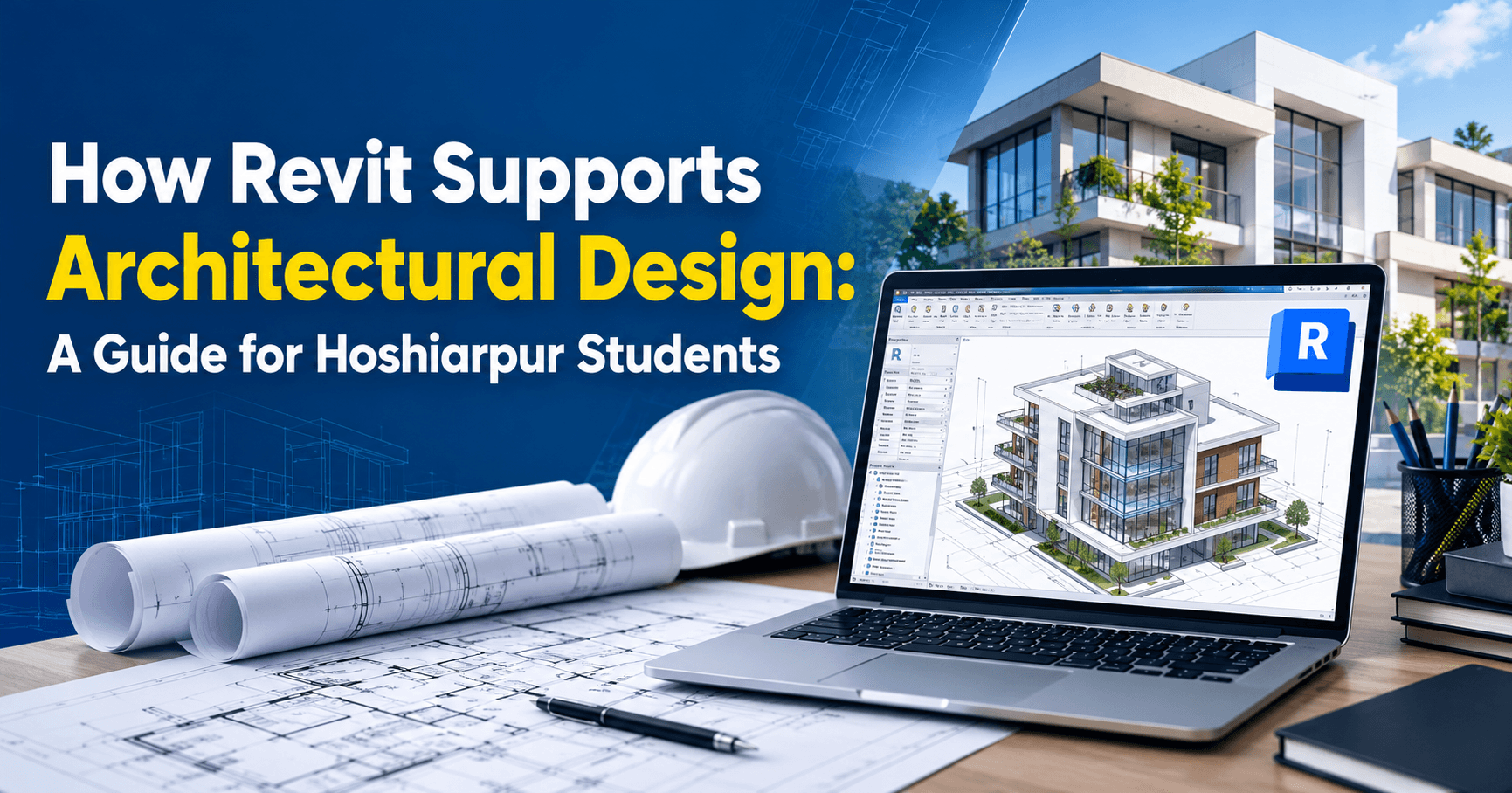
How Revit Supports Architectural Design: A Guide for Hoshiarpur Students
Part 1
Imagine an architect finishing a floor plan for a client’s house. The client looks at it and says, “Can we make the living room a little bigger and move the staircase?” With traditional drawing, that one small request can mean redoing the plan, the sections, the elevations and the door and window schedule, one by one. Miss a single drawing and the set no longer matches.
Now imagine changing the living room once, and watching every related drawing update by itself. That’s the idea behind Revit, and it’s a big reason architecture firms have moved toward it.
If you’re a student in Hoshiarpur curious about architecture, civil or interior design, this guide explains what Revit actually does and how it supports the design process, in plain language.
What Is Revit, in Simple Words?
Revit is software made by Autodesk for designing buildings. But the key difference is in how it works. Instead of drawing lines that represent walls, you place real building elements: walls, doors, windows, floors, roofs and stairs. Each of these elements knows what it is, how big it is and what it’s made of.
Think of it like building with real bricks instead of sketching bricks on paper. When you place a wall in Revit, the software understands it’s a wall with a height, a thickness and a material. That extra intelligence is what makes everything else possible.
The Idea Behind It: BIM
Revit is built around something called BIM, which stands for Building Information Modelling. It sounds technical, but the idea is simple. You create one digital model of the building, and that model holds both the shape and the information about it.
From that single model, you can produce plans, sections, elevations, 3D views and even lists of materials and quantities. They aren’t separate drawings that someone has to keep matching manually. They’re different views of the same model.
That’s the real shift. In older methods, the drawings were the main product. In BIM, the model is the main product, and the drawings come out of it.
How Revit Differs From AutoCAD
Students often ask, “Isn’t this the same as AutoCAD?” It’s a fair question, since both come from Autodesk and both are used in design.
AutoCAD is excellent for precise 2D drawings and is widely used for drafting. Think of it as a very accurate digital drawing board. Revit works at a different level. It builds a smart 3D model of the whole building, and the drawings are generated from it.
A simple way to picture it: in AutoCAD, a door is usually a collection of lines. In Revit, a door is an object that sits inside a wall, knows its size and appears automatically in the door schedule. Many professionals use both. AutoCAD is still common for detailing and 2D work, while Revit is increasingly used for full building design.
How Revit Supports the Design Process
Let’s go through the main ways Revit helps architects in real projects.
1. Changes update everywhere
This is the headline benefit. Move a wall in one view and it moves in every other view. Change a window size and the schedule updates. This cuts down on the mismatches that cause confusion on site, and it makes revisions far less painful.
2. Designing in 3D from the start
Architects can see the building as a 3D model while they design, not only after the drawings are done. This helps them spot awkward spaces, tight corners or poor proportions early, when changes are still easy to make.
3. Quick drawings and documentation
Floor plans, sections and elevations come directly from the model and can be placed on sheets ready for printing or sharing. This saves a large amount of repetitive drafting time.
4. Schedules and quantities
Revit can produce lists of doors, windows, rooms and materials automatically from the model. Instead of counting items by hand, the software gives a list that updates as the design changes.
5. Better communication with clients
Many clients find it hard to understand flat plans. A 3D view, a walkthrough or a rendered image makes the design much easier to grasp, which leads to clearer feedback and fewer surprises later.
6. Working as a team
Large projects involve architects, structural engineers and services engineers, all working on the same building. Revit supports shared models so that different people can work on their parts together, which helps keep everyone’s drawings consistent.
A Common Doubt: “Is Revit Only for Big Firms?”
Many students assume Revit is only used by big architecture companies in metro cities. It’s true that large firms use it heavily, but the skill is useful more widely than that.
Small architecture offices, interior design studios and engineering consultancies also use Revit as clients and projects ask for more detailed 3D models. Even if a particular firm still works mostly in 2D, knowing Revit makes you a stronger candidate, since the industry continues to move toward model-based design.
Why This Matters for Students in Hoshiarpur
Construction, housing and commercial building continue around Hoshiarpur, and the design side of that work is changing. Clients increasingly want to see their building in 3D before it’s built, and professionals who can produce that quickly have a clear advantage.
For a student, that makes Revit a practical skill to build. It’s especially useful if you’re studying civil engineering, architecture or interior design, or if you already know AutoCAD and want to take the next step.
Core Revit Skills That Support Architectural Design
If you’re wondering what you’d actually learn, here are the skills that show up in real architectural work.
1. Understanding the interface and project setup
Revit has a lot of panels, tabs and options. At first, it can feel crowded. The first skill is learning where things live: the ribbon, the Project Browser, the Properties panel and the drawing area. Setting up a new project properly, with the right units and a sensible template, saves headaches later.
2. Levels and grids
Before you draw a single wall, you set up levels (like ground floor and first floor) and grids (the reference lines that organize the structure). These act as the skeleton of the project. Beginners often skip them and then struggle when floors don’t line up.
3. Walls, doors and windows
These are the basic building elements. You learn to place walls with the right type and thickness, then add doors and windows that sit inside them. Because these elements are smart, a door moves with its wall and shows up automatically in the schedule.
4. Floors, roofs, ceilings and stairs
Once the walls are up, you add the elements that complete the building. Each one has its own tools and settings. Stairs and roofs usually take a bit more practice, so give them extra time.
5. Families
A family is a reusable building element, such as a particular door, a piece of furniture or a light fitting. Revit comes with many ready-made families, and you can also create your own. Understanding families is one of the biggest steps from beginner to confident user, because it explains how everything in a Revit model is built.
6. Views, sections and elevations
From the single model, you create plan views, sections and elevations. You learn to control what each view shows, at what scale and with what level of detail. This is how the model turns into drawings.
7. Annotation and dimensions
Drawings still need dimensions, tags and notes so contractors can read them. Revit lets you add these directly to views, and many of them stay linked to the model.
8. Schedules and quantities
You learn to create tables that list doors, windows, rooms and materials. These update automatically, which is one of the most practical benefits of working in a model.
9. Sheets and printing
Finished views are placed on sheets with title blocks, ready to print or export as PDF. Learning to organize sheets properly matters, since sheets are what clients and builders actually receive.
10. Rendering and presentation
Revit can produce 3D views and rendered images that help clients picture the design. You don’t need to become a visualization expert, but basic rendering skills make your presentations noticeably stronger.
How a Revit Project Typically Flows
It helps to see the full journey once, so the individual skills make sense.
Understand the brief. What does the client need? What’s the plot size, budget and purpose?
Set up the project. Choose the template, units, levels and grids.
Model the building. Place walls, floors, doors, windows, roofs and stairs.
Refine the design. Adjust layouts, test options and review the 3D view as you go.
Add detail and annotation. Dimensions, tags, notes and material information.
Create schedules. Door, window and room lists generated from the model.
Prepare sheets. Arrange plans, sections and elevations for printing.
Present and revise. Share 3D views with the client, make changes and let the model update everything.
Notice how much of this is about thinking and organizing, not just clicking. Good Revit work starts with a clear plan for the model.
Common Mistakes Beginners Make in Revit
Almost everyone makes some of these early on. Knowing them in advance can save you a lot of time.
Mistake 1: Skipping levels and grids
Jumping straight into walls feels faster, but without levels and grids the model becomes messy and hard to edit. Set them up first.
Mistake 2: Treating Revit like AutoCAD
Some beginners keep drawing lines and 2D shapes instead of using real building elements. This defeats the whole purpose. Try to think in terms of walls, doors and floors, not lines.
Mistake 3: Ignoring families
Using random, mismatched families from different sources can slow down the model and cause errors. Learn how families work and keep your library tidy.
Mistake 4: Modelling too much detail too early
Adding tiny details at the start makes the model heavy and slow. Start with the basic form, then add detail where it’s needed.
Mistake 5: Not saving and backing up
Large Revit files can be fragile if a computer crashes. Save often and keep backups of important projects.
Mistake 6: Not checking views and visibility
Beginners sometimes wonder why an element has “disappeared” when it’s simply hidden in a particular view. Learn how visibility settings work.
Mistake 7: Memorizing steps without understanding the logic
If you only follow tutorial steps, you’ll struggle when your project differs slightly. Understanding why things work the way they do makes you much more adaptable.
Is This Suitable for Complete Beginners?
Yes, though it helps to be honest about the learning curve. Revit is a professional tool with many features, so it takes more patience than something like MS Word. You can start with no prior experience, and you’ll build up gradually.
Some basic familiarity with drawings, plans and measurements makes the first weeks smoother. Students who already know AutoCAD often find the drawing logic familiar, even though the way of working is different. But it isn’t required. Many students begin Revit from scratch and do well with regular practice.
Do You Need Previous Experience?
No formal prior experience is required. What helps most is curiosity about buildings and a willingness to practice. Spatial thinking, meaning the ability to imagine how a flat plan turns into a real space, tends to improve naturally as you work in 3D.
If you’re from a civil, architecture or interior design background, you’ll recognize many of the concepts. If you’re from another stream, you can still learn it, but expect to spend a bit more time on basic building terms and drawing conventions at the start.
What Should You Learn First?
If you’re starting from zero, here’s a sensible order:
Basic architectural drawing concepts, such as plans, sections, elevations and scale
The Revit interface and project setup, so the screen feels familiar
Levels and grids, as the foundation of every model
Walls, doors and windows, the core building elements
Floors, roofs, ceilings and stairs, to complete a simple building
Views, sections and elevations, to turn the model into drawings
Annotation, dimensions and tags, so drawings are readable
Schedules and quantities, to see the benefit of model-based work
Families, once you’re comfortable with the basics
Sheets and printing, then basic rendering and presentation
This order builds a solid foundation first, so the more advanced features feel like natural next steps and not a sudden jump.
How Revit Fits Into Real Projects Around Hoshiarpur
Think about the kinds of building work happening around Hoshiarpur: new houses, apartments, shops, clinics, small commercial buildings, school and institute extensions, and renovation of older properties. Behind each of these is a design process, and clients increasingly want to understand that design before construction begins.
Picture a family planning a new home. Instead of studying flat plans they don’t fully understand, they sit with their architect and look at a 3D model. They walk through the rooms on screen, notice that the kitchen feels cramped, and ask for a change. The architect adjusts the model, and the plans, sections and schedules update along with it. The client leaves the meeting with a clearer picture and fewer worries.
That’s the kind of everyday value Revit brings. It doesn’t replace the architect’s judgment. It gives them a faster, clearer way to test ideas, communicate them and keep the drawings consistent.
For a student, this means the skill isn’t limited to large firms in big cities. Local architects, interior designers, civil consultants and builders all benefit from people who can produce clear 3D models and organized drawings. How much each office uses Revit varies, since some still work mostly in AutoCAD. But knowing both makes you more flexible and more useful.
How Difficult Is It, Really?
Let’s be honest. Revit is harder to learn than most beginner software. It’s a professional tool built for complex projects, and it asks you to think differently from the way you’d draw on paper or in a 2D program.
The first few weeks are usually the most confusing. You’ll be learning the interface, new terms like families and types, and the idea that everything in the model is connected. It’s common to place a wall, then wonder why it won’t move the way you expected, or to lose an element that is simply hidden in the current view.
The good news is that Revit follows a consistent logic. Once the core ideas click, such as levels, building elements, views and families, new features start to make sense much faster. Most students find that a few small practice projects, like a single-storey house or a small shop, teach more than any amount of passive reading.
If it feels overwhelming, that doesn’t mean you’re not suited to it. It means you’re in the normal learning stage. Break it into small goals, such as “model one room,” then “model the whole floor,” then “produce a plan and a section.”
What Can You Do After Learning Revit?
Once you’re comfortable with Revit, several paths open up, depending on your background and interests:
Junior architectural or BIM roles, helping to build models and prepare drawings in architecture firms
Draftsman or CAD technician positions, particularly in offices that are moving from 2D drawing to model-based work
Interior design support, creating accurate space layouts and 3D views for clients
Civil and structural support roles, assisting with building models and coordination drawings
Freelance modelling work, such as producing 3D models or drawing sets for local architects and builders
A foundation for further learning, including advanced BIM, visualization tools and construction coordination
None of these is automatic, and results depend on your skills, portfolio and the market you’re applying in. But having a working knowledge of Revit alongside AutoCAD gives you more to offer than either skill alone.
Will This Skill Actually Help Your Career?
For architecture, civil and interior design careers, it can. Model-based design has become common in the building industry, and many employers list Revit or BIM knowledge in job postings for design and drafting roles. Even where a firm doesn’t use it yet, familiarity with BIM thinking helps you adapt when the firm or a client moves in that direction.
It also changes how you think. Working in Revit pushes you to consider how a building fits together: how walls meet floors, how a roof sits on a structure, how doors and windows relate to rooms. That understanding helps you whether you stay in architecture, move toward construction management or go into interior design.
A fair caution: software alone doesn’t make a designer. Employers value good judgment, clear drawings and an understanding of buildings as much as software skills. Revit is a powerful tool, but it works best in the hands of someone who understands design basics. So keep learning the fundamentals alongside the software.
How to Practice Effectively
A few habits make a real difference when you’re learning Revit.
Start with a small real project. Model your own home, a classroom or a small shop. Real spaces give you something to measure and compare against.
Follow the project flow. Set up levels and grids, model the main elements, create views, add dimensions, then produce a sheet. Practicing the whole cycle teaches more than isolated tricks.
Learn from mistakes. When something behaves strangely, find out why. Understanding the cause builds real skill.
Build a small portfolio. Save two or three finished models with plans, sections and a few 3D views. They’ll help you in interviews and when approaching freelance clients.
Pair it with AutoCAD. If you already know AutoCAD, keep using it for 2D work and compare how the same plan is produced in each tool. This builds a clear picture of when to use which.
Practice regularly. Short, consistent sessions work better than a long session once in a while.
A Few Honest Thoughts Before You Go
If there’s one idea to take from this guide, it’s that Revit isn’t just a drawing tool. It’s a way of designing a building as a connected model, where a change in one place carries through to everything else. That’s what makes it powerful, and it’s also why it takes some effort to learn.
Don’t try to learn everything at once. Start with levels, grids, walls, doors and windows. Add floors, roofs and stairs. Then move to views, schedules and sheets. Bring in families once the basics feel steady. At each step, build something small and complete.
You also don’t need to be a natural expert in design to begin. Curiosity about buildings and the patience to practice will take you a long way. Everyone who is confident in Revit today once struggled to place their first wall correctly.
For students in Hoshiarpur interested in architecture, civil engineering or interior design, Revit is a worthwhile skill to build, especially alongside AutoCAD. Start with a small project, stay consistent and let your confidence grow one model at a time.
Comments
Nothing here yet. Be the first to say something.