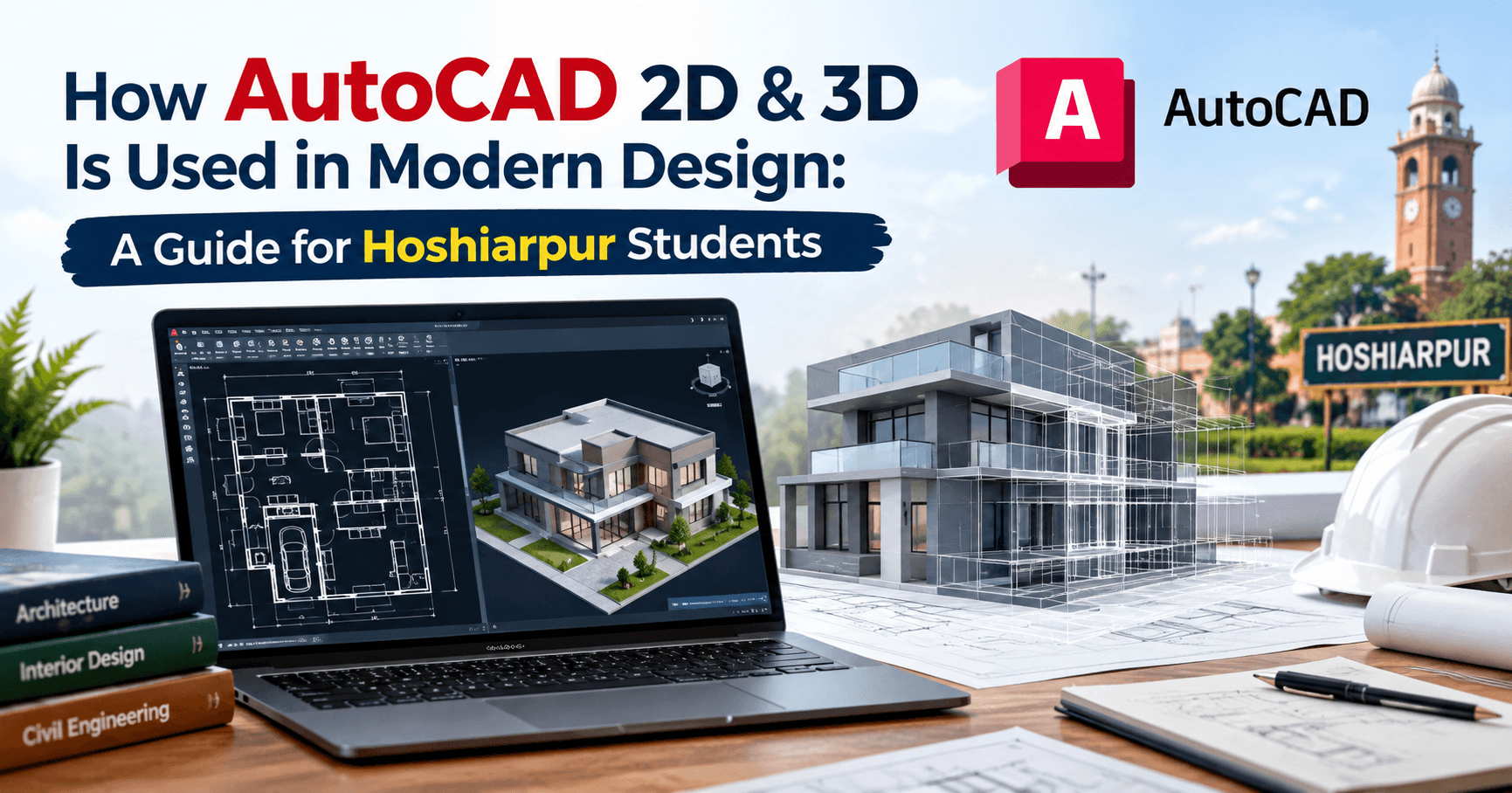
How AutoCAD 2D & 3D Is Used in Modern Design: A Guide for Hoshiarpur Students
Part 1
Picture a civil engineer standing on an empty plot of land, trying to explain to a client exactly how their house will look once construction finishes. Words alone won't cut it. Neither will a rough hand sketch. What the client actually needs to see is a precise, to-scale drawing that shows every wall, door, and window exactly where it will be. That's where AutoCAD comes in, and it's been quietly shaping the built world around us for decades.
If you're a student in Hoshiarpur wondering whether AutoCAD is worth learning, or whether it's still relevant in a world full of newer software, this guide walks through exactly what it does, how it's actually used, and why it remains one of the most practical skills you can pick up.
What Is AutoCAD, in Simple Words?
AutoCAD is software used to create precise technical drawings and designs, commonly used in fields like architecture, civil engineering, mechanical engineering, and interior design. Instead of drawing by hand on paper with a scale and compass, AutoCAD lets you create drawings digitally, with exact measurements, that can be edited, shared, and reused easily.
Think of it like the difference between writing a letter by hand and typing it on a computer. Both get the words down, but one is faster, easier to correct, and far easier to share and store properly. AutoCAD does the same thing for technical drawings that a word processor does for writing.
Understanding the Difference Between 2D and 3D in AutoCAD
This is one of the first things beginners need to get clear on, because the two serve genuinely different purposes.
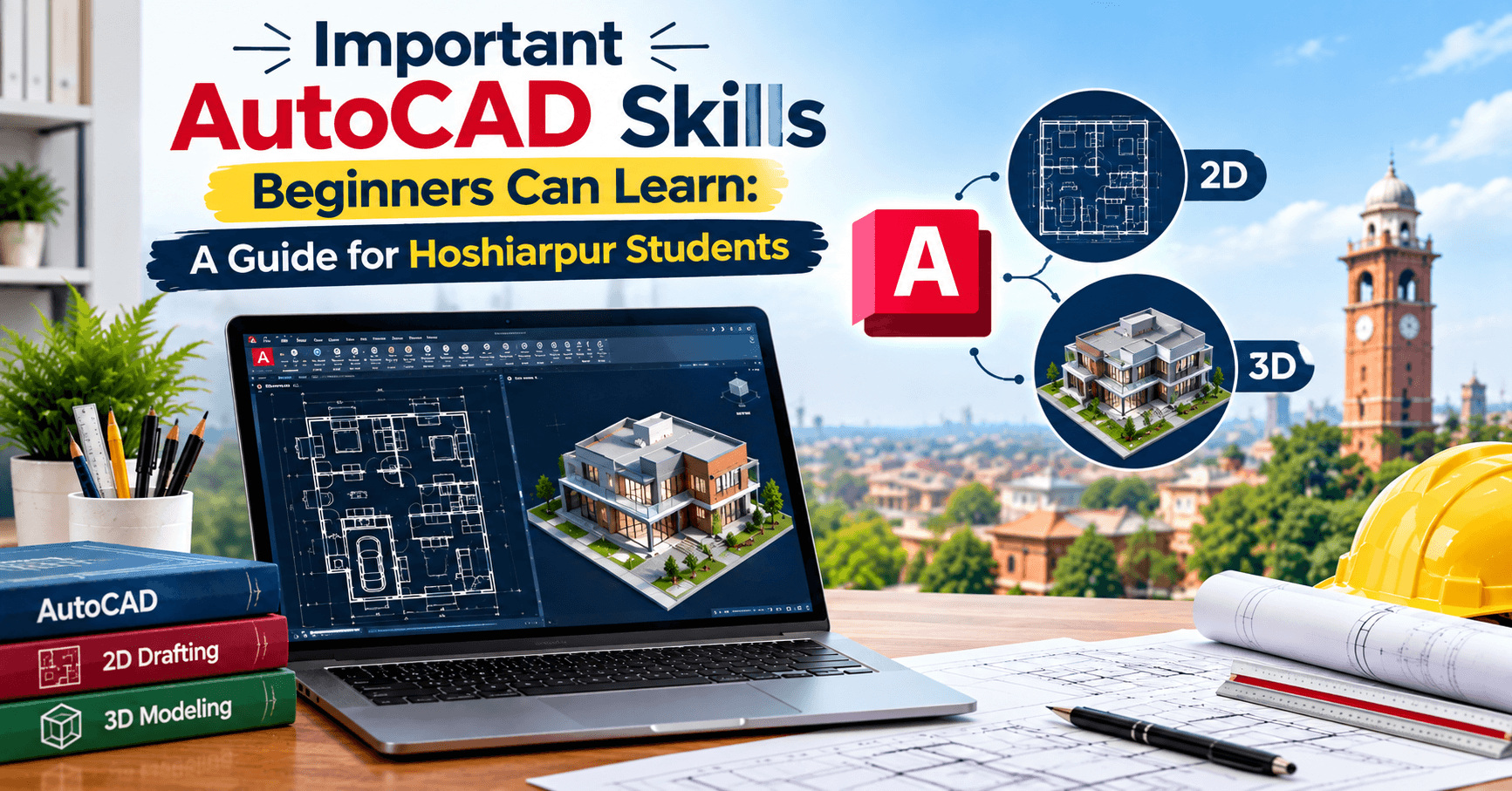
2D drawings are flat, like a floor plan or a technical diagram viewed from directly above or from the side. They show length and width, with precise measurements, but no depth. Most construction drawings, like floor plans, electrical layouts, and plumbing diagrams, are still created and shared as 2D drawings because they're easier to read, print, and use on an actual construction site.
3D models add depth, letting you see a design from multiple angles, almost like a virtual physical model. A 3D model of a building lets you walk through it visually, rotate it, and understand how different elements actually look together in space, something a flat 2D drawing simply can't show as intuitively.
Most professional projects use both. The 2D drawings handle the precise technical details needed for construction, while the 3D models help clients, designers, and teams visualize and communicate the design more effectively.
Why AutoCAD Still Matters in a World of Newer Software
Students sometimes assume older, well-established software becomes less relevant as flashier alternatives appear. With AutoCAD, that assumption doesn't quite hold up, and here's why.
1. It's an industry standard
Decades of architecture firms, engineering companies, and construction businesses have built their entire workflow around AutoCAD. Files, templates, and standards across the industry are often based on AutoCAD formats, which means knowing it genuinely opens doors across a huge range of companies, not just a few.
2. It's precise in a way that matters for real-world construction
Unlike general design software meant for visuals, AutoCAD is built specifically for exact, to-scale technical accuracy. A wall that's supposed to be 9 feet long needs to actually measure 9 feet in the drawing, down to the exact unit. This precision is non-negotiable in construction and engineering, where small errors can create expensive real-world problems.
3. It integrates well with other professional tools
Many other design and engineering software programs are built to work alongside AutoCAD, importing and exporting files smoothly. This makes it a dependable hub within a larger professional workflow, rather than an isolated tool.
Where AutoCAD Actually Shows Up in Real Projects
Let's move from theory to practical examples, because this is where things start feeling real.
Architecture and building design
Architects use AutoCAD to draft floor plans, elevations, sections, and site plans. Every wall, window, staircase, and door placement in a building typically passes through AutoCAD at some stage of the design process.
Civil engineering and infrastructure
Roads, drainage systems, bridges, and land surveys often rely on AutoCAD for precise technical layouts. Civil engineers use it to plan everything from a small residential plot to larger infrastructure projects.
Mechanical design
Mechanical engineers use AutoCAD to design parts, machinery components, and technical drawings needed for manufacturing. A precise 2D drawing of a machine part ensures it gets manufactured exactly to specification.
Interior design
Interior designers use AutoCAD to plan room layouts, furniture placement, and spatial arrangements before any actual construction or decoration begins, helping clients visualize a space accurately before committing to it.
Electrical and plumbing layouts
Technical drawings showing wiring paths, electrical panel placements, and plumbing routes are commonly created in AutoCAD, ensuring everyone on a construction site works from the same accurate plan.
A Common Doubt: "Is AutoCAD Only for Engineers and Architects?"
This is a fair assumption, but it's not entirely accurate. While AutoCAD is heavily used in those fields, the underlying skill, creating precise, scaled technical drawings, is valuable across a wider range of roles than most students initially realize. Interior designers, draftsmen, surveyors, and even some manufacturing and production roles rely on AutoCAD regularly.
You don't need to become a licensed architect or engineer to build a career using AutoCAD. Many successful professionals work specifically as CAD drafters or designers, supporting architects and engineers by turning their concepts into precise, usable technical drawings.
Why This Matters for Students in Hoshiarpur
Construction, infrastructure development, and real estate continue growing steadily, including in smaller cities like Hoshiarpur. Local architecture firms, civil contractors, and interior designers consistently need people who can create accurate technical drawings efficiently. This isn't a skill limited to big metro cities; it's genuinely useful wherever buildings, roads, and infrastructure projects are happening, which is essentially everywhere.
Core Skills You'll Actually Use in AutoCAD
If you're wondering where to focus your learning energy, here's a breakdown of the skills that genuinely matter in real projects, not just impressive-sounding features that rarely get used.
1. Basic drawing and editing tools
Lines, circles, arcs, rectangles, these form the foundation of almost every drawing. Along with these, editing tools like trim, extend, mirror, and offset let you adjust and refine your drawings efficiently instead of redrawing everything from scratch every time something changes.
2. Precision and measurement
Since AutoCAD drawings need to be exact, understanding how to work with precise coordinates, snapping to specific points, and setting accurate scales is essential. A beginner who draws "roughly close enough" instead of exactly to scale will struggle the moment their drawing needs to be used for actual construction.
3. Layers
Layers let you organize different parts of a drawing separately, walls on one layer, electrical details on another, dimensions on a third. This makes drawings far easier to read, edit, and share, especially on complex projects involving multiple trades or teams.
4. Dimensioning and annotation
A drawing without proper measurements and labels isn't very useful on an actual job site. Learning to add accurate dimensions, text labels, and annotations ensures anyone reading the drawing, a contractor, a client, a fellow engineer, understands exactly what's being shown.
5. Blocks and templates
Blocks are reusable design elements, like a standard door or window symbol, that can be inserted repeatedly instead of being redrawn every time. Templates save a standard drawing setup, so you're not configuring basic settings from scratch on every new project. Both save significant time on real, repeated work.
6. 3D modeling basics
Once comfortable with 2D, learning basic 3D modeling, creating solid shapes, extruding 2D profiles into 3D forms, and viewing designs from different angles, adds a valuable additional dimension to your skill set, especially for presentations and client communication.
7. Printing and plotting
Knowing how to properly set up a drawing for printing, at the correct scale, with the right layout, is a practical skill that's easy to overlook but genuinely important, since many technical drawings still need to be printed for use on-site.
A Typical Workflow: How a Design Actually Comes Together
It helps to see the full picture of how these skills combine in a real project.
Understanding requirements. What is the client or project actually asking for? What are the site dimensions, constraints, and goals?
Rough layout planning. Sketching an initial concept, often on paper or informally in software, before committing to precise drawings.
Creating the 2D drawing. Building the precise, to-scale technical drawing with accurate measurements, using proper layers and annotations.
Adding details. Including dimensions, labels, and any necessary technical notes that the final drawing needs to communicate clearly.
Building a 3D model, if needed. Converting or creating a 3D version for better visualization, especially useful for client presentations.
Review and revisions. Checking the drawing for accuracy and making necessary adjustments based on feedback.
Finalizing and sharing. Preparing the drawing for printing or digital sharing, in the correct format and scale needed by the end user.
Notice that only part of this process involves "drawing" in the way beginners often imagine. A significant portion involves understanding requirements, organizing information clearly, and communicating effectively through the drawing itself.
Common Mistakes Beginners Make With AutoCAD
Mistake 1: Not drawing to scale from the start
Some beginners draw roughly and plan to "fix the scale later." This almost always creates more work and confusion than simply setting up accurate scale and units from the very beginning of a project.
Mistake 2: Ignoring layers
Drawing everything on a single layer might feel simpler at first, but it quickly creates a cluttered, hard-to-edit mess once a drawing grows more complex. Learning proper layer organization early saves enormous frustration later.
Mistake 3: Not using precision tools
Eyeballing measurements instead of using snapping and precise input leads to drawings that look correct on screen but are actually inaccurate. This becomes a serious problem the moment a drawing needs to be used for real construction or manufacturing.
Mistake 4: Skipping proper dimensioning
A drawing with good visuals but missing or unclear measurements isn't genuinely useful to the people who need to build from it. Beginners sometimes focus heavily on how a drawing looks while neglecting whether it actually communicates the needed information clearly.
Mistake 5: Not saving and backing up work regularly
Losing hours of detailed drawing work due to a forgotten save or a software crash is a frustrating, entirely avoidable mistake. Building the habit of saving frequently, and keeping backups of important project files, prevents this common setback.
Is This Suitable for Complete Beginners?
Yes, genuinely. AutoCAD has a learning curve, like any professional software, but it's designed to be learned step by step, starting with basic shapes and commands before moving into more advanced features. You don't need prior design experience or advanced math skills to begin, though a basic comfort with measurements and spatial thinking helps.
Most students find the first few weeks focus on getting comfortable with the interface and basic commands, which can feel a little slow initially. Once these basics become familiar, progress through more advanced features tends to speed up noticeably.
Do You Need Previous Experience?
No prior drafting or design experience is required to start. Students from various academic backgrounds, including those without a strong technical or engineering foundation, can learn AutoCAD successfully with consistent, hands-on practice.
What helps most is patience during the early learning phase and a genuine willingness to practice on real, practical drawings rather than just watching tutorials passively. Spatial thinking, being able to visualize how a flat drawing translates into a real, physical space, tends to improve naturally with practice, even for students who don't initially feel confident with it.
What Should You Learn First?
If you're starting from scratch, here's a sensible learning order:
Interface basics, understanding the AutoCAD workspace, toolbars, and basic navigation
Basic drawing commands, lines, circles, rectangles, and simple shapes
Precision tools, working with exact measurements and snapping
Editing commands, trim, extend, mirror, offset, and similar tools
Layers and organization, keeping drawings clean and manageable
Dimensioning and annotation, properly labeling and measuring your drawings
Blocks and templates, speeding up repeated work
Basic 3D modeling, once 2D fundamentals feel solid
Printing and plotting, preparing drawings for real-world use
This order builds practical, job-ready skills step by step, rather than overwhelming beginners with advanced features before the fundamentals are solid.
How This Applies to Real Projects Around Hoshiarpur
Construction and real estate activity continues steadily in and around Hoshiarpur, from residential homes to commercial buildings, small infrastructure projects, and interior renovation work. Every one of these projects, at some stage, needs accurate technical drawings, whether that's a floor plan for a new house, a layout for a shop interior, or a site plan for a small commercial building.
Local architecture firms, civil contractors, and interior designers consistently need people who can translate design ideas into precise, usable AutoCAD drawings. This isn't work limited to large firms in big cities. A small local architecture office or a independent interior designer in Hoshiarpur needs this skill just as much, and often has fewer people competing for that specific expertise compared to larger, saturated markets.
This creates a genuine, practical opportunity. A student who becomes skilled in AutoCAD doesn't need to immediately look toward relocating to a metro city. There's real, steady demand for this skill locally, supporting homes, shops, and small businesses that are being built or renovated around the region.
How Difficult Is It, Really?
Let's be honest rather than overly reassuring. AutoCAD does require genuine practice to become comfortable with, particularly the precision-based thinking it demands. Unlike more casual design software, small inaccuracies in AutoCAD can create real problems once a drawing is actually used for construction, so developing careful, exact habits takes conscious effort early on.
That said, the software itself is logically structured, and most commands follow consistent, learnable patterns. The first few weeks often feel the most challenging, mainly because everything, the interface, the commands, the precision requirements, is unfamiliar. Once these basics settle in, most students find their speed and confidence improve steadily with regular practice.
Do You Need a Background in Engineering or Architecture?
No, though it certainly helps if you're drawn to those fields already. Many successful AutoCAD professionals work specifically as CAD drafters, translating the technical vision of architects and engineers into precise drawings, without necessarily holding an engineering or architecture degree themselves.
What matters more than formal educational background is spatial thinking, attention to detail, and a willingness to practice consistently on real drawing exercises. These qualities can be developed with practice, even if they don't come naturally at first.
What Can You Actually Do After Learning AutoCAD?
Once you're comfortable with AutoCAD 2D and 3D, several practical career paths become genuinely realistic:
CAD drafter roles, working within architecture firms, engineering companies, or construction businesses, translating design concepts into precise technical drawings
Freelance drafting services, offering AutoCAD drawing services to local architects, contractors, or interior designers around Hoshiarpur
Interior design support roles, helping interior designers create accurate space layouts and furniture plans
Civil and mechanical design support, assisting engineers with technical drawings for infrastructure or manufacturing projects
Further specialization, moving into more advanced design software or combining AutoCAD skills with 3D visualization and rendering tools for a broader design career
Notice that many of these paths don't require you to become a licensed architect or engineer. They're genuinely accessible career directions built specifically around strong AutoCAD skills.
Will This Skill Actually Help Your Career?
Yes, and it remains a steadily in-demand skill precisely because construction, infrastructure, and real estate don't show signs of slowing down. Buildings, homes, roads, and commercial spaces will continue needing precise technical drawings, regardless of which newer design trends or software tools emerge alongside AutoCAD.
Students who build genuine proficiency in both 2D and 3D AutoCAD work position themselves well across a range of related fields, rather than being limited to just one narrow role or industry.
A Few Honest Thoughts to Wrap This Up
If you take away just one thing from this guide, let it be this: AutoCAD isn't just software for engineers in big companies. It's a practical, learnable skill that directly supports real, physical projects happening all around you, the homes being built, the shops being renovated, the roads being planned.
Start with the fundamentals. Get comfortable with precision and basic drawing commands before rushing into advanced features. Practice on real, practical drawings, even simple ones like a room layout or a small building plan, rather than only following tutorials passively.
For students in Hoshiarpur considering a career in design, drafting, or engineering support, AutoCAD remains one of the most practical, steadily in-demand skills you can build, with genuine opportunities both locally and beyond.
Comments
Nothing here yet. Be the first to say something.