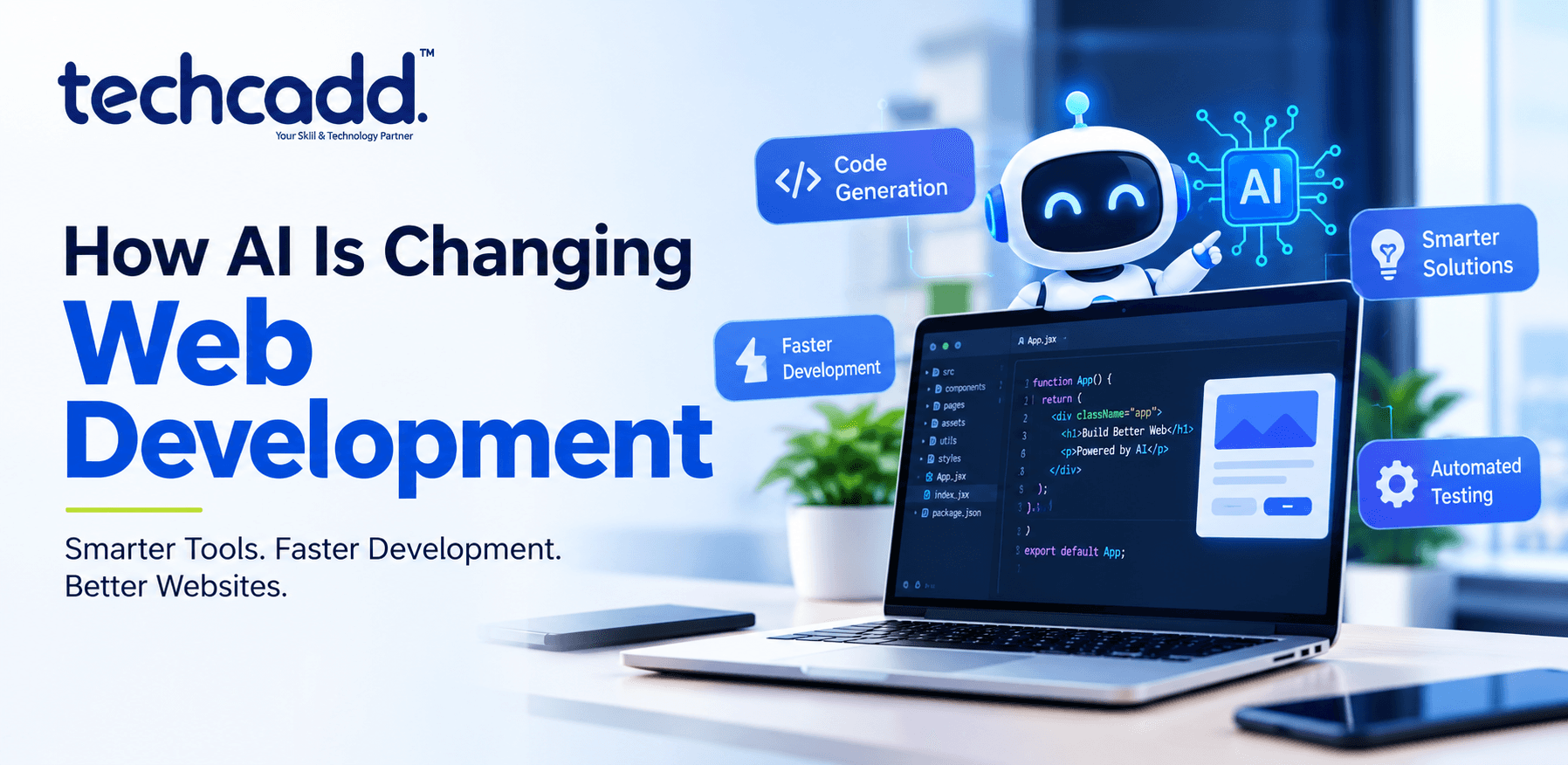
How AI Is Changing Web Development: A Complete Guide for Hoshiarpur Students
Remember when building a website meant writing every single line of code by hand, testing it a hundred times, and still finding bugs at 2 AM before a deadline? That world is changing fast, and honestly, it's changing in ways most people didn't expect just a few years ago.
If you're a student in Hoshiarpur trying to figure out whether web development is still worth learning in the age of AI, you're asking exactly the right question. And the answer might surprise you.
The Web Development World Isn't Disappearing — It's Evolving
There's a lot of noise online about AI "replacing" developers. Let's clear that up right away: AI isn't replacing web developers. It's replacing the boring, repetitive parts of the job that nobody actually enjoyed doing anyway.
Think about it this way. A few years ago, if you wanted to build a simple contact form, you'd spend an hour writing HTML, styling it with CSS, adding validation logic in JavaScript, and then testing it across different browsers. Today, tools like GitHub Copilot or ChatGPT can generate that same form in seconds. But here's the catch — someone still needs to know if that code is actually good, secure, and suited to the project. That someone is a trained developer.
So the real shift isn't "developers vs AI." It's "developers who know how to work with AI vs developers who don't."
What Exactly Has Changed?
Let's break down the actual, practical changes happening in web development right now:
1. Code generation is faster than ever
AI coding assistants can now write entire functions, components, and even full pages based on a simple text description. A developer might type "create a responsive navbar with a dropdown menu" and get working code in seconds. This doesn't eliminate the need for developers — it changes what they spend their time on. Instead of typing out boilerplate code, developers now spend more time reviewing, refining, and connecting pieces together.
2. Debugging has gotten smarter
Finding bugs used to be one of the most frustrating parts of coding. You'd stare at a screen for hours trying to figure out why a button wasn't working. Now, AI tools can scan your code, point out likely issues, and even suggest fixes. This doesn't mean debugging skills are useless — you still need to understand what the AI is suggesting and whether it actually solves the problem.
3. Design-to-code tools are bridging gaps
Tools that convert a Figma design directly into HTML and CSS code have become genuinely useful. A designer's mockup can now be turned into a working webpage layout in minutes rather than days. This is huge for small teams and freelancers who don't have separate designers and developers for every project.
4. Chatbots and AI features are now standard requests
If you're building websites for local businesses — say, a clinic or a coaching institute — clients are increasingly asking for AI chatbots, smart search bars, or personalized recommendations built into their sites. Knowing how to integrate basic AI APIs into a website is quickly becoming a expected skill, not a bonus one.
5. Testing and quality checks are partly automated
AI-powered testing tools can now run through hundreds of test cases on a website, checking for broken links, accessibility issues, and performance problems, all without a human clicking through every single page manually.
Why This Matters for Students in Hoshiarpur
Here's something worth thinking about. A few years back, learning web development meant mostly focusing on syntax — memorizing how to write correct HTML tags or correct JavaScript functions. That's still important, don't get me wrong. But the syntax part is becoming less of a bottleneck.
What's becoming more valuable is understanding how things fit together — how a database talks to a backend, how a backend talks to a frontend, how user experience decisions affect real people using the site. AI can help you write code, but it can't yet fully understand your client's business, your target audience, or what will actually work for a specific project in a specific market.
This is genuinely good news if you're just starting out. It means the field isn't about who can type the fastest or memorize the most syntax anymore. It's about who can think clearly, solve real problems, and use the tools available — including AI — to work faster and smarter.
A Common Doubt: "Should I Even Bother Learning to Code If AI Can Write It?"
This is probably the question on your mind right now, and it's a fair one.
Here's an honest answer: yes, you should still learn to code, but you shouldn't only learn to code the old way.
Imagine hiring an electrician who has never actually studied electricity but only knows how to follow instructions from a manual. Would you trust them to fix a complex wiring issue in your house? Probably not. The same logic applies here. AI can generate code, but if you don't understand what that code is doing, you won't know when it's wrong, insecure, or badly structured for your project. And AI does get things wrong — more often than people assume.
Employers and clients aren't looking for people who can just copy-paste AI-generated code. They're looking for people who can direct the AI, catch its mistakes, and build something that actually works well for real users.
The Skills That Actually Matter Now
If AI can write code, then what should you actually be spending your time learning? This is where a lot of students get confused, so let's break it down clearly.
1. Understanding logic over memorizing syntax
You don't need to memorize every single CSS property or every JavaScript method anymore. What you do need is the ability to look at a problem and break it down logically. If a website needs a shopping cart that updates in real time, can you explain — even in plain language — what needs to happen step by step? That's the skill AI can't replace, because AI needs you to guide it with the right logic and the right questions.
2. Prompt writing for development (yes, this is a real skill now)
Knowing how to "talk" to an AI coding assistant is becoming its own skill. Vague instructions give you vague, often broken code. Clear, specific instructions — including mentioning things like the framework you're using, the exact behavior you want, and any edge cases — give you far better results. Students who learn to write precise prompts get more usable code out of these tools than those who just type a one-line request and hope for the best.
3. Reading and reviewing code confidently
Since AI generates a lot of code now, the ability to read someone else's (or something else's) code and understand it quickly has become incredibly valuable. Can you look at a function and tell whether it's doing something inefficient or risky? This used to be a skill senior developers focused on. Now, even beginners need to build this early.
4. Basic understanding of AI tools and APIs
You don't need to become a machine learning engineer to work with AI in web projects. But understanding how to connect a website to an AI API — say, adding a chatbot using an existing AI service — is becoming a genuinely marketable skill, especially for freelancers and small business projects here in Hoshiarpur and nearby areas.
5. UI/UX thinking
AI can write code, but it doesn't know your users. It doesn't know that elderly customers visiting a local clinic's website might struggle with tiny fonts, or that a coaching institute's students might primarily browse on mobile data with slow internet. This kind of practical, human-centered thinking is something only you can bring to a project.
A Realistic Look at Common Beginner Mistakes
Let's talk about mistakes, because almost every student makes some version of these when starting out.
Mistake 1: Relying on AI completely without understanding the output
It's tempting to copy AI-generated code, paste it into your project, and move on when it works. But if something breaks later — and it usually does — you'll have no idea how to fix it. Always take a few extra minutes to actually read through what the AI gave you.
Mistake 2: Skipping the fundamentals
Some students think, "Why learn HTML and CSS properly if AI can generate it?" This backfires quickly. You need a solid base to judge whether AI-generated code is actually correct. Skipping fundamentals is like trying to edit a paragraph in a language you don't speak.
Mistake 3: Ignoring version control and project structure
AI tools are great at generating snippets, but real projects need proper file organization, version control (like Git), and a clear structure. Beginners often neglect this and end up with messy, unmanageable projects once things scale beyond a single page.
Mistake 4: Not testing across devices
It's easy to build something that looks fine on your laptop and completely forget to check how it looks on a phone. With AI speeding up the coding process, there's sometimes a temptation to skip testing altogether. Don't. Testing is still entirely your responsibility.
Is This Suitable for Complete Beginners?
Yes — and in some ways, it's actually a better time to start than ever before.
Beginners today have access to AI tools that can explain confusing error messages in plain language, suggest fixes when something breaks, and even help write starter code so you're not staring at a blank screen wondering where to begin. This lowers the initial frustration that used to push a lot of people away from coding in their first few weeks.
That said, "easier to start" doesn't mean "nothing to learn." You'll still need patience, curiosity, and consistency. AI can support your learning, but it can't build discipline or problem-solving instincts for you. Those come from actually building things, breaking them, and fixing them yourself.
What Should You Learn First?
If you're just starting your journey into AI-influenced web development, here's a practical order that tends to work well:
HTML, CSS, and JavaScript fundamentals — this is still the foundation of everything on the web.
Responsive design principles — so your sites work well on any screen size.
Basic use of AI coding assistants — learning how to prompt them effectively rather than avoiding them.
Version control with Git — essential for any real-world project, big or small.
A frontend framework like React, once your fundamentals are solid.
Basic backend concepts — how servers, databases, and APIs work together.
AI API integration — connecting simple AI features into your projects, which is quickly becoming a client favorite.
This order helps you build a strong base first, so that when you start using AI tools, you actually understand what they're doing rather than just trusting them blindly.
Will This Skill Actually Help Your Career?
Short answer: yes, and increasingly so. Businesses across industries — clinics, coaching centers, retail shops, real estate agencies — all need functional, modern websites, and many now specifically want AI-powered features like chatbots or smart search built in. Developers who understand both traditional web development and how to work alongside AI tools are positioned well, whether they're looking for a job, freelancing, or eventually building their own tech venture right here from Hoshiarpur.
How Local Businesses in Hoshiarpur Are Already Feeling This Shift
It's easy to think of AI and web development as something happening far away in big tech hubs, but the truth is, this shift is already showing up locally. Small business owners in Hoshiarpur — clinics, tuition centers, boutiques, real estate dealers — are starting to ask for things that were considered "advanced" just a couple of years ago.
A local shop owner might now ask for a website that can automatically respond to customer queries at midnight through a chatbot. A coaching institute might want a system that recommends courses based on what a student searches for. A clinic might want an online appointment system that reminds patients automatically. None of this requires a massive tech team anymore. A single developer who understands both web development basics and how to plug in AI tools can deliver all of this.
This is actually an opportunity for students here. You don't need to move to a metro city to work on modern, AI-integrated projects. Businesses everywhere are catching up to what's possible, and someone with the right skills, sitting right here, can serve that demand.
How Difficult Is It, Really?
Let's be honest instead of overly encouraging: learning web development with AI as a tool is not effortless, but it's also not as intimidating as it may look from the outside.
The initial learning curve — understanding how a webpage is structured, how styling works, how logic flows in code — takes genuine effort and practice. No tool can shortcut that first stage of building a mental model of how the web works. But once you have that foundation, AI tools genuinely speed up everything that comes after. Building projects, experimenting with new features, fixing errors — all of this becomes faster and less frustrating.
Most students find that the first month or two feels the hardest, mainly because everything is new. After that initial phase, progress tends to feel much smoother, especially when you start combining your own understanding with AI assistance instead of relying on one or the other completely.
Do You Need Previous Experience?
No. This is genuinely a field where people from non-technical backgrounds — commerce students, arts students, even people switching careers entirely — have built successful paths. What matters far more than your background is your willingness to practice consistently and actually build things, rather than just watching tutorials passively.
If anything, AI tools have made it slightly easier for complete beginners because you now have a kind of built-in assistant that can explain concepts in different ways until something clicks, available any time you're stuck.
What Can You Actually Do After Learning This?
Once you've built a solid understanding of web development along with AI integration skills, several paths open up:
Freelancing — building and maintaining websites for local businesses, a strong option given how many small businesses in and around Hoshiarpur are looking to modernize their online presence.
Full-time roles — working as a frontend, backend, or full-stack developer at agencies or companies, many of which now expect familiarity with AI-assisted workflows.
Building your own products — with AI reducing development time, solo developers and small teams can now build and launch tools or apps that would have previously required much larger teams.
Specializing further — moving into areas like AI integration specifically, UI/UX design, or backend architecture, depending on what you enjoy most once you've got the basics down.
The field has genuinely widened rather than narrowed. There are more directions to take this skill than there were even five years ago.
A Few Honest Thoughts to Wrap This Up
If there's one thing worth remembering from all of this, it's that AI is a tool, not a replacement for understanding. The developers who will do well over the next several years aren't the ones who resist AI, and they aren't the ones who rely on it blindly either. They're the ones who learn to use it as a genuine extension of their own skills — someone who understands the fundamentals well enough to guide the tool, catch its mistakes, and shape the final result into something that actually works for real people and real businesses.
If you're a student in Hoshiarpur wondering whether now is a good time to start learning web development, this is probably one of the more practical times to begin. The barrier to entry has lowered in some ways, while the ceiling for what you can build has risen. That combination doesn't come around often.
Start with the fundamentals. Get comfortable with AI tools as helpers, not crutches. Build real projects, even small ones, and keep going even when it feels slow at first. That consistency is what turns a beginner into someone genuinely employable — or someone capable of building their own path entirely.

Comments
Nothing here yet. Be the first to say something.