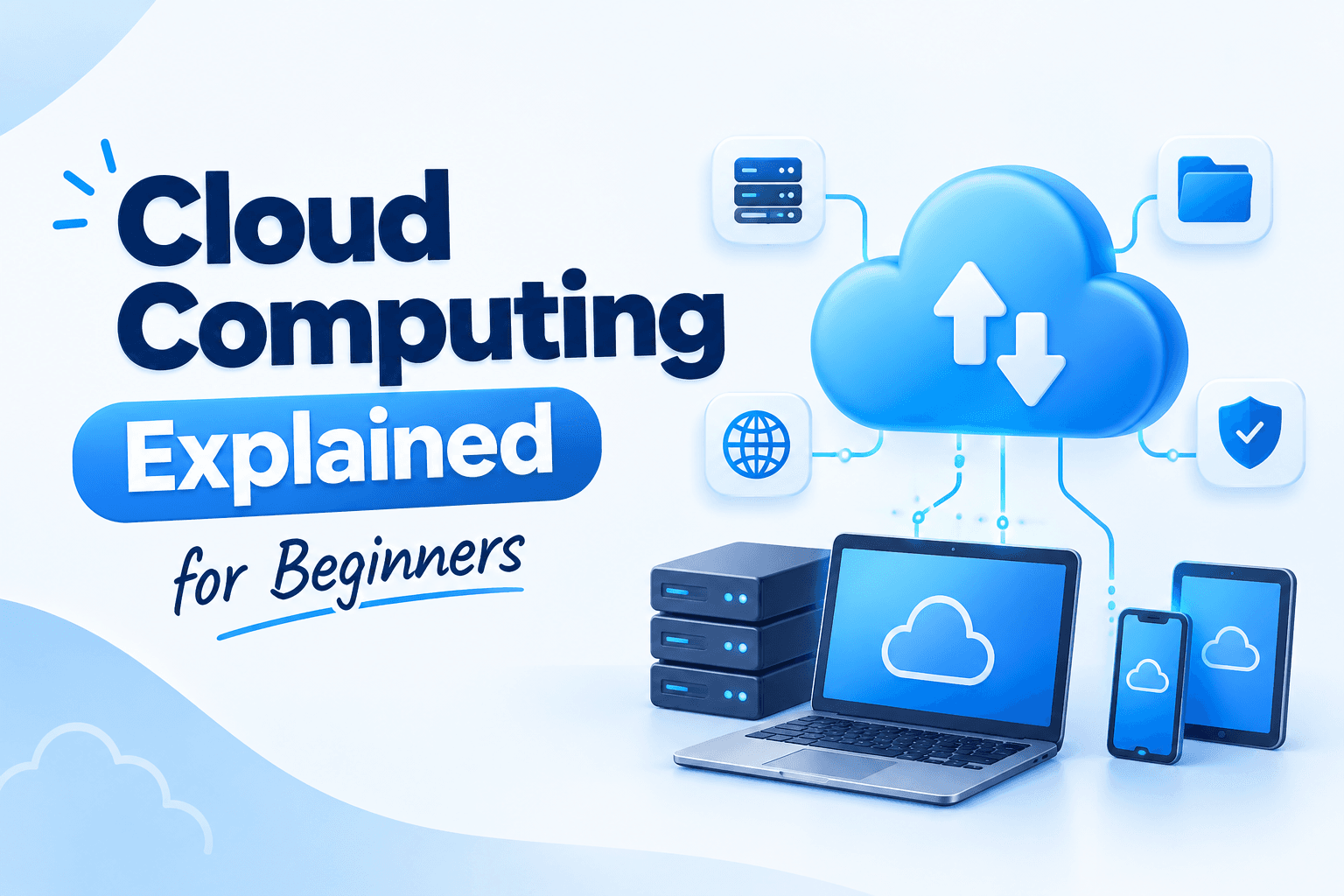
You've probably heard someone say "just save it on the cloud" or seen job posts asking for "AWS knowledge" and felt a little lost. Maybe a friend told you cloud computing is the future, and you nodded without being sure what it actually means.
That's completely normal. The word "cloud" makes it sound like something floating around in the sky. It isn't. Once you see what's really happening behind the name, the whole topic becomes much easier to follow.
So, What Is Cloud Computing?
Cloud computing means using computing resources, like storage, software and processing power, over the internet instead of owning and running them yourself.
Those resources sit on powerful computers called servers, kept in large buildings called data centres. Companies like Amazon, Microsoft and Google own these data centres. When you use the cloud, you're renting a small slice of their computers and reaching it through the internet.
So the cloud is simply someone else's computer that you can use from anywhere.
You're Already Using It Every Day
Here's the part that surprises most students: you've been using cloud computing for years.
Google Drive or iCloud: your files are stored on remote servers, not just on your phone.
Gmail: your emails don't live on your laptop. Log in from any device and they're all there.
Netflix and YouTube: you don't download every movie. It streams from servers located far away.
WhatsApp backup: your chats can be restored on a new phone because a copy sits in the cloud.
Google Docs: you and a friend can edit the same assignment at the same time from two different houses.
None of these needed you to install a big program or buy special hardware. That convenience is what cloud computing is all about.
How Things Worked Before the Cloud
To understand why the cloud matters, imagine you want to start an online business.
Before cloud computing, you'd have to buy your own servers, which can cost lakhs of rupees. You'd need a room with proper cooling, a reliable power supply and a backup plan for power cuts. You'd need someone to maintain it all day and night. And if your website suddenly got ten times more visitors, you'd have to buy more machines and hope they arrived in time.
For a small business or a fresh graduate with an idea, that was simply out of reach.
How the Cloud Changed the Game
Now the same person can open an account, choose the amount of computing power needed, and have a server running in a few minutes. No shop visits, no cables, no cooling room.
Take a small coaching centre or clothing store in Hoshiarpur that wants a website and an online booking system. Instead of buying hardware, they rent space on a cloud server for a small monthly amount. If admissions spike in April, they increase capacity for a few weeks. When things settle down, they scale back and stop paying for the extra.
Why Companies Are Moving to the Cloud
These are the main reasons businesses of every size are doing it:
1. Pay only for what you use. It works like an electricity bill. You're charged for what you consume, not for a huge machine sitting half-empty.
2. Scale up or down quickly. More visitors? Add resources in minutes. Fewer? Reduce them.
3. Access from anywhere. Team members can work from the office, home or another city, as long as they have internet.
4. Safer data backup. Data is copied across multiple locations, so one hard drive failing doesn't wipe out years of work.
5. No heavy maintenance. The cloud provider looks after the hardware, security patches and repairs, so the business can focus on its actual work.
This is also why cloud skills are in demand. Nearly every company using software online needs people who understand how these systems are set up and managed.
What's Coming Next
Now that you know what the cloud is and why it exists, the next part gets into the details. We'll cover the three main types of cloud services (IaaS, PaaS and SaaS) in plain language, the difference between public and private clouds, and the big providers like AWS, Azure and Google Cloud.
The Three Types of Cloud Services
When people talk about cloud computing, you'll hear three short terms again and again: IaaS, PaaS and SaaS. They look intimidating, but a pizza analogy makes them easy to remember.
Imagine you want pizza tonight. You could make everything from scratch at home. You could buy a ready-made base and add your own toppings. Or you could simply order a finished pizza. The cloud has the same three levels.
IaaS (Infrastructure as a Service)
This is the "make it at home" option. The provider gives you the basic building blocks: virtual servers, storage and networking. You install the operating system, set things up and manage everything on top.
Example: Renting a virtual server from Amazon (AWS EC2) to host your own application.
Who uses it: System administrators, cloud engineers and companies that want full control.
PaaS (Platform as a Service)
This is the "ready-made base" option. The provider handles the servers and operating system, and you just upload your code and run it. You focus on building the app, not on managing machines.
Example: A developer uploads a website to a platform like Google App Engine or Heroku without ever setting up a server.
Who uses it: Developers who want to build and launch fast.
SaaS (Software as a Service)
This is the "order a finished pizza" option. You simply use the software through a browser or app. There's nothing to install or maintain.
Example: Gmail, Google Docs, Zoom, Canva and Microsoft 365.
Who uses it: Almost everyone, including you, probably today.
A quick way to remember: the further you go from IaaS to SaaS, the less you manage and the more the provider does for you.
Public, Private and Hybrid Cloud
Besides what you rent, there's the question of where it runs.
Public cloud: The provider's servers are shared by many customers, though each customer's data stays separate. This is the most common and usually the cheapest option. AWS, Azure and Google Cloud are public clouds.
Private cloud: The servers are used by only one organisation. Banks, government departments and large companies choose this when they need tighter control over sensitive data. It costs more.
Hybrid cloud: A mix of both. A company might keep customer records on a private cloud but run its website on a public one.
As a beginner, you'll start with public cloud. It's where the free learning tools and most job opportunities are.
The Big Three Providers
Hundreds of companies offer cloud services, but three of them dominate the market.
Amazon Web Services (AWS): The oldest and largest. It offers hundreds of services and has the biggest share of jobs and learning material. If you're unsure where to begin, AWS is a safe choice.
Microsoft Azure: Very popular in companies that already use Microsoft products like Windows, Office and Teams. It's a strong option if you're aiming for corporate or IT-services jobs.
Google Cloud Platform (GCP): Known for data analytics, machine learning and modern development tools. It's a good pick if you're interested in data or AI.
Do you need to learn all three? No. The core ideas (servers, storage, networking, security) are the same everywhere. Once you understand one platform well, switching to another takes weeks, not years.
A Small Example to Tie It Together
Suppose a student in Hoshiarpur builds a portfolio website and wants it online.
Storing the website files on a cloud server they manage themselves is IaaS.
Uploading the code to a platform that runs it automatically is PaaS.
Building the same site with an online website builder like Wix is SaaS.
All three are cloud computing. The only difference is how much control you want and how much work you're happy to hand over.
Common Words You'll Hear (Quick Glossary)
Server: A powerful computer that stores data or runs applications for others.
Data centre: A facility that houses thousands of servers.
Virtual machine (VM): A software-based computer running on a physical server. One server can host many VMs.
Storage: Space to keep files, images and databases online.
Region: A geographic location where a provider has data centres, such as Mumbai.
Scalability: The ability to increase or decrease resources as needed.
You don't need to memorise these. Just come back to this list whenever a term feels unfamiliar.
What's Next
Now you understand what cloud computing is, how it's delivered and who provides it. In the final part, we'll get practical: career scope for beginners, what to learn first, free ways to practise, mistakes to avoid and how to start your journey.
Is Cloud Computing a Good Career Choice?
Almost every company that has a website, an app or customer data now uses the cloud in some form. Startups, banks, hospitals, colleges and online shops all need people who can set up, manage and secure these systems. That is why cloud roles keep appearing in job listings across IT services, product companies and startups.
Common entry-level and early-career roles include:
Cloud Support Associate: helps customers or teams fix problems with cloud services
Junior Cloud Engineer: sets up and manages servers, storage and networks
DevOps Trainee: connects development and operations so software is released smoothly
Cloud Administrator: monitors and maintains company cloud systems
Cloud Security Trainee: protects cloud data and accounts
Salaries and openings vary by city, company and skill level, so don't rely on one number you see on social media. What matters more is what you can actually demonstrate.
Is It Suitable for Beginners?
Yes, but with a small honest note. You don't need to be a genius, and you don't need years of experience. However, cloud sits on top of some basics. If you're comfortable with these, you'll move much faster:
How computers and the internet work in general
Basic networking (what an IP address is, what a website request does)
The basics of an operating system, especially Linux
A little programming or scripting, Python being the friendliest
If you don't know these yet, don't panic. You can learn them alongside the cloud. It just means the first month may feel slower, and that's normal.
What Should You Learn First?
A simple order that works for most students:
Computer and networking basics. Understand IP addresses, DNS, and how a browser talks to a server.
Linux basics. Most cloud servers run Linux, so learn common commands like
ls,cd,mkdirand how to manage files.One cloud platform. Pick AWS, Azure or Google Cloud and stay with it for a few months.
Core services. Learn virtual machines, storage, databases, networking and access control (who is allowed to do what).
Basic scripting. A little Python or Bash helps you automate repetitive tasks.
Security basics. Learn why strong passwords, multi-factor authentication and limited permissions matter.
Beginner certification. Something like AWS Cloud Practitioner, Microsoft AZ-900 or Google Cloud Digital Leader gives you a structured goal.
Certifications help, but employers also want to see that you have actually built something.
How to Practise Without Spending Much
Cloud is best learned by doing, not just reading.
Use the free tiers offered by AWS, Azure and Google Cloud. Read the terms carefully, because free limits and durations change.
Launch a small virtual machine, connect to it and shut it down.
Host a simple HTML page on cloud storage.
Create a small database and connect an application to it.
Set up a budget alert on day one so you never get a surprise bill.
Small projects like these teach more than hours of theory, and they give you something real to talk about in an interview.
Mistakes Beginners Usually Make
Trying to learn everything at once. Pick one provider first.
Watching videos without practising. You only remember what you have clicked through yourself.
Forgetting to turn off resources. A running server can keep costing money. Always delete or stop what you're not using.
Ignoring security. Never share your access keys or passwords, and never upload them to public code repositories.
Chasing certificates only. A certificate opens the door, but skills keep you in the room.
Skipping Linux and networking. They feel boring, but they make everything else easier.
A Simple 3-Month Starting Plan
Month 1: Networking basics, Linux commands and how the internet works.
Month 2: Choose one cloud platform, learn the core services and practise on the free tier.
Month 3: Build two or three small projects, then prepare for a beginner certification.
Some people move faster and some slower. Both are fine.
Where to Begin
You don't need to feel fully ready before you start. Open a free cloud account, launch one small server and see what happens. That first moment of seeing something you set up running online is often when the subject stops feeling scary and starts feeling exciting.
If you're in Hoshiarpur and would rather learn with guidance, practical labs and a clear roadmap than piece it together from scattered videos, you can explore the cloud computing training at techcadd. Visit for a free demo class, see how the sessions run, and decide if it suits your goals.


Comments
Nothing here yet. Be the first to say something.