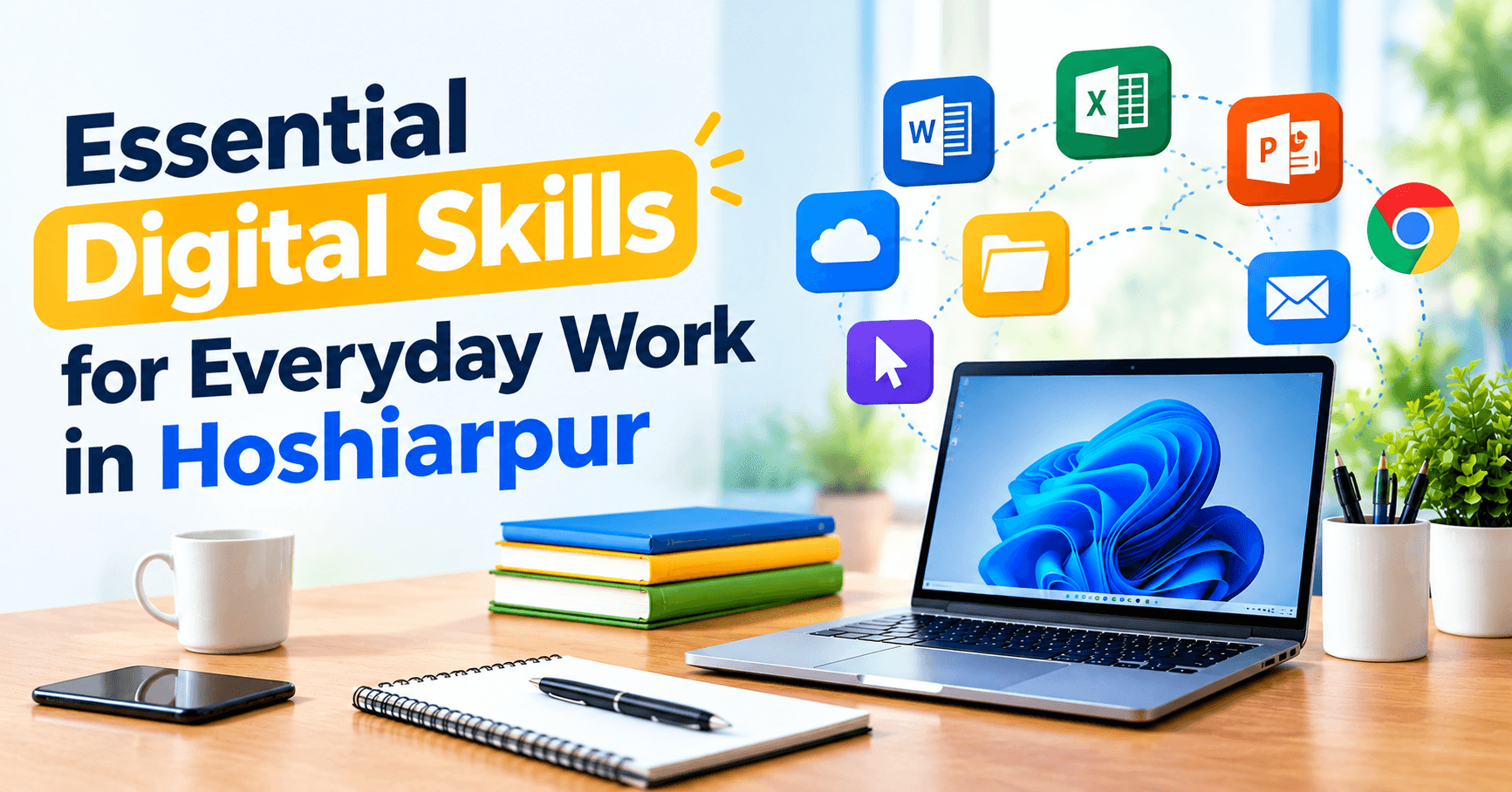
Digital Skills Aren’t Just for “Computer People” Anymore
Think about a regular working day for someone in hoshiarpur. A shop owner checks UPI payments and replies to customers on WhatsApp. A school teacher uploads marks to a portal and shares notes in a class group. A clinic receptionist books appointments on a screen. A young accountant sends a client a spreadsheet before lunch.
None of these people would call themselves “IT professionals.” But every one of them is using digital skills, all day, whether they planned to or not.
That’s the shift worth noticing. Digital skills used to sit in a separate box labelled “computer jobs.” Now they’re stitched into almost every kind of work, from a family business on a busy bazaar road to a corporate office in a bigger city.
The good news? Most of these skills aren’t complicated. They’re learnable, practical and surprisingly satisfying once they click. The less good news is that many people pick them up in a patchy way, a bit here, a bit there, and then feel stuck when something unfamiliar shows up.
This guide walks through the digital skills that actually matter for everyday work, explained simply, with the kind of situations you’ll genuinely run into.
So, What Counts as a Digital Skill?
A digital skill is any ability that helps you get work done using digital tools: a computer, a phone, the internet or software. That’s it. No coding required, no technical degree needed.
It includes the obvious things, like typing and email. It also includes quieter things that make you look organised and reliable, like naming files properly, knowing which link not to click or sharing a document without sending it five times.
If you’re wondering, “Is this relevant to me if I’m not going into an IT career?”, the answer is yes. Whether you’re a student preparing for your first job, a fresher, a job-switcher or someone helping run a family business, these skills quietly shape how capable you appear at work.
Skill 1: Being Comfortable With Your Device
This sounds basic, and it is. But it’s the foundation everything else sits on.
Being comfortable with a computer means you can start it, close it properly, find your files, install a program, connect to Wi-Fi, plug in a printer and fix small problems without panicking. It means you don’t freeze when a window opens that you don’t recognise.
A lot of people in workplaces have learned just enough to get by, and it shows in small ways. They take longer to finish simple tasks. They ask for help every time the screen looks slightly different. They avoid unfamiliar software altogether.
The fix isn’t complicated. Spend focused time exploring the system you use daily. Open settings. Learn what each menu does. Try a few things on a practice file where nothing can go wrong. Confidence grows from familiarity, and familiarity comes from use.
Typing deserves a special mention here. It’s one of those skills that doesn’t feel important until you realise how much of your day happens on a keyboard. Someone typing comfortably without looking down can finish emails, reports and data entry in a fraction of the time. You don’t need to be a speed champion. Even fifteen minutes of daily practice for a month makes a visible difference.
Skill 2: Email and Professional Communication
Here’s something nobody teaches in school: how to write a work email.
Most of us learned to chat. Short messages, emojis, quick replies. But workplace communication has its own rhythm. It’s clearer, a little more polished and easy to understand even if the person reading it has five other things on their mind.
A good work email usually has:
A clear subject line that tells the reader what it’s about
A short, polite opening that doesn’t waste time
The main point in the first few lines
A clear next step, like what you need or by when
A proper sign-off with your name and contact details
Small things matter too. Attach the file before you hit send. Check the spelling of the person’s name. Use “Reply All” only when everyone really needs to see your reply.
And here’s a point that often gets missed in places like hoshiarpur, where much of the work is relationship-based: your messages on WhatsApp and email are part of how people judge your professionalism. A clear, respectful message builds trust faster than you’d think, especially with new clients, vendors or employers.
Skill 3: Managing Files and Cloud Storage
If you’ve ever spent twenty minutes searching for a file you “definitely saved somewhere,” you already know why this matters.
File management is simply knowing where your work lives. That means:
Creating folders that make sense, for example by client, subject or month
Naming files clearly, like “Invoice_March_Sharma” instead of “New Document (3) final”
Keeping backups so one pen drive failure doesn’t wipe out a month’s work
Using cloud storage like Google Drive or OneDrive to access files from anywhere
Cloud storage is especially useful in everyday work. You can start a document on your office computer, check it on your phone while travelling and send a link instead of a heavy attachment. It also means that if your laptop stops working, your work doesn’t disappear with it.
A simple habit helps here: at the end of each day, spend two minutes putting files where they belong. It feels tiny, but it saves you from the panic of a missing file right before a deadline.
Skill 4: Spreadsheets Without the Fear
Many people hear “Excel” and feel their shoulders tense up. Rows, columns, formulas. It looks intimidating from the outside.
But for everyday work, you only need a handful of things to become genuinely useful:
Entering and organising data neatly
Using basic formulas like SUM, AVERAGE, COUNT and IF
Sorting and filtering information
Creating a simple chart
Formatting a sheet so it’s easy to read
Think of a small business owner tracking monthly sales, or a student coordinator managing a list of participants, or an office assistant keeping attendance records. All of them benefit enormously from knowing even these basics.
Here’s a tip that works for almost everyone: learn spreadsheets using your own data. Track your monthly expenses. Record your study hours. List your favourite books with ratings. When the numbers mean something to you, the formulas stick much faster.
Type “next” when you’re ready for Part 2.
Just kidding, you asked for everything in one go, so here’s the rest.
Skill 5: Documents and Presentations That Look Professional
Writing a document and writing a good-looking document are two different things.
Most workplaces expect you to produce reports, letters, proposals, quotations, resumes or presentations at some point. Doing this well doesn’t need design talent. It needs a few habits:
Use headings and spacing. A page full of tightly packed text tires the reader. A few headings, short paragraphs and some white space make the same content far easier to read.
Stay consistent. Pick one font, one or two sizes and a simple colour scheme. Mixing five styles in one document makes it look rushed.
Use built-in tools. Word and Google Docs have features for page numbers, tables, bullet lists and tables of contents. Learning them saves hours of manual formatting.
Keep presentations light. A slide with ten bullet points isn’t a presentation, it’s a reading assignment. One idea per slide, a few words, maybe an image. Say the details out loud.
Proofread. Read it once more before sending. Better yet, read it aloud. You’ll catch mistakes your eyes skip.
A neat resume is a perfect example. In a competitive job market, two candidates with similar qualifications can leave very different impressions simply because one resume is clean, well-aligned and easy to scan.
Skill 6: Staying Safe Online
This is the digital skill almost everyone underestimates, until something goes wrong.
Scams and fake messages are common, and they’re getting more convincing. A message pretending to be from a bank. A “job offer” asking for a registration fee. A link promising a prize. An email that looks like it’s from your boss but isn’t quite right.
You don’t need to be a security expert. A few habits go a long way:
Pause before clicking. If a message creates urgency, like “act now or your account will be blocked,” be suspicious.
Check the sender. Look at the actual email address or phone number, not just the display name.
Use strong, different passwords. Reusing one password everywhere is like using one key for your house, shop and locker.
Turn on two-step verification for email, banking and social media where possible.
Never share OTPs. No genuine bank or company will ask for them.
Be careful with free downloads. Cracked software and random apps often carry nasty surprises.
If you ever do fall for something, don’t hide it out of embarrassment. Report it quickly, change your passwords and inform your bank if money is involved. Speed makes a real difference.
Skill 7: Digital Payments, Online Forms and Portals
For many people in hoshiarpur, daily work now includes digital payments, online applications and government or institutional portals. Fee submissions, exam forms, scholarship applications, bank services and business registrations often happen online.
The skills involved are practical rather than technical:
Filling out forms carefully, without typos in names or numbers
Scanning and uploading documents in the right size and format
Keeping soft copies of important documents organised
Using UPI and net banking confidently and safely
Saving confirmation receipts and reference numbers
A small error, like a mismatched name or a wrongly sized photo upload, can delay an application or get it rejected. Learning to slow down, check details and keep your documents ready in advance saves a surprising amount of stress.
Skill 8: Working With Others Online
Even small teams now collaborate digitally. That might mean sharing a Google Doc so three people can edit at once, joining a Google Meet call, using WhatsApp groups for task updates or tracking tasks in a shared sheet.
A few habits make collaboration smoother:
Share links with the right permissions. “View only” versus “can edit” matters.
Use comments and suggestions instead of rewriting someone else’s work silently.
Name versions clearly so no one works on an outdated file.
Be mindful on video calls. Mute when you’re not speaking, check your audio before joining and keep your background reasonably tidy.
Reply on time. A quick “Got it, will send by evening” is better than silence.
None of this is technical. It’s digital manners, and people notice them.
Skill 9: Searching Smartly and Using AI Tools Sensibly
Everyone can type a question into Google. Fewer people know how to find reliable answers.
Smart searching means using specific keywords, comparing more than one source, checking dates and being cautious about unknown websites. It also means knowing when something online is an opinion, an advertisement or genuine information.
AI tools are becoming a regular part of work too, from drafting emails to summarising notes to brainstorming ideas. They can be genuinely useful, but they’re best treated as helpers, not replacements for your own thinking. Check facts, personalise the writing and never share confidential or private information carelessly.
Skill 10: The Skill of Learning New Tools
This one might be the most important of all.
Software changes. Apps update. New platforms appear. The tools you use today may look different in two years. People who stay valuable at work aren’t necessarily the ones who know the most tools right now. They’re the ones who aren’t scared of learning the next one.
How do you build this? Stay curious. When something new appears, explore it for ten minutes before asking for help. Use the help menu. Watch a short tutorial. Try again after a mistake. Each time you do this, the next unfamiliar tool feels a little less scary.
What Mistakes Do People Usually Make?
Almost everyone slips up on a few of these:
Learning tools without practising them. Watching is not the same as doing.
Ignoring the basics. Many people jump to advanced topics and then wonder why things feel shaky.
Skipping backups. Everyone has a “lost file” story. Don’t wait to have yours.
Trusting every message. Pause and verify.
Being too shy to ask. A two-minute question can save a two-hour struggle.
Trying to learn everything at once. Pick one skill per week and stay with it.
Where Should You Start?
If all of this feels like a lot, take a breath. Nobody masters it overnight.
A simple order works well for most people: begin with device comfort and typing, then move to email and file management, then spreadsheets and documents, and keep online safety running alongside everything. Collaboration, smart searching and AI tools can come once the foundation feels steady.
If you’d rather learn with proper guidance than piece it together from random videos, structured training helps. At techcadd, beginners in hoshiarpur can work through these skills step by step, with hands-on practice and a trainer who’s there to answer doubts as they come up. That kind of support matters most in the early weeks, when small confusions can quietly turn into “maybe this isn’t for me.”
Quick Answers to Common Questions
What are digital skills for work?
They’re the abilities that help you do your job using digital tools, such as using a computer, email, spreadsheets, documents, online platforms and staying safe on the internet.
Do I need a technical background to learn them?
No. Most everyday digital skills are practical and beginner-friendly, and you can start from zero.
Which digital skill should I learn first?
Start with basic computer use and typing, then email, file management and MS Office, especially Excel.
How long does it take to become comfortable?
With regular practice, many beginners feel at ease within a few weeks and genuinely confident in a couple of months.
Are these skills useful if I run a small business?
Very much. Digital payments, customer messaging, record-keeping and online visibility all depend on them.
Will these skills help me get a job?
They won’t guarantee one, but they remove a common barrier. Employers often assume you already have these skills, so having them makes you a more dependable candidate.
One Last Thing
You don’t have to become a tech expert. You just need to become comfortable, careful and curious. Those three things will take you further than almost any certificate.
Start small. Practise often. Ask questions without embarrassment. Every confident, capable person at work today once sat in front of a screen feeling unsure. The only real difference is that they kept going.

Comments
Nothing here yet. Be the first to say something.