Part 1
The Moment Every Civil Engineering Student Hits
You finish a few semesters of structural analysis. You can draw a shear force diagram on paper, solve a continuous beam with moment distribution, and maybe even calculate the reactions of a portal frame in your sleep. Then someone says, “Now model a G+4 building in STAAD.Pro.”
Suddenly, the neat problems from your textbook feel very far away.
If that sounds familiar, you’re not alone. Many civil engineering students in Hoshiarpur and nearby towns like Dasuya, Garhshankar and Mukerian feel exactly this way when they first open the software. The good news is that STAAD.Pro is far less scary than it looks. Once you understand why it exists and how a structural engineer actually uses it, the buttons and menus start making sense.
Let’s walk through it the way a senior would explain it to you over chai.
So, What Exactly Is STAAD.Pro?
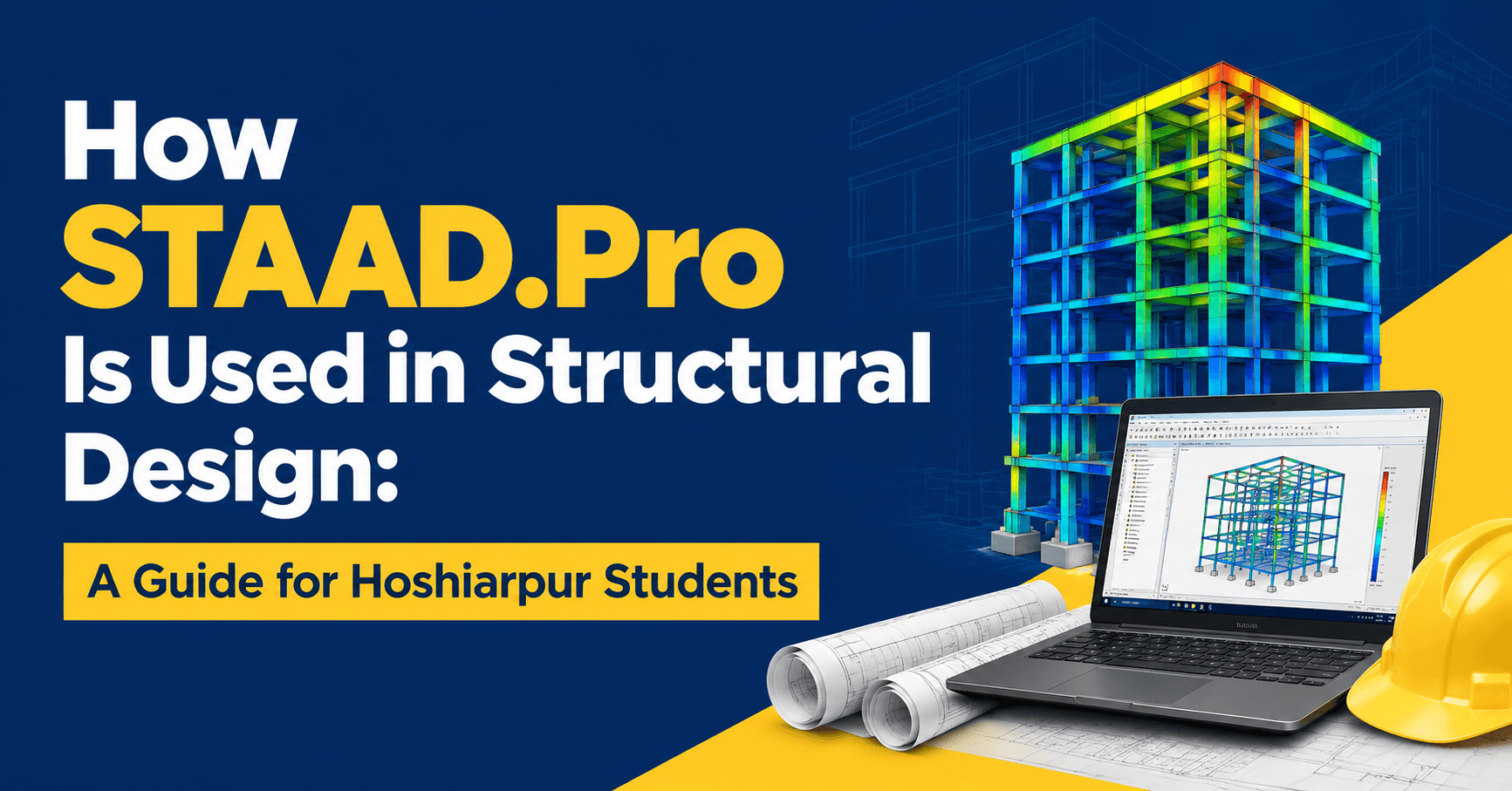
STAAD.Pro is structural analysis and design software from Bentley Systems. In simple words, you build a digital skeleton of a structure, tell the software what loads will act on it, and it calculates how every beam, column and support will behave.
Think of it as a very fast, very patient assistant. Everything you learned to do by hand, such as finding bending moments, shear forces, axial loads and deflections, STAAD.Pro does for hundreds or thousands of members at the same time.
Here’s the part many beginners miss: the software doesn’t think for you. It calculates what you tell it to calculate. If you give it wrong dimensions, wrong supports or wrong loads, it will happily produce wrong answers with great confidence. That’s why engineers who understand the theory behind the software are always more valuable than people who only know which button to click.
Why Do Structural Engineers Use It?
Imagine analysing a four-storey building with multiple bays by hand. Every beam carries different loads, every column shares forces with its neighbours, and wind or earthquake loads act on the whole frame. Doing this manually could take weeks, and one small arithmetic slip could carry through the entire design.
STAAD.Pro solves this in a few ways:
Speed. A frame that would take days by hand can be analysed in minutes.
Accuracy. Once the model is correct, the calculations are consistent and free from arithmetic mistakes.
Load combinations. Real buildings face dead loads, live loads, wind and seismic forces together. The software checks all the combinations your design code asks for.
Design checks. It doesn’t just analyse. It can also design reinforced concrete and steel members according to codes like IS 456 and IS 800, which Indian engineers work with every day.
Easy changes. If the architect shifts a column or the client wants a bigger hall, you edit the model and re-run it instead of starting from zero.
This is why structural consultancies, construction companies and design offices across India rely on tools like STAAD.Pro. Whether a firm is working in Punjab, Delhi or the Gulf, it will expect an entry-level engineer to be comfortable with it.
How Does It Fit Into a Real Project?
Students often imagine that a structural engineer opens STAAD.Pro on day one and starts modelling. In practice, there’s a chain of events before that.
An architect prepares the plan. The structural engineer studies it, decides where columns and beams can go, and chooses a structural system. Only then does the modelling begin. After analysis and design, the results go into drawings and detailing that the site team uses for construction.
So STAAD.Pro sits in the middle of the process. It turns an architectural idea into numbers an engineer can trust.
The Basic Workflow, Step by Step
Don’t worry about memorising every command. Focus on the logic first. Almost every STAAD.Pro project follows the same path.
Step 1: Create the Geometry
You start by building the skeleton of the structure using nodes (points) and members (lines connecting those points). Beams, columns and braces are all members.
Think of it like drawing a stick figure of your building. For a simple portal frame, that might be just four nodes and three members. For a multi-storey building, you’d repeat the frame in a grid pattern.
A small tip that saves beginners a lot of pain: keep your model tidy from the start. Name your storeys clearly, check your coordinates, and don’t rush this step. A messy base leads to confusing results later.
Step 2: Assign Properties and Materials
Now the skeleton needs a body. You tell STAAD.Pro the cross-section of every member. Say, a 230 × 450 mm concrete beam or an ISMB steel section. You also define the material, such as M25 concrete or Fe 415 steel, along with properties like the modulus of elasticity.
This is where your classroom learning pays off. If you remember how section size affects stiffness, you’ll understand why a thin column attracts less load than a thick one.
Step 3: Define the Supports
Next, you decide how the structure connects to the ground. Is the base fixed, which resists rotation, or pinned, which allows it?
This looks like a small decision, but it changes the entire behaviour of the structure. A fixed base makes the frame stiffer and shifts the moments, while a pinned base lets the columns rotate freely. Beginners often select supports without thinking, then wonder why their results look strange. Always ask yourself: how will this building actually sit on its foundation?
Where We Are So Far
At this point, you have a structure with shape, material and supports, but no loads yet. It exists, but it has nothing to resist. In Part 2, we’ll add loads, run the analysis, read the results and move into the design stage, where STAAD.Pro really starts to feel useful.
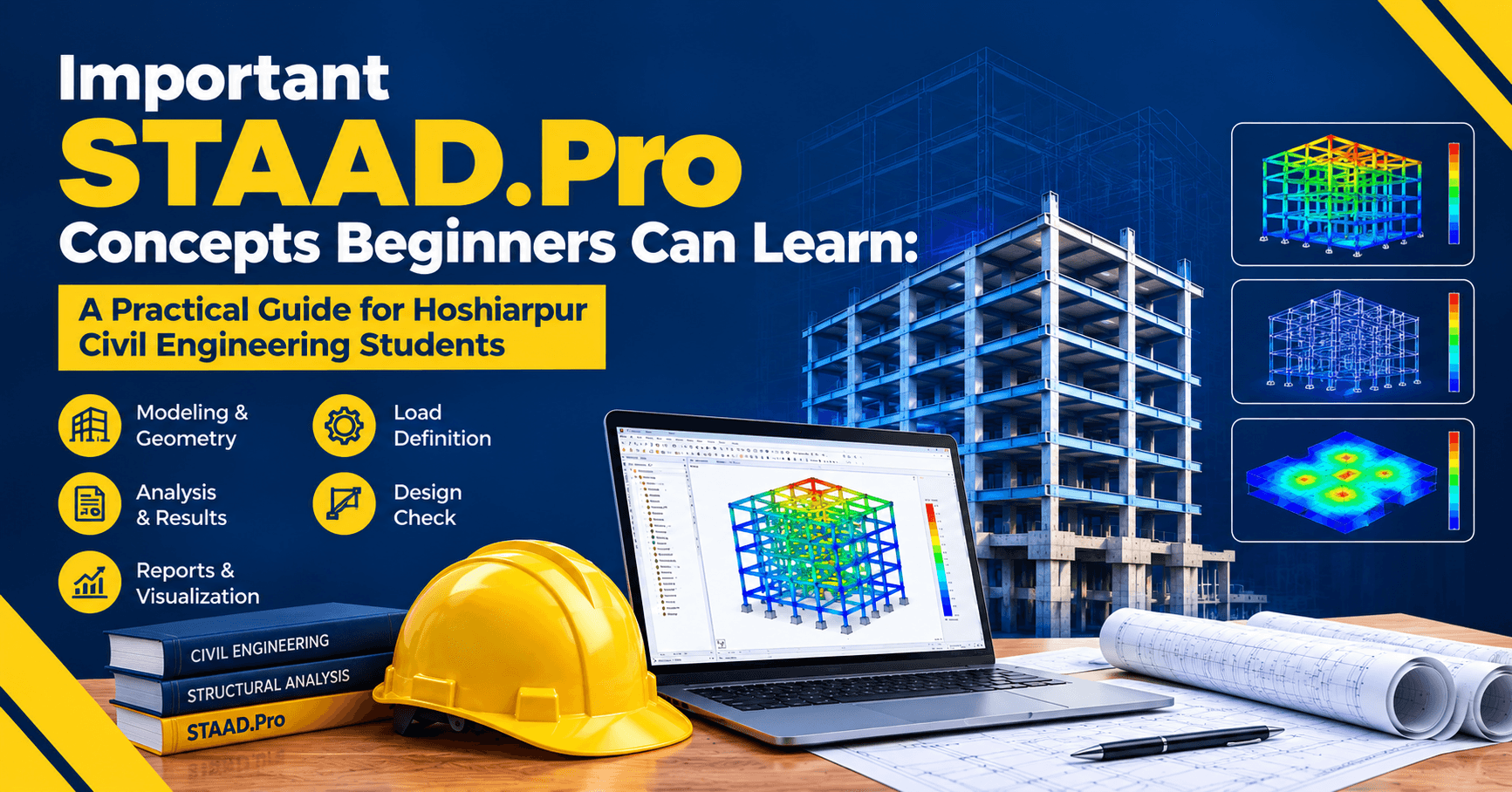
Part 2
Step 4: Apply the Loads
Now the structure finally gets something to resist. This is the step where your knowledge of IS codes matters most, because STAAD.Pro will apply exactly what you tell it to, nothing more.
You’ll usually deal with these load types:
Dead load. The self-weight of the structure itself, plus things like floor finishes and walls. STAAD.Pro can calculate the self-weight of members automatically, but wall loads and finishes you must add yourself.
Live load. The weight of people, furniture and movable items. IS 875 (Part 2) gives the values for residential buildings, offices, schools and so on.
Wind load. Pressure acting on the building from the side. It matters more for tall or open structures like industrial sheds.
Seismic load. Earthquake forces, calculated according to IS 1893. Hoshiarpur and the wider Punjab and Himachal belt fall in a seismically active region, so this is not just an exam topic. It’s something local engineers deal with in real designs.
Here’s a mistake almost every beginner makes: forgetting the wall load. A brick wall on a beam is heavy, and if you skip it, your beam will look perfectly safe in the software and be under-designed in reality. When you apply loads, keep asking, “What is actually sitting on this member in the real building?”
Step 5: Set Up Load Combinations
A building never experiences just one load at a time. People walk around while wind blows. The structure carries its own weight while the ground shakes. So design codes ask you to check different combinations, each multiplied by safety factors.
For example, you might check dead plus live, dead plus wind, and dead plus seismic in both directions. STAAD.Pro lets you define these combinations manually or generate them automatically from the code you’ve selected.
Think of it like testing a bridge. You don’t only check whether it holds on a calm day. You check what happens when a heavy truck crosses during a storm. The combination that gives the worst result for a member is the one that governs its design.
Step 6: Run the Analysis
This is the easy part. You click run, and STAAD.Pro solves the equations for the whole structure.
But before you trust any results, check the output file for errors and warnings. Beginners often skip this and go straight to the pretty diagrams. If the software reports an instability, a missing support or a disconnected member, your results mean nothing until you fix it.
A quick habit worth building: if the analysis finishes without a single warning on your first attempt, be a little suspicious. Look again.
Step 7: Read and Understand the Results
Now the real learning begins. STAAD.Pro gives you a lot of output, and the trick is knowing what to look at.
Bending moment and shear force diagrams. These look just like the ones you drew in class, only for the entire structure. Check whether the shapes make sense. A simply supported beam should not show a hogging moment at the middle.
Deflected shape. Animate it. If your building leans strangely or a beam bends upward under a downward load, something is wrong in the model.
Support reactions. Add up the vertical reactions and compare them with the total load you applied. If they don’t match, there’s an error somewhere.
Axial forces in columns. These tell you how much load each column carries and are the starting point for foundation design.
This last point is the one that trips up many students: always sanity-check the output with a rough hand calculation. An experienced engineer never accepts software results blindly. If a slab panel’s load is about 10 kN/m² and your column load comes out ten times higher than expected, stop and find the mistake.
Step 8: Design the Members
Here’s where STAAD.Pro goes beyond analysis. Once you’ve checked the forces, you can ask it to design.
For reinforced concrete, you select the design code (usually IS 456), assign parameters like concrete grade, steel grade and clear cover, and the software suggests reinforcement for beams and columns. You’ll see the number and diameter of bars, stirrup spacing and the area of steel required.
For steel structures, such as industrial sheds, trusses or warehouse frames, you apply IS 800 and the software checks whether each section is strong enough. It gives you a ratio. If the ratio is below 1, the member passes. If it’s above 1, the section is overstressed and you need a bigger one.
This is a nice moment in your learning. You’ll see a section fail, change it to a larger size, re-run the model and watch it pass. That loop of modelling, checking and revising is what structural design really feels like.
What Types of Structures Can You Design?
Students often ask whether STAAD.Pro is only for tall buildings. Not at all. It handles a wide range:
Residential and commercial buildings
Industrial sheds and warehouses
Trusses and roof structures
Bridges and culverts
Water tanks and towers
Transmission towers and chimneys
In and around Hoshiarpur, you’ll often see projects like multi-storey homes, school and college buildings, small factories, godowns and agricultural sheds. All of these use the same basic ideas you’re learning here. A student who understands STAAD.Pro well can work on any of them.
Common Mistakes Beginners Make
Let’s be honest about where most people go wrong, because knowing these in advance saves you weeks.
Copying a model without understanding it. Following a video tutorial step by step feels productive. But if you can’t explain why you picked a particular support or load, you haven’t learned it yet. Try building a second model on your own right after.
Ignoring units. Mixing kN, N, mm and m is one of the most common reasons for absurd results. Check your unit settings every time.
Skipping the theory. If you don’t understand moment distribution or the behaviour of fixed and pinned supports, the output will just look like random numbers.
Trusting the first result. The first run is rarely the final design. Expect to revise.
Leaving out secondary loads. Staircases, parapets, water tanks on the terrace and partition walls all add up.
Not saving versions. Keep copies like “Model_v1” and “Model_v2”. When something breaks, you’ll thank yourself.
How Hard Is STAAD.Pro Really?
This is probably the question most students are afraid to ask. Honestly, the software itself is not difficult. Most students become comfortable with basic modelling in a few weeks of regular practice. What takes longer is the engineering judgment: knowing which loads to apply, which supports are realistic and whether the output makes sense.
You don’t need previous software experience. If you know basic structural analysis and RCC or steel design, you have enough to start. Everything else can be learned step by step with practice and guidance.
Part 3
What Can You Do After Learning STAAD.Pro?
This is the question that decides whether a skill is worth your time. So let’s talk about it plainly.
Once you’re comfortable with STAAD.Pro, you can work as a:
Structural design engineer in a consultancy or design firm
Site engineer with design knowledge, which makes you far more useful than someone who only supervises
CAD and drafting professional who understands what the drawings actually mean
Quantity or estimation engineer, since member sizes and reinforcement come directly from the design
Freelance structural consultant for small residential and commercial projects
Many students from Hoshiarpur also look beyond Punjab for work. Cities like Chandigarh, Mohali, Delhi NCR and Gurugram have strong demand for engineers who can handle analysis and design software, and the skill travels well, even to international projects. A STAAD.Pro model is understood the same way in Mohali as it is in Dubai.
Will it guarantee a job? No skill does. But in interviews, being able to say “I modelled a G+3 building, applied IS 875 and IS 1893 loads, and designed the beams and columns myself” puts you ahead of candidates who only studied the theory.
What Should You Learn First?
If you’re just starting, here’s a sensible order that avoids overwhelm:
Revise your basics. Bending moment, shear force, fixed and pinned supports, and load types.
Model a simple beam. Check the results against your hand calculation. This builds trust in the software.
Move to a portal frame. You’ll learn nodes, members, supports and loads in a manageable setting.
Try a small multi-storey frame. Add floor loads, wall loads and combinations.
Learn the design modules. Start with RCC beams and columns, then steel.
Work on a complete project. A G+2 or G+4 building, from plan to design results, is the best test of your understanding.
Notice that you don’t start with a skyscraper. Small models teach you faster, because mistakes are easier to spot.
A Few Habits That Make You a Better Engineer
Software skills fade if you don’t build good habits around them. These small practices matter more than they seem:
Always do a rough check. Estimate total load by hand and compare it with the support reactions.
Document your assumptions. Write down your load values, support conditions and code references. You’ll need this when someone asks “why did you do it this way?”
Ask “does this look right?” before “is this correct?” Your intuition for how a structure should behave grows with every model.
Learn from errors. When the model shows instability, don’t just fix it. Understand why it happened.
Stay current with IS codes. Codes get revised, and good engineers keep up.
Why Learn It With Proper Guidance?
You can learn STAAD.Pro from free videos, and plenty of students do. But most of them hit the same wall: they can follow a tutorial, yet freeze when a model throws an error or the results look wrong. There’s nobody to say, “Look at your support at node 14.”
Structured training changes that. A good trainer explains the reasoning behind each step, gives you real project examples, reviews your mistakes and pushes you to think like a designer instead of a software operator. That’s the gap techcadd works to fill for students who want practical, job-focused learning in structural design software.
When you’re choosing any course, look for these things:
Hands-on practice on real building models, not only demonstrations
Coverage of IS codes, not just software commands
Time to build a complete project you can show in interviews
Trainers who correct your work instead of just presenting slides
Support for doubts, because you will have plenty
Frequently Asked Questions
Is STAAD.Pro suitable for beginners?
Yes. If you’ve studied basic structural analysis and RCC or steel design, you can start. The software is learned step by step, and most students become comfortable with simple models fairly quickly.
Do I need to know AutoCAD first?
It helps, especially for reading plans and preparing drawings, but it isn’t a strict requirement. You can learn STAAD.Pro and AutoCAD side by side.
Is STAAD.Pro only for civil engineers?
Mostly, yes. It’s used mainly by civil and structural engineers, though mechanical students sometimes use it for steel frames and structures.
How long does it take to learn?
Basic modelling can be picked up in a few weeks of regular practice. Becoming confident with design, load combinations and checking results takes longer, usually a few months of real project work.
Will STAAD.Pro help me get a job?
It improves your chances considerably, especially for roles in design offices and consultancies. Combined with a solid understanding of IS codes, it makes your profile much stronger.
Can I use it for small house design?
Absolutely. Many engineers use STAAD.Pro for residential buildings, from a single-storey home to a G+4 apartment.
Your Next Step
STAAD.Pro won’t turn you into a structural engineer overnight, and no software will. But it gives you something valuable: the ability to take what you learned in classrooms and apply it to real structures, at the speed and scale that professional work demands.
If you’re a civil engineering student or fresh graduate in Hoshiarpur, start small. Model one beam. Then a frame. Then a building. Check every result, question every number, and let each mistake teach you something.
And if you’d like a mentor to guide you through that journey, techcadd can help you build the skills, the confidence and the project portfolio that employers actually look for.


Comments
Nothing here yet. Be the first to say something.