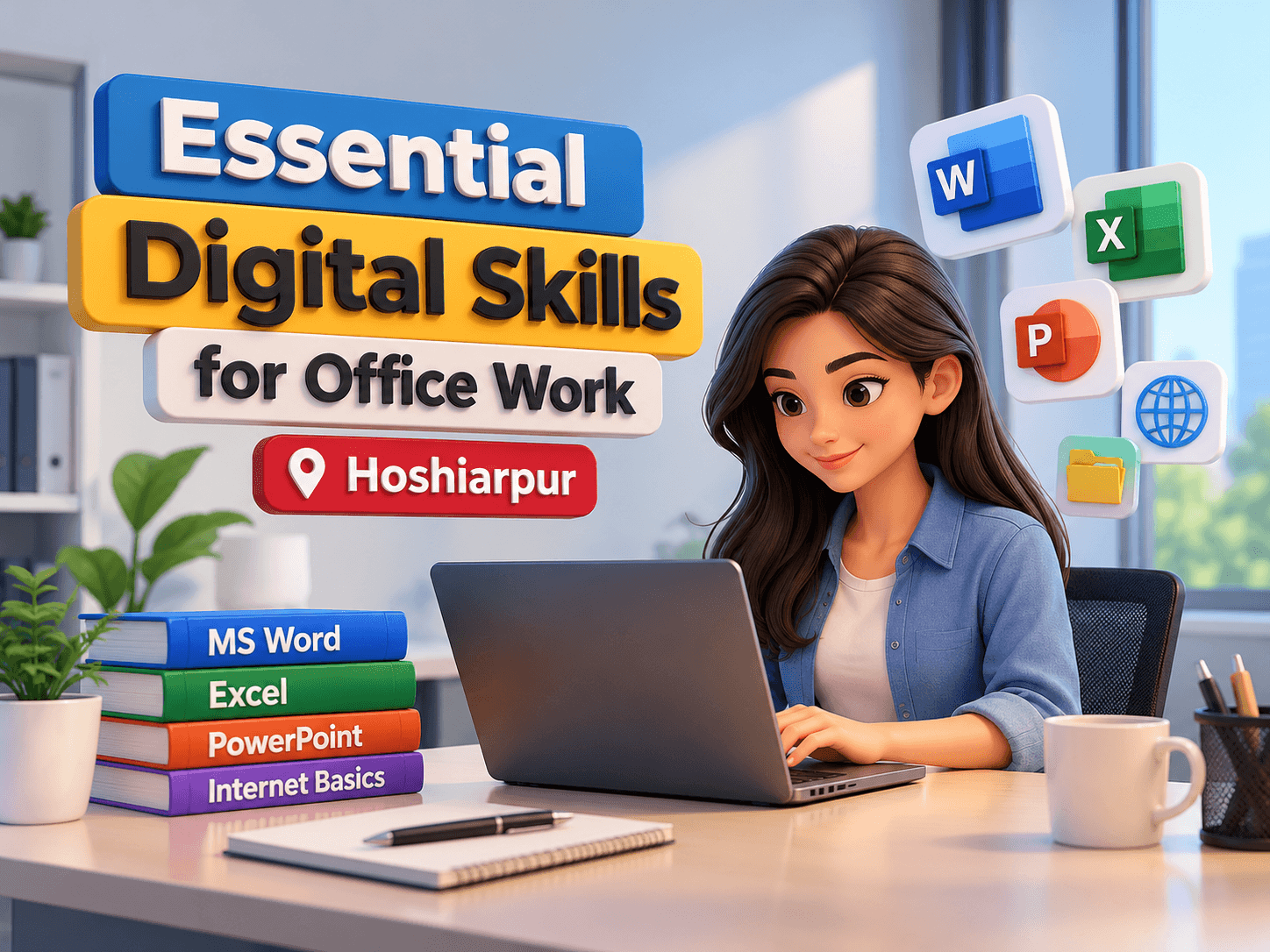
Essential Digital Skills for Office Work in Hoshiarpur
Digital skills have become an important part of modern office environments. Businesses rely on computers, office software, email, online communication platforms, and digital records to complete daily tasks efficiently. From preparing reports and managing spreadsheets to sharing files and organizing information, employees need practical digital knowledge to handle workplace responsibilities.
Learning Essential Digital Skills for Office Work in Hoshiarpur can help students, freshers, job seekers, and working professionals improve their computer proficiency. Techcadd Hoshiarpur provides technical learning opportunities for individuals who want to strengthen their digital knowledge and become more comfortable using commonly used office applications.
Developing these skills can help learners perform routine tasks more confidently, communicate professionally, and adapt to technology-based workplaces.
What Are Essential Digital Skills for Office Work?
Essential digital skills are the abilities required to use computers, software applications, and online tools to complete everyday professional tasks. These skills include document preparation, spreadsheet management, email communication, online research, file organization, and basic digital security.
Employees in administrative departments, educational institutions, businesses, accounting offices, and customer service roles may use these skills regularly.
Important digital skills for office work include:
Basic computer operation and file management.
MS Word for preparing documents and reports.
MS Excel for organizing data and calculations.
MS PowerPoint for creating presentations.
Professional email writing and communication.
Internet research and information handling.
Online file sharing and collaboration.
Digital record management and data entry.
Basic cybersecurity and data protection.
Efficient use of keyboard shortcuts and productivity tools.
Learning these skills helps individuals understand how technology supports everyday workplace activities.
Why Are Digital Skills Important in the Workplace?
Digital tools help employees complete tasks, organize information, and communicate with colleagues more efficiently. Many organizations expect employees to have basic computer knowledge, even when their primary responsibilities are not related to IT.
Digital proficiency can also help reduce errors, improve document quality, and make information easier to access and update.
The benefits of developing digital skills include:
Improved speed and accuracy when completing office tasks.
Better organization of files and business records.
Clearer communication through professional emails.
Greater confidence when using office software.
Improved ability to prepare reports and presentations.
Better collaboration with team members.
Increased awareness of online security risks.
Stronger preparation for computer-based job responsibilities.
At Techcadd Hoshiarpur, learners can focus on developing practical computer knowledge that supports their academic and professional goals.
Essential Digital Skills Every Office Professional Should Learn
1. Basic Computer and File Management Skills
Understanding how to operate a computer is the foundation of office productivity. Employees need to open applications, save documents, locate files, and organize digital information.
Important skills include:
Creating and managing folders.
Copying, moving, renaming, and deleting files.
Saving documents in suitable formats.
Using keyboard shortcuts.
Managing downloads and attachments.
Understanding basic operating system functions.
Organized file management helps employees find information quickly and avoid unnecessary duplication.
2. MS Word for Documents and Reports
Microsoft Word is commonly used to prepare office letters, notices, reports, applications, and other documents. Employees should know how to create professional-looking documents with consistent formatting.
Learners should practice:
Creating and editing documents.
Formatting text and paragraphs.
Using headings, tables, and bullet points.
Adjusting page layouts and margins.
Adding headers, footers, and page numbers.
Saving and exporting documents as PDFs.
These skills are useful for preparing workplace documents that are clear, readable, and properly organized.
3. MS Excel for Data Management
Excel is an important tool for handling information in spreadsheets. It can be used to maintain attendance records, prepare expense sheets, organize customer data, and perform calculations.
Key Excel skills include:
Entering and formatting data.
Using basic formulas and functions.
Sorting and filtering information.
Creating tables and charts.
Managing rows and columns.
Preparing simple reports.
Checking data for errors.
Practical spreadsheet exercises can help learners understand how Excel supports everyday office responsibilities.
4. Email and Professional Communication
Email is widely used for formal communication, sharing documents, sending updates, and coordinating work. Knowing how to write professional emails is an important digital skill.
Learners should understand how to:
Write clear subject lines.
Use professional greetings and closing statements.
Structure messages in a concise format.
Attach and share files correctly.
Reply to and forward messages appropriately.
Organize emails using folders or labels.
Recognize suspicious messages and phishing attempts.
Good email practices help reduce misunderstandings and support professional communication.
5. Internet Research and Online Tools
Office professionals often need to find information, access online services, and use web-based applications. Effective internet skills help employees locate relevant information while avoiding unreliable sources.
Important practices include:
Using search engines effectively.
Checking the credibility of online information.
Downloading files from trusted sources.
Using online forms and digital platforms.
Sharing links and documents responsibly.
Avoiding suspicious websites and downloads.
Learners should also understand the importance of protecting personal and business information when working online.
6. Presentations and Digital Collaboration
Presentation software and online collaboration tools help teams share ideas, explain information, and coordinate tasks.
Useful skills include:
Creating slides in Microsoft PowerPoint.
Organizing information into clear sections.
Adding charts, images, and tables.
Participating in online meetings.
Sharing documents through approved platforms.
Collaborating on files while maintaining version control.
These abilities are useful for meetings, project discussions, training sessions, and workplace presentations.
7. Digital Security and Data Protection
Employees may handle confidential business records, customer information, and internal documents. Basic cybersecurity awareness helps protect this information from unauthorized access.
Essential practices include:
Using strong and unique passwords.
Enabling multifactor authentication where available.
Avoiding suspicious links and attachments.
Locking computers when unattended.
Sharing sensitive files only with authorized people.
Keeping software updated.
Following workplace data protection policies.
Digital security is a shared responsibility and should be part of everyday office work.
Who Can Benefit from Digital Skills Training?
Essential digital skills training can be useful for:
Students preparing for their first job.
Freshers seeking office-based roles.
Job seekers improving their computer proficiency.
Administrative and office assistants.
Receptionists and data entry operators.
Small business owners managing digital records.
Working professionals upgrading their skills.
Beginners can start with basic computer operation and gradually progress to office applications and online collaboration tools.
Learn Digital Skills at Techcadd Hoshiarpur
Techcadd Hoshiarpur offers a learning option for individuals who want to improve their computer knowledge and develop practical digital skills. Learners can explore office applications, document preparation, spreadsheets, email communication, and digital file management as part of their training.
When choosing a course, review the syllabus, software coverage, practical exercises, and opportunities for hands-on learning. Regular practice with realistic office tasks can help learners apply their knowledge more effectively.
Conclusion
Essential Digital Skills for Office Work in Hoshiarpur are valuable for students, job seekers, and professionals who want to handle everyday workplace tasks with greater confidence. Skills in computer operation, MS Word, Excel, PowerPoint, email, online research, file management, and digital security can support productivity across many office environments.
Techcadd Hoshiarpur provides an opportunity for learners to strengthen their digital knowledge and practice commonly used computer applications. With consistent learning and practical experience, individuals can build a stronger foundation for computer-based office responsibilities and continued professional development.
Essential Digital Skills for Office Work in Hoshiarpur
Learn MS Office, email, data management, and digital file organization with practical office computer skills training at Techcadd Hoshiarpur.