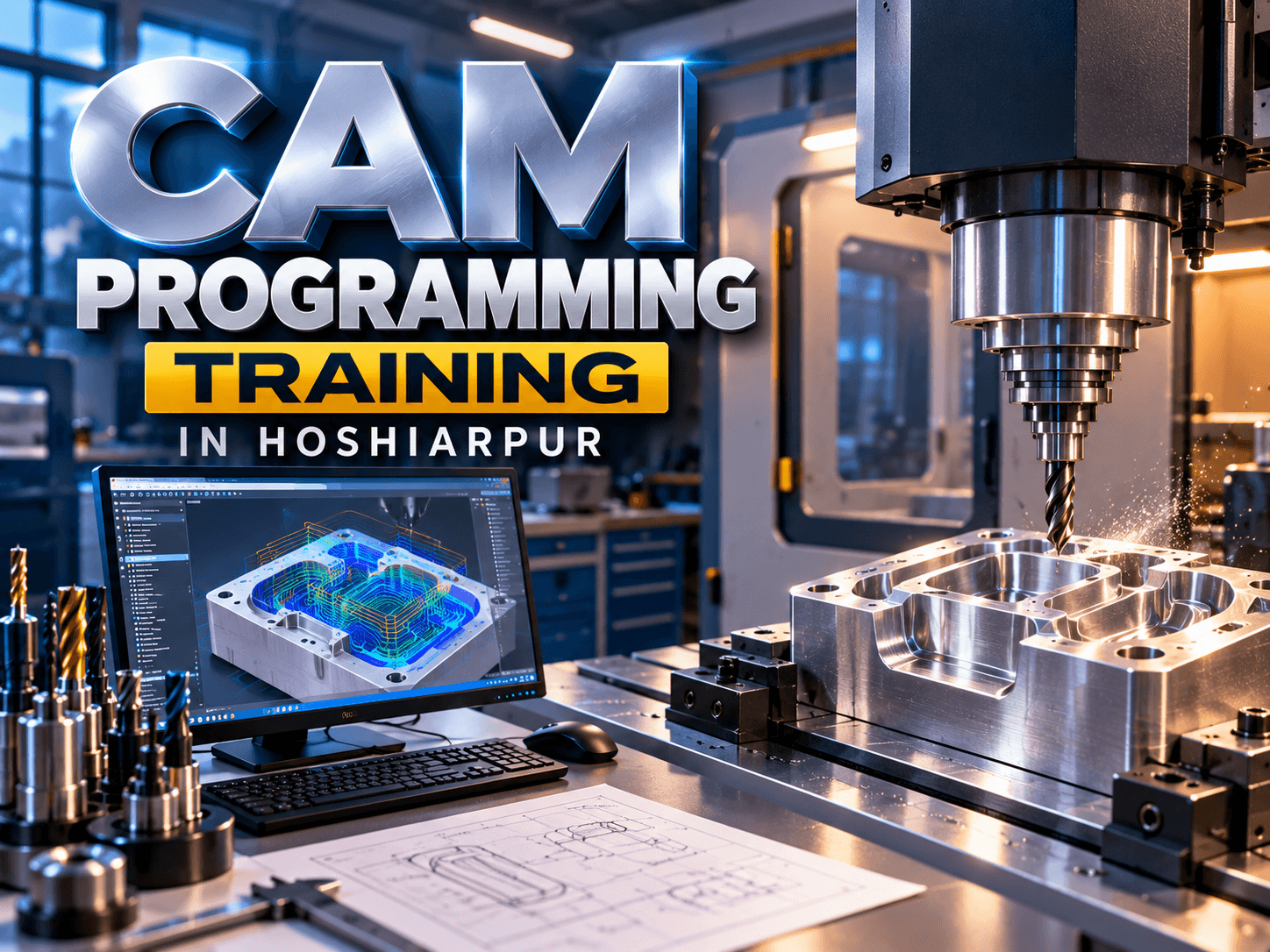
CAM Programming Training in Hoshiarpur
Computer-Aided Manufacturing (CAM) is an important technology used in modern manufacturing and engineering to plan, program, and support machining operations with the help of computer-based systems. CAM software can help convert digital designs into machining instructions that CNC machines can use to perform manufacturing operations.
CAM Programming Training in Hoshiarpur can help students and aspiring manufacturing professionals understand how computer-based manufacturing processes work, from preparing designs and selecting machining operations to creating toolpaths and generating machine-ready programs. The training can be useful for learners interested in CNC machining, CAD/CAM, mechanical engineering, and manufacturing processes.
Techcadd offers CAM programming training in Hoshiarpur with a practical learning approach that focuses on understanding CAM concepts, machining processes, toolpaths, and programming workflows through structured exercises and practice.
What Is CAM Programming?
CAM programming involves using specialized software to plan and control manufacturing operations. A digital CAD model or engineering drawing can be used as the starting point for creating machining operations and toolpaths.
Learners can understand:
CAM programming fundamentals
CAD and CAM workflow
Digital manufacturing concepts
CNC machining processes
Toolpath generation
Machine setup concepts
Cutting operations
CAM program preparation
Understanding CAM programming helps learners connect digital designs with manufacturing processes.
CAD and CAM Integration
CAD and CAM are closely connected in modern manufacturing. CAD software is generally used to create digital designs, while CAM software can use these designs to plan machining operations.
Learners can explore:
Importing CAD models into CAM software
Understanding design geometry
Preparing models for machining
Selecting machining surfaces
Defining stock material
Setting work coordinates
Creating machining operations
Preparing models for toolpath generation
This workflow helps learners understand how a digital design can move from the design stage toward manufacturing.
CAM Toolpath Generation
Toolpaths define the movement of cutting tools during machining. Creating suitable toolpaths is an important part of CAM programming because tool movement needs to correspond with the required machining operation.
Training may cover:
Basic toolpath concepts
Tool selection
Cutting directions
Roughing operations
Finishing operations
Contouring
Pocketing
Drilling
Tool movement planning
Learners can practice creating and reviewing toolpaths based on different machining requirements.
CNC Machining Operations
CAM programming is used for different types of CNC machining operations. Understanding these operations helps learners connect software-based programming with actual manufacturing processes.
Important operations may include:
CNC milling
CNC turning
Drilling
Facing
Pocket milling
Contouring
Slot machining
Rough machining
Finishing operations
Learning these operations can help students understand how different toolpaths are selected according to the design and manufacturing requirement.
CAM Programming Workflow
A typical CAM programming process involves several stages, beginning with a digital design and ending with machining instructions.
Learners can understand a workflow such as:
Importing or preparing a CAD model
Defining the stock material
Setting the coordinate system
Selecting tools
Creating machining operations
Generating toolpaths
Simulating machining movements
Reviewing toolpaths
Generating machine-ready output
Understanding this workflow gives learners a clearer view of how CAM software is used in manufacturing environments.
Toolpath Simulation and Verification
Simulation is an important part of CAM programming because it allows users to review tool movements before machining. It can help identify potential issues in the planned machining process.
Learners can explore:
Toolpath simulation
Checking tool movements
Reviewing machining sequences
Identifying possible collisions
Checking cutting depths
Reviewing material removal
Making basic toolpath adjustments
These practices can help learners understand the importance of reviewing a program before applying it to a CNC machine.
G-Code and CAM Output
CAM software can generate machine instructions based on the selected machining operations and toolpaths. These instructions can be processed into formats suitable for specific CNC machines and controllers.
Learners may understand:
Basic G-code concepts
CAM-generated programs
Machine-specific output
Tool movement instructions
Program structure
Post-processing concepts
Reviewing generated CNC programs
Learning how CAM output connects with CNC programming can help learners understand the complete CAD/CAM/CNC workflow.
Practical CAM Programming Training
Practical exercises can help learners understand how CAM concepts are applied to manufacturing tasks. At Techcadd, CAM Programming Training in Hoshiarpur can include structured practice involving digital models, machining operations, toolpaths, and programming workflows.
Learners can practice:
Preparing models for CAM operations
Creating basic toolpaths
Selecting machining strategies
Setting tools and machining parameters
Simulating tool movements
Reviewing machining operations
Generating CAM output
Understanding CNC machining workflows
Project-based practice can help learners connect individual concepts and understand how CAM programming is applied to manufacturing.
Who Can Learn CAM Programming?
CAM Programming Training in Hoshiarpur can be suitable for learners from technical and engineering backgrounds, including:
Mechanical engineering students
Diploma students
ITI students
CAD learners
CNC programming learners
Engineering graduates
Manufacturing students
Beginners interested in CAD/CAM
Professionals looking to develop manufacturing skills
Basic knowledge of engineering drawings, CAD, or CNC concepts can be helpful, although learners can develop their understanding progressively through structured training.
Skills Learners Can Develop
Through CAM programming training, learners can work toward developing skills in:
CAD/CAM workflow
CAM software fundamentals
Toolpath creation
CNC machining operations
Roughing and finishing
Tool selection
Machining strategy planning
Toolpath simulation
CAM program generation
Basic CNC programming concepts
Manufacturing process understanding
These skills can also provide a foundation for exploring advanced CAD/CAM software and CNC manufacturing technologies.
Conclusion
CAM Programming Training in Hoshiarpur can help learners understand how digital designs are converted into machining strategies and toolpaths for CNC manufacturing. From CAD and CAM integration to toolpath creation, machining operations, simulation, and CAM output, learners can explore different stages of the computer-aided manufacturing process.
Techcadd provides CAM programming training in Hoshiarpur with a practical learning approach that allows students and aspiring manufacturing professionals to practice CAM concepts and understand their connection with CNC machining. For learners interested in mechanical engineering, CAD/CAM, CNC programming, or manufacturing, CAM training can help build a foundation in modern computer-aided manufacturing workflows.
CAM Programming Training in Hoshiarpur
Learn CAM programming, CAD/CAM workflows, toolpath generation, CNC machining and simulation through practical training at Techcadd Hoshiarpur.