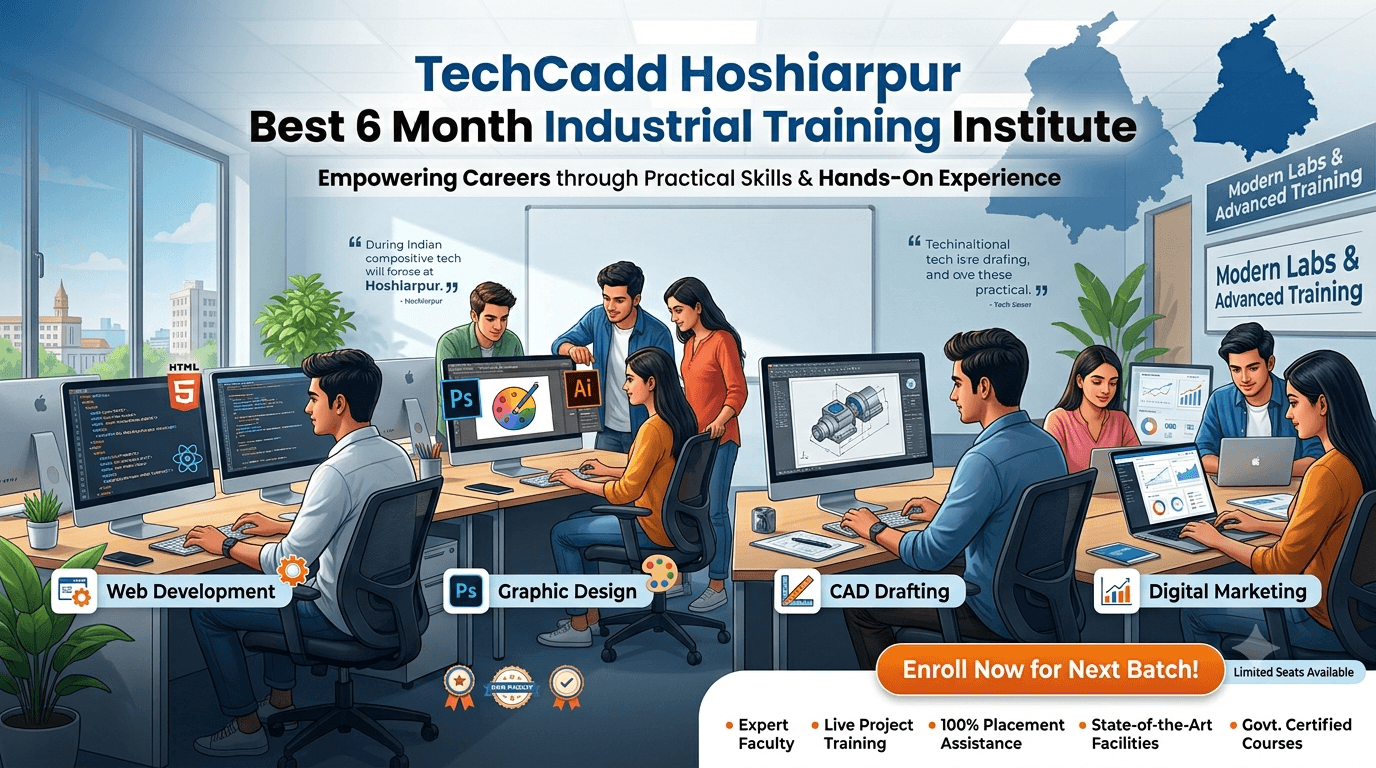
Best 6 Month Training Institute in Hoshiarpur
Best 6 Month Training Institute in Hoshiarpur
Choosing the right training institute is an important step toward building a successful career. If you are looking for the best 6 month training institute in Hoshiarpur, TechCadd Hoshiarpur is a place to explore practical, skill-based learning in computer education, IT, design, and digital technologies.
Today, companies across different industries use computers, software, digital marketing platforms, and data tools in their daily operations. Learning relevant skills can help students, freshers, graduates, and working professionals prepare for new career opportunities. A six-month training programme gives learners time to understand important concepts, practise regularly, and work on practical exercises.
At TechCadd Hoshiarpur, learners can explore different computer and professional training options according to their interests and career goals. Whether you want to learn basic computer operations, create websites, design graphics, understand digital marketing, or develop technical design skills, choosing the right course is the first step.
If you want to improve your computer knowledge or learn a new professional skill, explore the available six-month courses at TechCadd Hoshiarpur and choose a programme that matches your future plans.
Why Choose a 6 Month Training Course in Hoshiarpur?
A six-month course can provide a structured learning experience without requiring you to commit to a very long academic programme. The duration allows learners to build their knowledge gradually and practise the skills covered in their chosen course.
Here are some reasons to consider a six-month training programme.
1. Structured Learning
Learning a new skill becomes easier when topics are arranged in a logical order. A structured course usually begins with the fundamentals and gradually introduces more advanced concepts. This approach helps beginners understand each topic before moving to the next one.
2. Practical Skill Development
Practical exercises help you understand how software and digital tools work in real situations. Depending on the selected course, you may practise creating documents, preparing spreadsheets, designing graphics, building web pages, or working with other professional applications.
3. Time to Build Confidence
Regular practice over six months can help learners become more comfortable using the tools and techniques covered in their training. Repeating exercises, correcting mistakes, and completing small projects can gradually improve confidence.
4. Career-Oriented Learning
A professional course can help you develop skills relevant to different entry-level roles. Your career opportunities will depend on your practical knowledge, portfolio, qualifications, communication skills, and the requirements of employers.
5. Learning a Skill Alongside Other Responsibilities
A six-month programme may suit students, graduates, and individuals who want to develop additional skills. Before enrolling, check the batch timings, class schedule, course syllabus, and practical training arrangements to make sure they fit your routine.
About TechCadd Hoshiarpur
TechCadd Hoshiarpur provides a learning destination for individuals interested in computer education, technical software, creative design, and digital skills.
Different learners have different goals. Some want to improve their basic computer knowledge, while others want to learn a professional tool or prepare for a specific career path. Identifying your goal before enrolling can help you choose a suitable course.
At TechCadd Hoshiarpur, you can explore available training options in areas such as computer fundamentals, web development, graphic designing, digital marketing, data analytics, and CAD design.
Before selecting a programme, ask for the detailed syllabus, course duration, practical exercises, software requirements, fees, and certificate details. These details will help you understand what you will learn and how the training relates to your goals.
Popular 6 Month Training Course Options in Hoshiarpur
The right course depends on your interests, educational background, and the type of work you want to pursue. Here are some training areas to explore.
1. Basic Computer Course and Office Automation
Basic computer training is a useful starting point for learners who want to improve their everyday computer skills. It can help beginners understand how computers work and how common office applications are used.
Topics may include:
Computer fundamentals and operating system basics
File and folder management
MS Word for creating and formatting documents
MS Excel for spreadsheets and calculations
MS PowerPoint for presentations
Internet browsing and email communication
Common digital and office tasks
These skills can be useful for office administration, documentation, computer operations, and data entry-related work. Learners should check which topics and applications are included in the specific programme they choose.
2. Web Development Course
Web development is an option for learners interested in building websites and web applications. It combines technical knowledge with problem-solving and practical implementation.
Depending on the syllabus, a web development programme may cover:
HTML for webpage structure
CSS for styling and layouts
JavaScript for interactive features
Responsive website design
Website forms and navigation
Basic backend development
Database fundamentals
Website testing and project development
Practical projects can help learners understand how individual coding concepts work together. Building a personal portfolio website or a small business website is one way to demonstrate your progress.
3. Graphic Designing Course
Graphic designing may suit individuals who enjoy visual communication, creativity, and digital artwork. Designers create visual content for businesses, brands, websites, advertising, and social media.
Training topics may include:
Design principles and colour combinations
Typography and font selection
Layout, spacing, and visual hierarchy
Image editing and composition
Posters, banners, and social media creatives
Branding and promotional materials
Design software and export formats
Portfolio development
A strong portfolio is important when applying for design opportunities. Practising different types of creative projects can help you demonstrate your design approach and technical skills.
4. Digital Marketing Course
Digital marketing focuses on promoting products, services, and businesses through online channels. It can be useful for learners interested in marketing, content creation, online business, and customer acquisition.
A digital marketing course may cover:
Search engine optimisation (SEO)
Keyword research
On-page and technical SEO fundamentals
Social media marketing
Content marketing
Email marketing
Paid advertising fundamentals
Website analytics and performance reporting
Local SEO and business profile optimisation
Practical exercises can help learners understand how to plan campaigns, optimise content, and measure results. The specific topics depend on the course syllabus and the tools used during training.
5. Data Analytics Course
Data analytics involves collecting, organising, analysing, and presenting information to support decisions. It may suit learners who enjoy working with numbers, spreadsheets, reports, and business information.
Common learning areas include:
Data handling and cleaning
MS Excel formulas and functions
Data sorting and filtering
Charts and visual reports
Basic statistics
Power BI fundamentals
Dashboard creation
Data interpretation and reporting
Practical datasets and small reporting projects can help learners understand how data is used in business situations. Some advanced topics may require additional learning beyond the introductory course.
6. CAD Design and Technical Software
CAD design training may suit students and professionals interested in engineering drawings, architecture, mechanical design, and technical documentation.
Depending on the programme, topics may include:
AutoCAD drawing and editing commands
Layers, dimensions, and annotations
Technical drawing fundamentals
Revit Architecture and building modelling
3D modelling concepts
Engineering design documentation
Drawing layouts and project exercises
Different CAD applications serve different purposes. Check whether the course focuses on architectural design, mechanical design, 2D drafting, 3D modelling, or BIM before enrolling.
7. Programming and Python
Python is a programming language used in automation, software development, data analysis, and artificial intelligence-related projects.
A beginner-level programme may include:
Variables and data types
Conditional statements and loops
Lists, tuples, sets, and dictionaries
Functions and modules
File handling
Exception handling
Object-oriented programming fundamentals
Small programming projects
Consistent coding practice is important for learning programming. Start with simple exercises and gradually work on projects that solve practical problems.
What Makes a Good Training Institute?
When searching for the best training institute in Hoshiarpur, compare institutes on the basis of learning quality rather than course duration alone.
Updated Course Syllabus
Choose a course with a clear syllabus that matches your learning goals. Ask whether it covers current tools, practical applications, and relevant industry concepts.
Practical Training
A good learning experience should give you opportunities to practise the skills you are learning. Ask how much time is allocated to hands-on exercises and whether you will complete individual projects.
Trainer Guidance
Trainer support can make a difference, especially when you are learning a technical subject for the first time. Ask how doubts are handled and whether learners receive feedback on their work.
Appropriate Batch Timings
Check the available batch timings and class schedule before joining. This is especially important if you are attending college, working, or preparing for examinations.
Course Fees and Duration
Understand the complete fee structure, course duration, payment terms, and any additional costs for software, study material, or examinations. Compare these details before making a decision.
Certificates and Career Support
Ask whether the course includes a certificate and what requirements you must meet to receive it. If career guidance or placement assistance is offered, clarify the exact services included. No course can guarantee employment simply through enrolment.
Who Can Join a 6 Month Training Course?
Six-month training programmes may be suitable for different types of learners, depending on the course prerequisites.
Students: Students can develop practical skills alongside their formal education and explore possible career paths.
Freshers and Graduates: Individuals entering the job market can strengthen their computer knowledge and develop skills relevant to their chosen field.
Working Professionals: Professionals can learn additional tools or update their existing skills to support career development.
Beginners: Many foundational computer and design courses are suitable for beginners. Technical programmes may have specific prerequisites, so check the eligibility requirements.
Career Changers: Individuals exploring a new career can use structured training to understand a field and begin building relevant skills.
How to Make the Most of Your Six Months
Enrolling in a course is only the beginning. Your progress also depends on how consistently you practise and apply what you learn.
Set a clear goal: Decide whether you want to improve computer skills, learn a technical application, develop a portfolio, or prepare for an entry-level role.
Attend classes regularly: Consistent attendance helps you follow the syllabus and understand topics in sequence.
Practise after class: Repeat important exercises and work on additional tasks to strengthen your understanding.
Complete practical projects: Create work that demonstrates the skills you have learned, such as a website, dashboard, design portfolio, or technical drawing.
Ask questions: Discuss problems with your trainer and understand why an error occurred rather than simply copying a solution.
Build a portfolio: Save your best work and organise it so you can present your skills to potential employers or clients.
Prepare for interviews: Practise explaining your projects, technical decisions, and the tools you used.
These habits can help you gain more value from your training and prepare for the next step in your career.
Career Opportunities After Skill-Based Training
The career opportunities available after a course depend on the subject, your proficiency, and employer