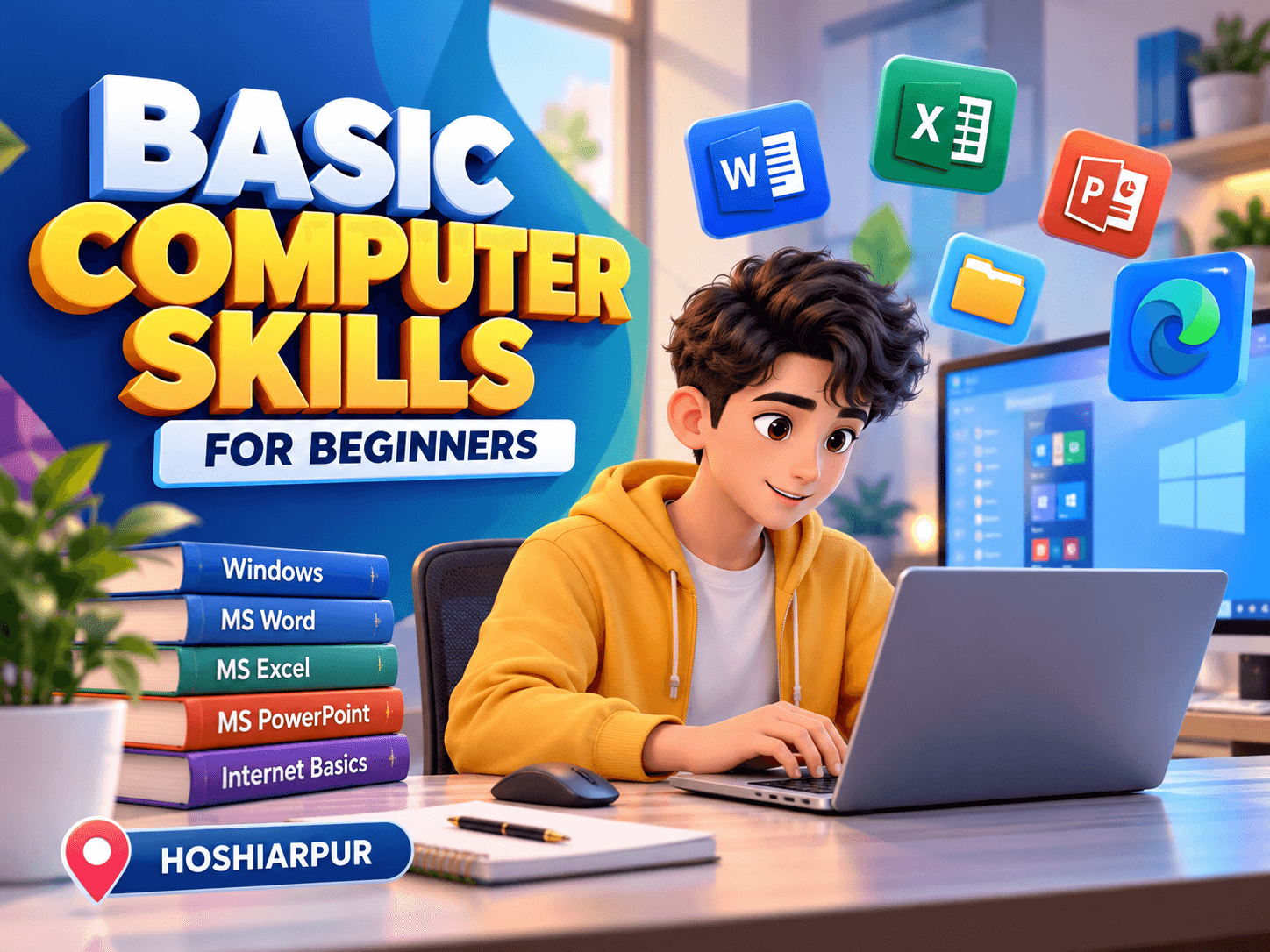
Basic Computer Skills for Beginners in Hoshiarpur
Basic Computer Skills for Beginners in Hoshiarpur
Computers have become an important part of education, workplaces, businesses, and everyday activities. From creating documents and managing data to browsing the internet and communicating online, basic computer knowledge is useful for people from different backgrounds. Basic Computer Skills for Beginners in Hoshiarpur can help learners understand essential computer operations and become more comfortable using digital tools.
Techcadd Hoshiarpur provides practical-oriented computer training designed to help beginners learn important computer concepts through regular practice. The training can be useful for students, job seekers, homemakers, senior learners, and individuals who want to improve their basic digital skills.
Understanding Computer Fundamentals
The first step in learning computers is understanding how a computer system works. Beginners can learn about the main components of a computer and their basic functions.
Important concepts include:
Monitor and display
Keyboard and mouse
CPU and processing
Storage devices
Printers and scanners
Input and output devices
Basic computer terminology
Understanding these components gives beginners a foundation for using computers confidently.
Operating System Basics
An operating system provides the environment through which users interact with a computer. Beginners can learn how to navigate the desktop, open applications, manage files, and change basic settings.
Practical learning can include:
Understanding the desktop
Using the Start menu
Opening and closing applications
Managing windows
Changing basic settings
Using search features
Understanding system notifications
These activities help learners become familiar with everyday computer operations.
Keyboard and Mouse Skills
Keyboard and mouse skills are essential for efficient computer use. Beginners can practice different keyboard functions and mouse operations through simple exercises.
Important skills include:
Typing letters and numbers
Using keyboard shortcuts
Selecting and editing text
Copying and pasting information
Using the mouse for navigation
Right-clicking and opening menus
Scrolling through documents and webpages
Regular practice can help improve speed, accuracy, and confidence.
File and Folder Management
Managing files and folders is an important computer skill for students and office users. Learners can understand how to organize documents and other digital information properly.
Training can cover:
Creating folders
Renaming files
Copying and moving files
Deleting unwanted files
Searching for documents
Managing downloads
Understanding file types
Using external storage devices
Organized file management can make it easier to locate important documents when required.
Microsoft Word Skills
Microsoft Word helps users create, format, and organize professional documents for different academic and workplace needs.
Learners can practice:
Creating documents
Typing and editing text
Formatting paragraphs
Changing fonts and sizes
Using headings
Creating bullet points
Adding tables
Inserting images
Saving and printing documents
These skills can be useful for preparing assignments, resumes, letters, reports, and other documents.
Microsoft Excel Basics
Excel is useful for organizing information, performing calculations, and creating simple data tables. Beginners can learn the basic features required for everyday spreadsheet work.
Training may include:
Creating worksheets
Entering data
Formatting cells
Using basic formulas
Creating simple tables
Sorting information
Filtering data
Managing rows and columns
Learning these fundamentals can help beginners understand how spreadsheets are used for basic data management.
PowerPoint Presentation Skills
Presentation software can help users create visual presentations for education, meetings, and workplace activities. Beginners can learn how to create simple and organized presentations.
Practical exercises can include:
Creating slides
Adding text
Inserting images
Using basic layouts
Applying simple formatting
Creating bullet points
Adding tables and charts
Running presentations
These skills can help students and professionals prepare clear digital presentations.
Internet and Web Browsing
Internet knowledge is another important part of basic computer training. Beginners can learn how to browse websites, search for information, and use online services safely.
Important skills include:
Using web browsers
Searching for information
Opening websites
Downloading files
Uploading documents
Using online forms
Understanding website addresses
Managing browser tabs
Learners can also become familiar with basic online safety practices while using the internet.
Email and Online Communication
Email is widely used for education, job applications, business communication, and personal communication. Beginners can learn how to use email platforms and manage basic communication tasks.
Training can include:
Creating an email account
Sending emails
Replying to messages
Forwarding emails
Attaching documents
Downloading attachments
Organizing messages
Understanding basic email etiquette
These skills can be especially useful for students and individuals preparing for office-based work.
Basic Online Safety
Understanding basic digital safety is important for every computer user. Beginners can learn simple practices for protecting their accounts and information.
Important areas include:
Creating strong passwords
Recognizing suspicious links
Avoiding unknown downloads
Understanding basic phishing risks
Keeping software updated
Using secure websites
Protecting personal information
Developing these habits can help learners use digital services more responsibly.
Practical Computer Training at Techcadd Hoshiarpur
Techcadd Hoshiarpur focuses on practical learning so beginners can practice computer operations instead of relying only on theoretical information. Learners can work on exercises related to documents, spreadsheets, presentations, internet usage, file management, and email communication.
Practical activities may include:
Creating a professional document
Preparing a basic Excel sheet
Designing a simple presentation
Organizing computer files
Searching information online
Sending emails with attachments
Practicing keyboard shortcuts
Managing folders and documents
Regular practice can help learners become more comfortable with everyday computer tasks.
Who Can Learn Basic Computer Skills?
Basic computer training can be suitable for:
School and college students
Beginners with limited computer experience
Job seekers
Homemakers
Senior learners
Small business owners
Office beginners
Individuals wanting to improve digital skills
No advanced technical background is required to begin learning basic computer operations.
Skills Learners Can Develop
After completing regular practice, learners can develop knowledge of:
Basic computer operations
Keyboard and mouse usage
File and folder management
Microsoft Word
Microsoft Excel
Microsoft PowerPoint
Internet browsing
Email communication
Basic digital safety
Everyday computer tasks
Conclusion
Basic Computer Skills for Beginners in Hoshiarpur can help learners build confidence using computers for education, work, communication, and everyday digital activities. From computer fundamentals and file management to MS Office, internet browsing, email, and basic online safety, learners can develop practical skills through regular hands-on practice. Techcadd Hoshiarpur provides a structured learning environment where beginners can strengthen their digital knowledge and build a foundation for further computer learning.
Basic Computer Skills for Beginners in Hoshiarpur
Learn computer basics, MS Office, file management, internet, email and digital skills through practical training at Techcadd Hoshiarpur.