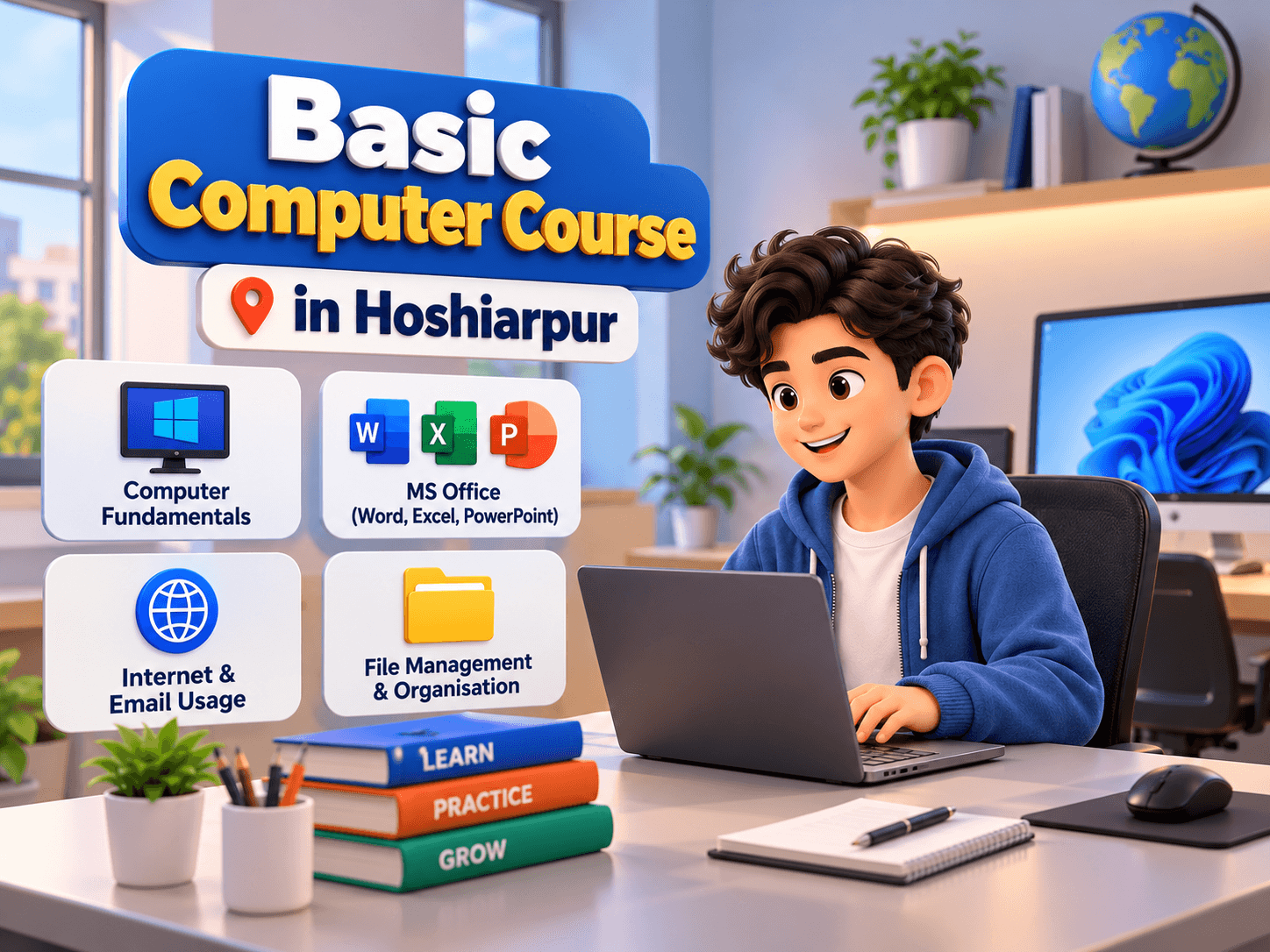
Basic Computer Course in Hoshiarpur
In today's digital world, computer knowledge has become an essential requirement for education, employment, business, and everyday activities. From preparing documents and sending emails to managing data and working with online applications, computers are used in almost every professional field. Whether you are a student, job seeker, homemaker, business owner, or working professional, learning basic computer skills can help you become more confident and productive.
If you are looking to develop your digital knowledge, enrolling in a Basic Computer Course in Hoshiarpur can be a great starting point. A structured computer training programme helps beginners understand how computers work, use essential software applications, manage files, browse the internet, and perform everyday digital tasks.
Techcadd focuses on helping learners develop practical computer knowledge through professional skill-based training. Students searching for Basic Computer Classes in Hoshiarpur can explore learning opportunities that help them understand fundamental computer operations and commonly used applications.
Similarly, students from Jalandhar who want to improve their digital knowledge can explore basic computer education to prepare themselves for academic and professional responsibilities.
In this article, we will discuss the importance of computer education, the topics covered in a basic computer course, its benefits, career opportunities, and why learning these skills can be a valuable investment in your future.
What Is a Basic Computer Course?
A Basic Computer Course is a beginner-friendly training programme designed to introduce students to computers and their everyday applications. It helps learners understand computer hardware, software, operating systems, office applications, internet usage, and digital communication.
The course generally begins with fundamental concepts and gradually introduces practical applications.
Students learn how to operate a computer, create documents, manage spreadsheets, prepare presentations, browse websites, and communicate through email.
A professional Basic Computer Training Course in Hoshiarpur can be useful for individuals who have limited computer knowledge or want to improve their existing digital skills.
Important Topics Covered in Basic Computer Training
A basic computer programme may include:
Introduction to computers.
Computer hardware and software.
Operating system fundamentals.
Windows operating system.
Keyboard and mouse operations.
File and folder management.
Microsoft Word.
Microsoft Excel.
Microsoft PowerPoint.
Internet browsing.
Email communication.
Basic online safety.
Printing and document management.
These topics help learners develop a foundation for using computers in different educational and professional environments.
Why Is Computer Education Important Today?
Computers have become an important part of modern life. Many activities that were previously completed manually are now performed digitally.
Educational institutions use computers for assignments, research, online classes, and presentations. Offices use them for documentation, communication, accounting, and data management. Businesses depend on computers for billing, customer management, marketing, and record keeping.
Having basic computer knowledge can make these activities easier.
1. Improves Digital Literacy
Digital literacy means understanding how to use computers, software, and online platforms effectively.
A Basic Computer Course helps students understand digital tools and develop the confidence to perform everyday computer-related tasks.
For example, learners can understand how to:
Create and save digital documents.
Browse websites for information.
Send and receive emails.
Download and upload files.
Use office applications.
Organise digital information.
Access online services.
These skills are useful in education, employment, and personal activities.
2. Supports Career Development
Many entry-level jobs require candidates to have basic computer knowledge.
Employers often expect employees to understand document preparation, spreadsheet management, email communication, and basic internet operations.
Learning these skills can help job seekers prepare for workplace responsibilities.
3. Makes Everyday Tasks Easier
Computers are useful for completing many everyday activities, such as:
Paying bills online.
Booking tickets.
Filling out online forms.
Sending documents.
Accessing educational resources.
Managing personal records.
Communicating through email.
Understanding basic computer operations makes these tasks more convenient.
4. Builds Confidence Among Beginners
People who have never used a computer may initially find digital applications difficult.
A structured Computer Course for Beginners in Hoshiarpur can help learners understand computer operations step by step.
Regular practice helps students become more comfortable using software applications and performing digital tasks independently.
Why Choose Techcadd for a Basic Computer Course in Hoshiarpur?
Choosing the right training institute is an important step when starting your computer learning journey.
A good training programme should focus on fundamental concepts, practical exercises, and commonly used applications. Students should have opportunities to practise what they learn instead of depending only on theoretical explanations.
Here are some important reasons to explore Techcadd for computer training.
1. Beginner-Friendly Learning Approach
Not everyone starts with the same level of computer knowledge. Some students may already know how to use a computer, while others may be completely new to digital technology.
A beginner-friendly learning approach helps students understand concepts from the beginning.
Learners can gradually explore:
Computer fundamentals.
Hardware and software.
Operating systems.
Basic computer operations.
Office applications.
Internet usage.
Digital communication.
Starting with the fundamentals makes it easier to understand advanced applications later.
2. Practical Computer Knowledge
Practical learning is essential when developing computer skills.
Students need to understand how different applications work and how they can use them to complete everyday tasks.
During a basic computer training programme, practical exercises may include:
Creating documents in Microsoft Word.
Preparing spreadsheets in Microsoft Excel.
Designing presentations in PowerPoint.
Creating folders and organising files.
Sending emails with attachments.
Searching for information online.
Printing and saving documents.
These activities help learners become familiar with commonly used computer applications.
3. Learn Microsoft Office Applications
Microsoft Office is widely used in schools, colleges, offices, and businesses.
Understanding its applications can help students perform documentation, data entry, and presentation-related tasks.
Microsoft Word
Microsoft Word is used to create and format documents.
Students can learn:
Typing and editing text.
Font formatting.
Paragraph alignment.
Page formatting.
Tables and lists.
Headers and footers.
Document saving and printing.
Microsoft Excel
Microsoft Excel is used to organise information and perform calculations.
Students can understand:
Creating spreadsheets.
Entering and formatting data.
Basic mathematical formulas.
SUM and AVERAGE functions.
Sorting and filtering.
Creating simple charts.
Managing tables.
Microsoft PowerPoint
PowerPoint is used to create professional presentations.
Important learning areas include:
Creating presentation slides.
Adding text and images.
Applying slide layouts.
Using themes and designs.
Adding transitions.
Organising presentation content.
Presenting information effectively.
Learning these applications can improve your ability to complete academic and office-related tasks.
4. Understand Computer Hardware and Software
Understanding the basic components of a computer is important for every beginner.
Students should know the difference between hardware and software and understand how different components work together.
Computer Hardware
Hardware refers to the physical components of a computer.
Examples include:
Monitor.
Keyboard.
Mouse.
CPU.
Printer.
Scanner.
Hard drive.
RAM.
Computer Software
Software refers to the programmes and applications that run on a computer.
Examples include:
Operating systems.
Microsoft Word.
Microsoft Excel.
Web browsers.
Media applications.
Antivirus programmes.
This knowledge helps students understand the basic functioning of computer systems.
5. Learn Internet and Email Management
Internet knowledge is an essential part of modern computer education.
Students should understand how to access information, communicate online, and use digital platforms safely.
During Basic Computer Training in Hoshiarpur, learners can develop knowledge of:
Using web browsers.
Searching for information.
Downloading documents.
Uploading files.
Creating and managing email accounts.
Sending and receiving emails.
Attaching documents.
Understanding online safety.
Identifying suspicious links.
These skills are useful for students, job seekers, and working professionals.
6. Develop File and Folder Management Skills
Organising digital information is an important computer skill.
Students often need to manage assignments, documents, images, spreadsheets, and other digital files.
A basic computer course can introduce learners to:
Creating folders.
Renaming files.
Copying and moving documents.
Deleting unwanted files.
Managing downloads.
Using USB drives.
Saving documents in different formats.
Understanding file extensions.
Good file management makes it easier to find and organise important information.
7. Learn at Your Own Skill Level
A structured computer training programme can help learners progress according to their existing knowledge and learning requirements.
Beginners can start with simple operations and gradually develop their understanding of different applications.
Students can focus on improving their typing, documentation, spreadsheet, and internet skills through regular practice.
8. Prepare for Workplace Responsibilities
Computer skills are useful across multiple industries.
Whether you work in administration, education, retail, accounting, or customer service, understanding basic computer applications can help you perform daily responsibilities more efficiently.
A Basic Computer Course in Hoshiarpur can help students develop the foundation needed for various office-related tasks.
What Will You Learn in a Basic Computer Course?
A structured course generally covers different modules to help beginners develop essential computer knowledge.
Here is an overview of the topics learners can explore.
Course Module
Topics Covered
Module 1
Introduction to computers
Module 2
Computer hardware and software
Module 3
Operating system fundamentals
Module 4
Windows and desktop operations
Module 5
Keyboard and mouse operations
Module 6
File and folder management
Module 7
Microsoft Word
Module 8
Microsoft Excel
Module 9
Microsoft PowerPoint
Module 10
Internet and email
Module 11
Printing and document management
Module 12
Basic digital safety
The actual syllabus and course duration may vary depending on the training programme.
Basic Computer Course for Students in Jalandhar
Computer education is important for students from different educational backgrounds. Whether someone is studying in school, pursuing graduation, or preparing for competitive examinations, digital knowledge can support their learning process.
Students exploring a Basic Computer Course in Jalandhar can benefit from understanding essential software applications and everyday computer operations.
Basic computer knowledge can help Jalandhar students with:
Preparing college assignments.
Creating presentations.
Managing academic documents.
Searching for study materials.
Applying for online examinations.
Creating resumes.
Communicating through email.
Managing digital records.
These skills can also help students prepare for internships and entry-level office responsibilities.
Techcadd aims to help learners develop practical software knowledge and improve their technical capabilities through skill-based education.
Career Opportunities After a Basic Computer Course
Basic computer knowledge can support individuals who want to explore entry-level administrative and computer-related jobs.
Although a basic course alone does not guarantee employment, it can help learners develop foundational skills required for different workplace activities.
Here are some job roles where basic computer knowledge can be useful.
1. Computer Operator
Computer operators perform routine computer-related tasks, manage digital records, and work with different software applications.
2. Data Entry Operator
Data entry operators enter, update, and maintain information in digital systems.
They may use spreadsheets, databases, and other office applications.
3. Office Assistant
Office assistants help with documentation, email communication, record management, and other administrative activities.
4. Receptionist
Receptionists may use computers to manage appointments, maintain records, prepare documents, and communicate with customers.
5. Documentation Assistant
Documentation assistants work with digital files, reports, forms, and other office documents.
6. Administrative Assistant
Administrative assistants support daily office operations through documentation, spreadsheet management, scheduling, and communication.
7. Billing Assistant
Basic computer and spreadsheet knowledge can be useful for managing billing information and maintaining digital records.
Industries Where Basic Computer Skills Are Useful
Educational institutions.
Private companies.
Retail businesses.
Healthcare administration.
Accounting offices.
Customer service organisations.
Small businesses.
Government-related office environments.
With additional training and experience, learners can also move towards specialised software and professional courses.
Who Should Join a Basic Computer Course?
A basic computer course is suitable for individuals who want to improve their digital knowledge.
You can consider enrolling if you are:
1. School Students
School students can learn how to prepare assignments, create presentations, and use educational resources online.
2. College Students
College students can develop computer skills that support academic projects, presentations, and internship applications.
3. Job Seekers
Individuals preparing for employment can improve their understanding of office applications and digital communication.
4. Homemakers
Homemakers can learn how to use computers for online services, personal documentation, communication, and other everyday tasks.
5. Working Professionals
Employees who want to improve their computer knowledge can explore basic training to become more comfortable with digital applications.
6. Business Owners
Small business owners can use computer knowledge for preparing documents, maintaining spreadsheets, managing records, and communicating with customers.
7. Beginners
Anyone who wants to start learning computers from the fundamentals can consider this course.
Basic Computer Skills Every Beginner Should Develop
Apart from learning specific software applications, students should develop a few essential computer skills.
Here are some important skills worth practising regularly:
Typing Skills: Improve typing speed and accuracy.
Document Creation: Learn to prepare professional documents.
Spreadsheet Management: Understand data entry and basic formulas.
Presentation Skills: Create organised and informative presentations.
Internet Browsing: Search for useful and reliable information.
Email Communication: Write and send professional emails.
File Management: Organise documents and folders properly.
Digital Safety: Understand passwords, suspicious links, and online privacy.
Printing Skills: Learn how to prepare and print documents.
Time Management: Use computer applications to organise everyday tasks.
Developing these skills can make everyday computer usage easier and more productive.
Tips to Improve Your Computer Skills Faster
Joining a course is a good starting point, but regular practice is equally important.
Here are some simple tips for improving your computer knowledge:
Practise using a computer regularly.
Learn basic keyboard shortcuts.
Create documents using Microsoft Word.
Prepare simple spreadsheets in Excel.
Create presentations using PowerPoint.
Practise sending emails with attachments.
Learn how to organise files and folders.
Explore different internet search techniques.
Understand basic computer security.
Try completing small computer-based projects independently.
Consistent practice helps beginners become more confident and comfortable with digital tools.
How to Choose the Right Basic Computer Training Institute?
Before enrolling in a Basic Computer Training Institute in Hoshiarpur, it is important to understand the course structure and learning environment.
Consider the following factors:
Course Curriculum: Check whether the programme covers essential computer fundamentals and office applications.
Practical Training: Look for opportunities to practise using different software applications.
Trainer Guidance: Understand how concepts are explained and whether students receive learning support.
Beginner-Friendly Classes: Make sure the course is suitable for learners with limited computer knowledge.
Course Duration: Check whether sufficient time is provided to understand and practise the topics.
Certification: Ask about course completion and certificate requirements.
Learning Environment: Choose a training environment that supports regular practice.
Career Guidance: Explore whether the institute offers guidance for job preparation.
Comparing these factors can help you choose a programme that matches your learning requirements.
Conclusion
Computer knowledge is no longer limited to IT professionals. It has become an essential skill for students, job seekers, business owners, homemakers, and working professionals. From preparing documents and managing spreadsheets to browsing the internet and communicating through email, basic computer skills are useful in almost every area of life.
Enrolling in a Basic Computer Course in Hoshiarpur can help beginners develop essential digital knowledge and improve their confidence in using computers. Learning Microsoft Word, Excel, PowerPoint, internet browsing, email management, and file organisation can prepare students for academic and workplace responsibilities.
Techcadd provides an option for learners interested in developing their technical and computer skills through professional training. Students from Hoshiarpur and those exploring a Basic Computer Course in Jalandhar can consider building a strong foundation in digital education.
Start with the basics, practise regularly, and continue upgrading your skills. The right computer knowledge can help you become more confident, productive, and prepared for opportunities in an increasingly digital world.
Your First Step Towards Computer Literacy!
Want to become confident with computers? Learn essential digital skills with Techcadd. Explore practical computer training opportunities in Hoshiarpur and Jalandhar.