Essential Computer Applications in Hoshiarpur Course
Learn essential computer applications in Hoshiarpur, including MS Word, Excel, PowerPoint, file management, internet browsing, and email for study and office work.
2 month
Programme length
Beginner
Difficulty level
Classroom & live online
Format
Certificate of Course Completion
On completion
Admissions open
Free demo class & counselling
Session slots
- Morning
- Evening
- Weekend
- Live online
Aboutthisprogramme
A 2 month, beginner programme taught at our Hoshiarpur centre in Model Town and live online, with live projects and placement support built in.
Build practical computer application skills at Techcadd Hoshiarpur. Learn to create documents in Microsoft Word, organize information in Excel, prepare presentations in PowerPoint, manage files, browse the internet, and use email. Develop useful digital skills for education, everyday tasks, and office environments.
Essential Computer Applications in Hoshiarpur helps students and beginners develop practical skills for using computers in educational and professional settings. The course introduces essential computer operations, file and folder management, and everyday digital applications.
Learners can practice creating and formatting documents in Microsoft Word, organizing information and performing basic calculations in Excel, and preparing presentations in PowerPoint. The course also covers internet browsing, email communication, and basic digital safety.
This training is suitable for school students, college students, beginners, and job seekers who want to improve their computer proficiency. Practical exercises help learners build confidence in completing assignments, managing digital documents, and handling common computer-based tasks.
Key course facts
- Duration
- 2 month
- Skill level
- Beginner
- Format
- Classroom & live online
- Certification
- Certificate of Course Completion
Who can join: No advanced computer knowledge required. Suitable for school students, college students, beginners, and job seekers who want to develop essential computer skills.
Core tools covered: Microsoft Windows • Microsoft Word • Microsoft Excel • Microsoft PowerPoint • Email Applications
Certificate of Course Completion
Awarded when you finish the course
Live project work
Built into the course, for your portfolio
Placement support
Included with every course
Morning, evening & weekend batches
At the centre or live online
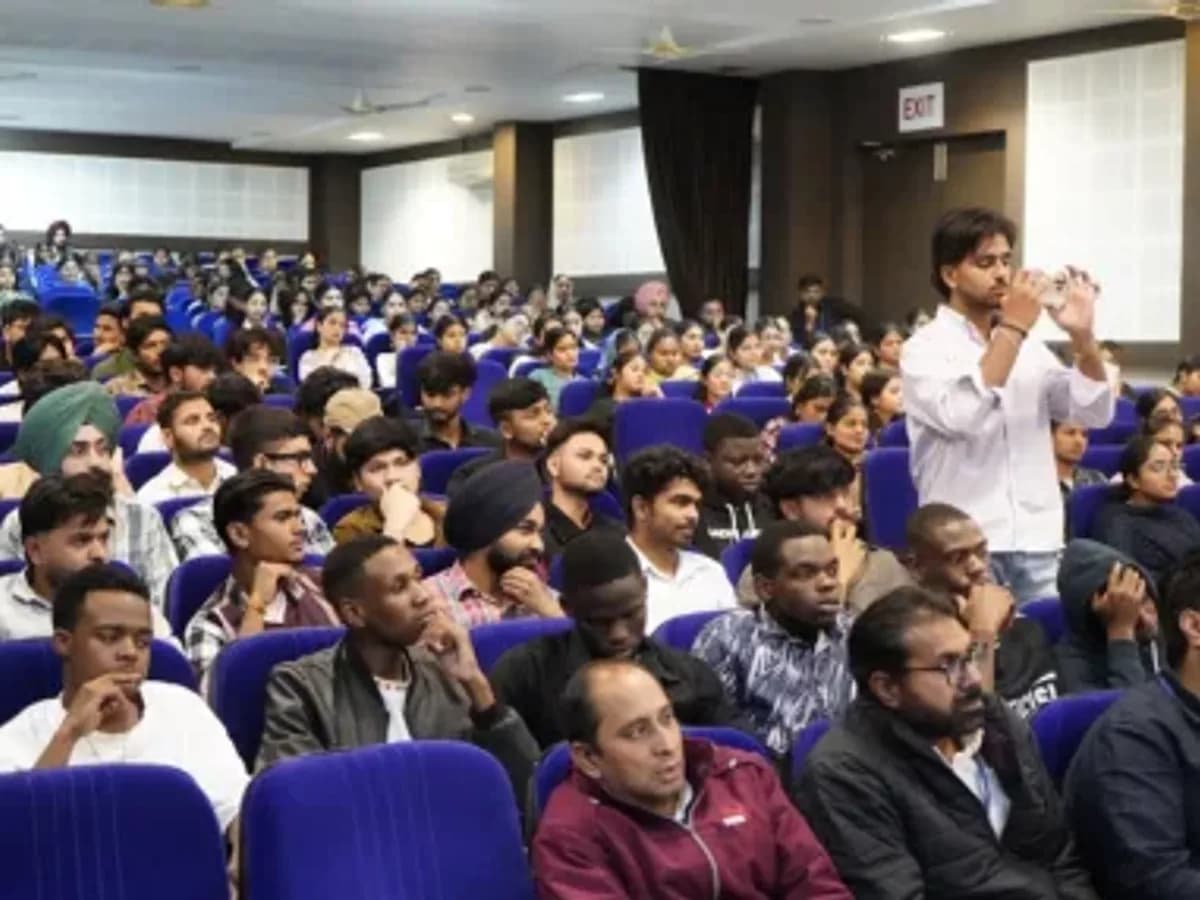
Essential Computer Applications in Hoshiarpur
Essential Computer Applications in Hoshiarpur
Classroom & live online
Morning, evening & weekend
What you walk away with
- Microsoft Office Applications — Learn to create documents in Word, organize information in Excel, and prepare presentations in PowerPoint for school, college, and office tasks.
- File and Folder Management — Practice creating, saving, renaming, copying, and organizing files and folders to manage digital documents efficiently.
Roles this leads to
- Computer Operator
- Office Assistant
- Data Entry Operator
- Documentation Assistant
- Administrative Assistant
- Computer Lab Assistant
Howtheprogrammeruns
Every stage, in the order you meet it.
- 01
Learn Computer Fundamentals
Understand basic computer operations, keyboard and mouse use, and desktop navigation.
- 02
Organize Digital Files
Practice creating folders, saving documents, and managing files efficiently.
Whatyouwilllearn&toolscovered
What you can do by the end of the course — each one practised in class and in the projects you build.
1
skills, start to finish
- 01
Windows navigation
Tools covered in this course: Microsoft Windows, Microsoft Word, Microsoft Excel, Microsoft PowerPoint, Email Applications.
WhychooseanEssentialComputerApplicationsinHoshiarpurCourse?
- Industry training
- Live projects
- Certification
- Placement support
Counselling and the demo class are free. Come to the Hoshiarpur centre in Model Town or join live online, in a morning, evening or weekend batch.
Beginner-Friendly Learning
Develop computer confidence through a structured introduction to essential applications and digital tasks.
Practical Exercises
Practice creating documents, spreadsheets, presentations, and organized digital folders.
2 month
Course duration
Online / Offline
Mode of learning
Free
Counselling & demo class
Whylearnwithus?
Every trainer here has done the work they teach. That is the whole basis of the teaching: answers come from current practice rather than from a slide deck written three years ago.
Practitioners, not presenters
Sessions are run by people who have worked in the field, so the examples come from real drawings, real campaigns and real jobs.
Project-based from week one
You build as you learn. Each module ends in something that runs, not in a quiz.
Personalised guidance
Small batches mean your mentor knows what you are stuck on and what you are aiming at.
Doubt support that continues
Doubt sessions and mentor hours carry on after the certificate is printed.
WhocandoanEssentialComputerApplicationsinHoshiarpurCourse?
The course is built for learners arriving from different starting points.
School Students
Learn computer applications for assignments, class projects, presentations, and educational activities.
College Students
Develop document preparation, spreadsheet, and presentation skills for academic work.
Eligibility
What you need to start
- No advanced computer knowledge required.
- Suitable for school students, college students, beginners, and job seekers who want to develop essential computer skills.
Not sure whether your background fits? Counselling is free — tell us your background and goal and we will suggest the right batch, with no obligation.
Tools&technologiesyouwilluse
The stack you work with in class and in the live projects.
- Microsoft Windows
- Microsoft Word
- Microsoft Excel
- Microsoft PowerPoint
- Email Applications
- Used in the live projects
- Morning, evening & weekend batches
- Hoshiarpur centre (Model Town) or live online
Whatyouleavewith
Finishing Essential Computer Applications in Hoshiarpur puts these documents in your file — each one for a different part of what you did.
Course completion certificate
CertificationCertificate of Course Completion
Internship letter
Industrial trainingTake your training as a university internship and you finish with an internship letter covering your weeks on a project team.
See internship training
Illustration — ask to see a real certificate at the centre.
How the paper is used
- Add it to your CV and your LinkedIn profile alongside the work you built.
- Keep the project with it: the certificate says you finished, the project shows what you can do.
- Bring it to interviews — our placement support helps you present both.
Wherethiscoursetakesyou
The roles Essential Computer Applications in Hoshiarpur prepares you for, and the kinds of employers who use these skills. Outcomes depend on your own work and the market — we prepare you for interviews, we do not promise a job or a number.
- 01
Computer Operator
Performs routine computer operations and maintains digital records.
- 02
Office Assistant
- 03
Data Entry Operator
- 04
Documentation Assistant
- 05
Administrative Assistant
- 06
Computer Lab Assistant
What the roles pay
Indicative rangesComputer Operator · Hoshairpur,Punjab
Starting
₹1.5–2.4 LPA
Experienced
₹2.4–3.6 LPA
Indicative figures. What you are offered depends on your interview, your portfolio and the company — we prepare you for all three, we do not promise a number.
Howwediffer
Most Essential Computer Applications in Hoshiarpur courses cover a similar syllabus. What separates them is what you build while you are there, and what happens after the last session.
Computer applications
At techcadd: Focus on common office applications and digital tasks
At most places: Coverage varies by course
Compare us on the same points before you enrol anywhere — sit a demo class and ask to see the project work students finish with.
TalktousaboutEssentialComputerApplicationsinHoshiarpur
Send your question and a counsellor will call you back — batch timings, fees, placement support, certification. No obligation to enrol.
We use your number only to answer this enquiry.
Students also consider
- Civil CAD
AutoCAD 2D & 3D
2 Months
2D drafting and 3D modelling, to the drawing standards industry actually checks.
- Mechanical CAD
SOLIDWORKS
2 Months
Parametric part and assembly modelling for mechanical design.
- Mechanical CAD
CATIA
2 Months
Surface and solid modelling for automotive and aerospace workflows.
- CAD/CAM
NC CAD
6 Weeks
CAD geometry prepared specifically for numerical control machining.
Beyond the syllabus
Before you decide
- From the blogGuides on tools, skills and careers, written for students weighing up their next course.Read the blog
- Industrial trainingFrom 45-day university requirements to six-month job-ready programmes, closed with an internship letter.See the tracks
- Student reviewsWhat students who trained at the Model Town centre and online say about their time here.Read the reviews
Ready to get started?
Start building your career today.
Talk to a counsellor about Essential Computer Applications in Hoshiarpur. One call is usually enough to know which track fits your background, your schedule and the job you want.
- Free career counselling
- No registration fee
- Placement support included