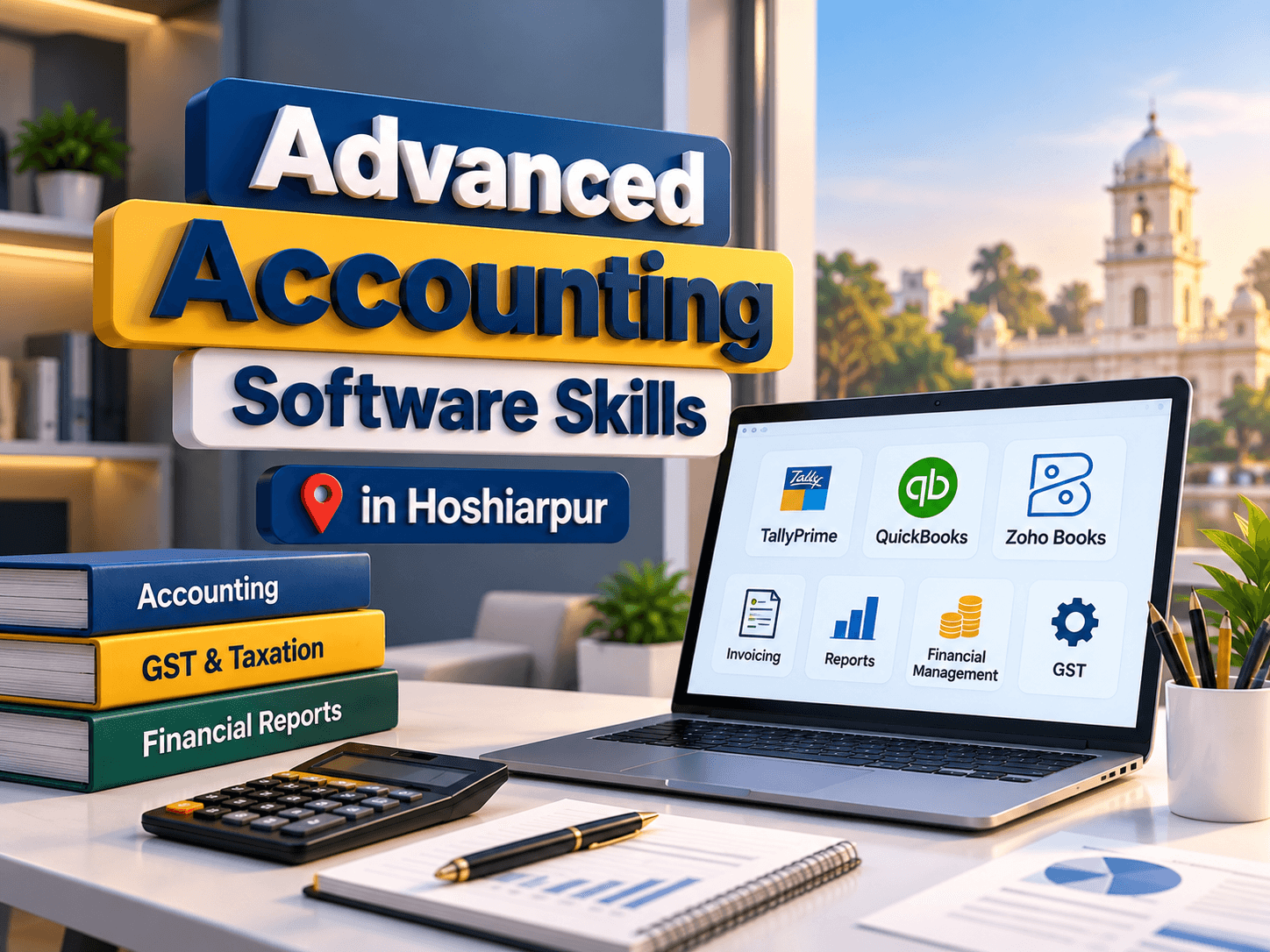
Accounting Software Skills in Hoshiarpur
Accounting software has become an important tool for businesses that need to manage financial transactions, maintain records, prepare reports, and organise daily accounting activities. From small businesses to larger organisations, digital accounting systems help users record sales, purchases, payments, expenses, and other financial information more efficiently.
Accounting Software Skills in Hoshiarpur can help students, job seekers, commerce graduates, and working professionals develop practical knowledge of computerised accounting. Learning accounting software can also help beginners understand how financial information is organised and used for business decisions.
Techcadd in Hoshiarpur is an option for individuals interested in developing computer-based accounting skills. Through structured learning and practical exercises, learners can explore accounting fundamentals, voucher entries, GST-related transactions, inventory management, and financial reporting, depending on the training syllabus.
What Are Accounting Software Skills?
Accounting software skills involve using computer applications to record, organise, calculate, and report financial information. These skills combine basic accounting knowledge with the ability to operate software correctly.
Accounting software may be used for maintaining ledgers, recording transactions, tracking payments, managing stock, and preparing financial statements. Examples of commonly used accounting tools include TallyPrime, accounting features in business management systems, and other bookkeeping applications.
Important accounting software skills include:
Recording sales, purchases, receipts, and payments.
Creating and managing ledgers.
Understanding debit and credit entries.
Maintaining customer and supplier accounts.
Handling inventory records.
Recording applicable tax information.
Preparing financial reports.
Reviewing transactions for errors.
Organising digital accounting records.
Developing these skills can help learners become more comfortable with routine accounting tasks.
Why Are Accounting Software Skills Important?
Businesses need accurate financial information to understand their income, expenses, outstanding payments, and overall financial position. Computerised accounting can make it easier to organise this information and generate reports.
The main benefits of learning accounting software include:
Improved Record Management: Maintain financial information in an organised digital format.
Greater Efficiency: Use software features to complete routine accounting tasks.
Better Accuracy: Review entries and identify inconsistencies more easily.
Financial Reporting: Generate reports that help explain business performance.
Inventory Tracking: Monitor stock information when the software supports inventory features.
Tax-Related Recordkeeping: Organise applicable tax information and review relevant reports.
Professional Skill Development: Build knowledge relevant to accounting, bookkeeping, billing, and office administration.
Software does not replace the need for accounting knowledge. Users must understand the transactions they enter and verify that records are accurate.
Essential Accounting Software Skills to Learn
1. Basic Accounting Principles
Before working with accounting software, learners should understand fundamental accounting concepts. These concepts help them identify the correct accounts and record transactions appropriately.
Important topics include:
Assets, liabilities, income, and expenses.
Capital and drawings.
Debit and credit principles.
Journal entries.
Ledger accounts.
Trial balance.
Profit and loss statements.
Balance sheets.
A strong foundation in accounting makes it easier to understand how software processes transactions and produces financial reports.
2. Company Creation and Ledger Management
Accounting software usually requires users to configure a company profile and establish the appropriate account structure.
Learners may practise creating company records, setting the financial year, configuring accounting features, and creating ledgers for cash, bank accounts, customers, suppliers, income, and expenses.
Proper ledger management helps keep transactions organised and supports accurate reporting.
3. Voucher Entries and Transaction Recording
Voucher entries are a core part of computerised accounting. They record business activities such as sales, purchases, payments, receipts, and transfers.
Common voucher types include:
Payment vouchers.
Receipt vouchers.
Contra vouchers.
Journal vouchers.
Sales vouchers.
Purchase vouchers.
Debit notes and credit notes, where applicable.
Practical exercises help learners understand which voucher to use for different transactions and how those entries affect account balances.
4. GST and Tax-Related Accounting
Businesses in India may need to maintain accounting records involving Goods and Services Tax (GST). Accounting software can support the recording of eligible transactions and the preparation of relevant reports.
Depending on the course syllabus, learners may study:
GST-related company configuration.
Tax details in sales and purchase entries.
Input and output tax concepts.
GST-related accounting reports.
Checking transaction details for errors.
Organising records for further review.
Tax requirements depend on the nature of the business and current regulations. Learners should verify information and seek qualified professional guidance when handling actual tax compliance.
5. Inventory and Stock Management
Businesses that purchase or sell products need to track stock movement and maintain inventory records. Accounting software with inventory features can help users organise item details and monitor available quantities.
Important skills may include:
Creating stock groups and stock items.
Defining units of measurement.
Recording stock-related purchases and sales.
Maintaining opening and closing stock.
Reviewing stock summaries.
Understanding the relationship between inventory and accounting entries.
These skills are useful for businesses that need to manage products alongside financial transactions.
6. Financial Reports and Data Analysis
Accounting software can generate reports that summarise financial information. Learners should understand how to read these reports rather than simply generate them.
Common reports include:
Trial balance.
Profit and loss statement.
Balance sheet.
Cash and bank summaries.
Ledger statements.
Outstanding receivables and payables.
Inventory reports, where available.
Understanding these reports helps users review financial activity, identify unusual entries, and organise information for business decisions.
Practical Exercises for Accounting Software Learners
Practical exercises help beginners connect accounting concepts with software functions. Sample business transactions can be used to practise different workflows.
Useful exercises include:
Creating a sample company and its ledgers.
Recording sales and purchase transactions.
Entering customer receipts and supplier payments.
Preparing a trial balance.
Recording sample GST-related transactions.
Maintaining a basic inventory list.
Generating a profit and loss statement.
Checking records for duplicate or incorrect entries.
Learners should practise with sample data or authorised business information and maintain appropriate confidentiality when handling financial records.
Who Can Learn Accounting Software Skills?
Accounting software training may be suitable for:
B.Com and M.Com students.
Commerce graduates and freshers.
Job seekers interested in accounting roles.
Beginners learning computerised bookkeeping.
Office assistants managing financial records.
Small business owners and entrepreneurs.
Working professionals seeking to improve accounting software knowledge.
Basic computer skills and an understanding of accounting principles can make learning easier.
Why Consider Techcadd in Hoshiarpur?
For people interested in Accounting Software Skills in Hoshiarpur, Techcadd is an option to explore computerised accounting training. Before enrolling, learners can ask about the current syllabus, software version, practical assignments, and available learning support.
Important points to confirm include:
Accounting fundamentals and ledger management.
Voucher-entry practice.
GST-related accounting topics.
Inventory management exercises.
Financial report preparation.
Course duration, fees, and schedule.
Assessment methods and completion requirements.
Reviewing these details can help learners choose a program that matches their learning needs.
Conclusion
Accounting Software Skills in Hoshiarpur can help students, job seekers, and working professionals develop practical knowledge of digital bookkeeping, transaction recording, GST-related accounting, inventory management, and financial reporting. Combining accounting fundamentals with regular software practice can improve accuracy and confidence when handling financial records.
Techcadd in Hoshiarpur is an option for learners interested in strengthening their computerised accounting skills. Before joining, students should confirm the available syllabus and practical training arrangements. With consistent practice and a focus on accurate recordkeeping, learners can build a useful foundation for accounting-related responsibilities and further professional development.
Accounting Software Skills in Hoshiarpur
Learn TallyPrime, bookkeeping, GST accounting, and financial reporting with practical accounting software training at Techcadd Hoshiarpur.