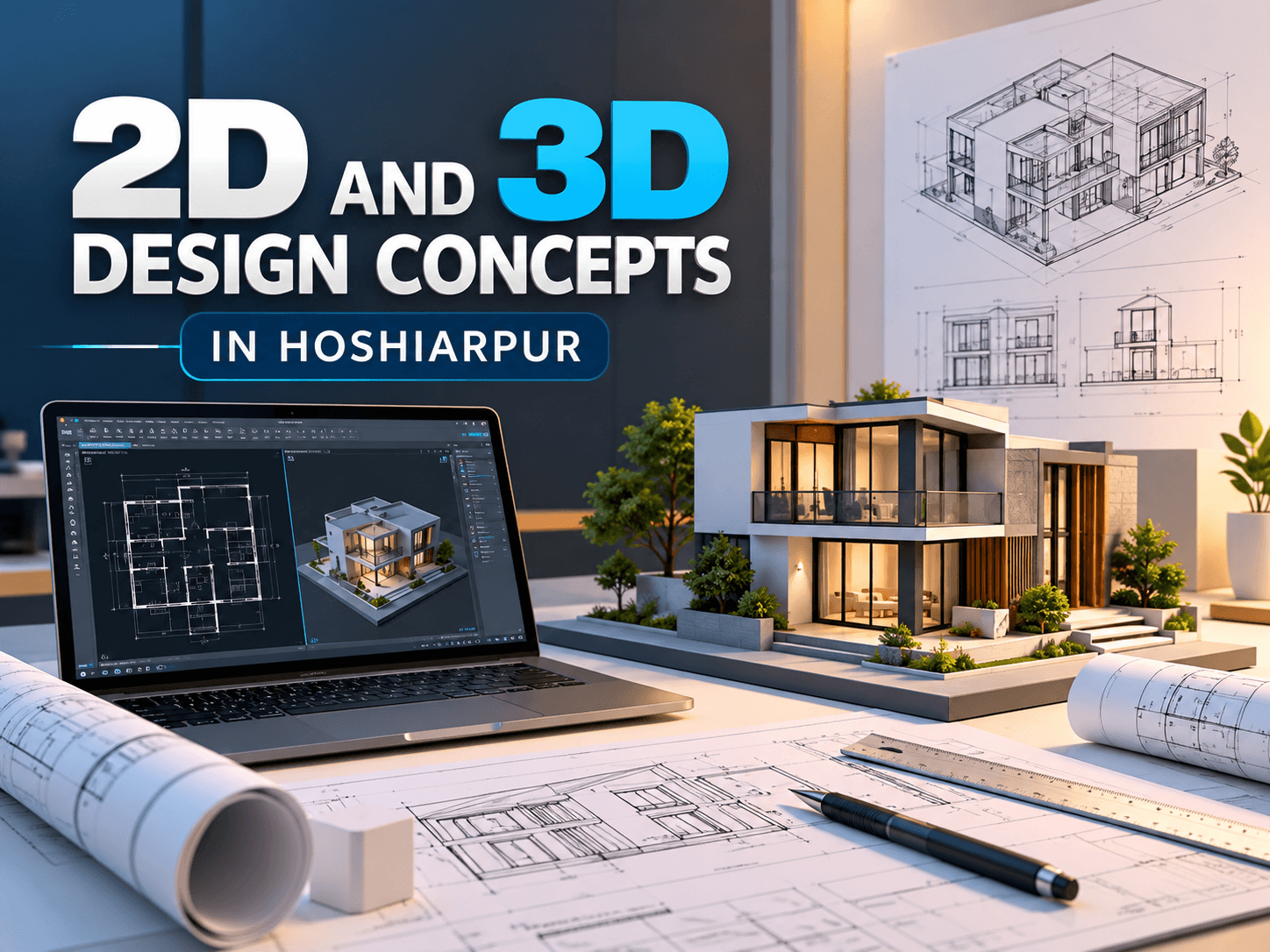
2D and 3D Design Concepts in Hoshiarpur
Design plays an important role in architecture, engineering, manufacturing, interior design, and product development. With the use of computer-aided design software, professionals and students can create accurate drawings, models, layouts, and visual representations of different projects. Understanding 2D and 3D design concepts can help beginners build a foundation in digital design and learn how technical ideas are converted into practical drawings and models.
2D and 3D Design Concepts in Hoshiarpur are useful for students and beginners who want to understand digital drafting and modeling techniques. Techcadd Hoshiarpur provides a learning environment where learners can explore design fundamentals, CAD tools, drawing methods, and practical project-based exercises.
Understanding 2D Design
2D design refers to drawings created using two dimensions, generally length and width. These drawings are commonly used for technical layouts, floor plans, engineering drawings, product sketches, and other design documentation.
Beginners can understand how different geometric elements are combined to create accurate technical drawings. Some common 2D design elements include:
Lines and polylines
Circles and arcs
Rectangles and polygons
Curves and geometric shapes
Dimensions and measurements
Text and annotations
Hatching and patterns
Learning these basic elements can help students understand how detailed technical drawings are developed.
Importance of 2D Drafting
2D drafting is widely used because it provides a clear representation of measurements, layouts, and design information. Architects may use 2D drawings for floor plans, while engineers can use them for technical drawings and manufacturing documentation.
Through practical learning, beginners can understand:
Drawing accuracy and precision
Measurement and dimensioning
Drawing scales
Layer organization
Technical annotations
Object modification
Drawing layouts
These concepts provide a foundation for more advanced design work.
Understanding 3D Design
3D design adds another dimension—height or depth—to a drawing. Instead of representing an object through a flat drawing, 3D modeling allows learners to create digital representations with length, width, and height.
3D design is commonly used in architecture, mechanical engineering, product development, interior design, and visualization.
Beginners can explore concepts such as:
3D coordinates
Basic 3D objects
Solid modeling
Surface modeling
Extrusion
Revolving
3D transformations
Views and navigation
Understanding these concepts can help learners visualize objects from different angles.
Difference Between 2D and 3D Design
The main difference between 2D and 3D design is how information is represented. A 2D drawing generally represents an object using length and width, while a 3D model adds depth or height to create a more complete representation.
For example, a simple room layout can be created as a 2D floor plan. The same room can then be developed into a 3D model showing walls, doors, windows, furniture, and other elements.
Both approaches have different applications and can work together within a design workflow.
2D and 3D Design Software
Different software applications are used for creating 2D drawings and 3D models. AutoCAD is widely used for drafting and design, while other CAD and visualization tools can support more specialized modeling requirements.
At Techcadd Hoshiarpur, learners can become familiar with design software and understand how different tools are used for drafting, modeling, editing, and presenting designs.
The learning process can include:
Understanding software interfaces
Creating basic drawings
Editing design elements
Applying dimensions
Creating 3D objects
Managing layers and properties
Saving and organizing project files
Practical 2D Design Projects
Project-based practice allows learners to apply design concepts to complete drawings. Instead of only practicing individual commands, students can work on structured assignments that involve multiple design techniques.
Some examples include:
Floor plan drawings
Room layouts
Mechanical component drawings
Engineering layouts
Furniture arrangements
Technical diagrams
Dimensioned drawings
These projects can help learners improve accuracy and understand how different design tools work together.
Practical 3D Design Projects
3D projects allow learners to understand modeling concepts by creating digital objects and structures. Beginners can start with simple shapes before progressing toward more detailed models.
Practice projects may include:
Simple mechanical components
Basic architectural models
Furniture models
Product concepts
Interior layouts
Simple building structures
3D visualization models
Working on such projects can help learners develop spatial understanding and improve their familiarity with 3D modeling tools.
Skills Learners Can Develop
Learning 2D and 3D design concepts can help beginners develop a range of technical and creative skills, including:
Understanding digital drafting
Creating accurate 2D drawings
Developing basic 3D models
Using CAD tools
Applying dimensions and annotations
Understanding design measurements
Organizing drawing layers
Editing and modifying designs
Visualizing objects in three dimensions
Working on practical design projects
Consistent practice is important for improving these skills and becoming comfortable with design software.
Who Can Learn 2D and 3D Design?
2D and 3D design concepts can be useful for students, beginners, engineering learners, architecture students, designers, and individuals interested in CAD and technical design. Learners can start with basic concepts and gradually explore more advanced drafting and modeling techniques.
Basic computer knowledge can be helpful when starting, but beginners can learn design concepts step by step through structured practice.
Conclusion
Understanding 2D and 3D Design Concepts in Hoshiarpur can help learners build a foundation in digital drafting, technical drawing, and computer-aided modeling. From basic shapes, measurements, and annotations to 3D objects, modeling, and visualization, these concepts have applications across several design and engineering fields. Techcadd Hoshiarpur offers learners an opportunity to explore these concepts through structured training and practical design exercises, helping them develop familiarity with CAD tools and modern design workflows.
2D and 3D Design Concepts in Hoshiarpur
Learn 2D drafting, 3D modeling, CAD tools, measurements and design techniques through practical training at Techcadd Hoshiarpur for beginners.