WordPress
Build, customise and maintain sites on the CMS that runs much of the web.
Four weeks from install to launch: themes, plugins, page builders, performance and the security basics every live site needs.
- Category
- Web Development
- Level
- Beginner
- Duration
- 4 Weeks
- Mode
- Online / Offline
 Introduction video coming soon
Watch Course Introduction
Inside the WordPress track.
A short walkthrough of the syllabus, the projects you will build and how the batches are run — worth five minutes before you enrol.
Who can do this course?
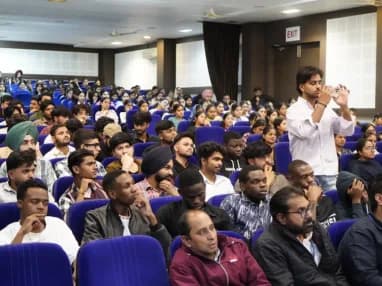
The programme is built to work for people arriving from very different starting points.
Beginners
No prior experience needed — the first modules start from fundamentals.
College students
Fits alongside a degree, with weekend and evening batches covering the same syllabus.
Freshers
Build the portfolio and interview practice that a first role actually asks for.
Working professionals
Weekend batches and 1-on-1 mentoring for people training without taking leave.
Career switchers
A structured route in from another field, with guidance on how to position the move.
Why choose this program?
Six things that separate a programme you finish from one you benefit from.
- 01
Industry-oriented curriculum
Built backwards from live job descriptions and rewritten as the stack moves.
- 02
Hands-on from day one
You spend more time building than watching. Every concept lands in working code.
- 03
Mentor guidance
Small batches, direct access to your trainer, and reviews on the work you produce.
- 04
Real-world tools
The same editors, version control and deployment tooling teams use in production.
- 05
Interview preparation
Mock rounds, portfolio review and the questions this particular role gets asked.
- 06
Career-focused outcome
The programme ends with work you can show and a plan for the roles you are targeting.
Course modules
4 modules, 20 sessions — sequenced so each one builds on what you just shipped.
- 4 Modules
- 4 Weeks
- Beginner
- Certificate Included
- Beginner
- 4 Modules
- Projects
- Certification
What this module covers
- Hosting
- Install
- Themes
- Customiser
5 sessions
What you will learn
Concrete capabilities, not topics covered. Each one is demonstrated in work you keep.
- Install and configure WordPress
- Build pages with a builder
- Set up a WooCommerce store
- Improve site speed measurably
- Back up and secure a live site
Tools & technologies you'll learn
The same tooling the teams hiring for this role use every day.
- WordPress
- Elementor
- WooCommerce
- Yoast
- cPanel
- UpdraftPlus
Career outcomes
After completing WordPress, these are the directions students most often take. Outcomes depend on your own work and the market — we do not promise placements or salaries.
Job roles to target
- WordPress Developer
- Web Designer
- Freelance Site Builder
- Digital Marketer
Where the work is
- Product and agency teams
- Freelance projects
- Campus placements
- In-house roles
Where to go next
- Web Designing
- SEO
- PHP Full Stack
- Shopify
Industry applications
- Small business
- Agencies
- Publishing
- E-commerce
Hands-on projects
Every module ends in built work. These are the pieces you finish the programme holding.

Business website
BeginnerA complete multi-page site, launched on real hosting.
- WordPress
- Elementor
Skills practised: Themes, Pages, Launch
WooCommerce store
IntermediateProducts, checkout and shipping configured end to end.
- WooCommerce
Skills practised: Products, Payments, Performance
- 0+Happy Students
- 0+Industry Projects
- 0%Practical Training
- YesIndustry Experts
Why learn with us?
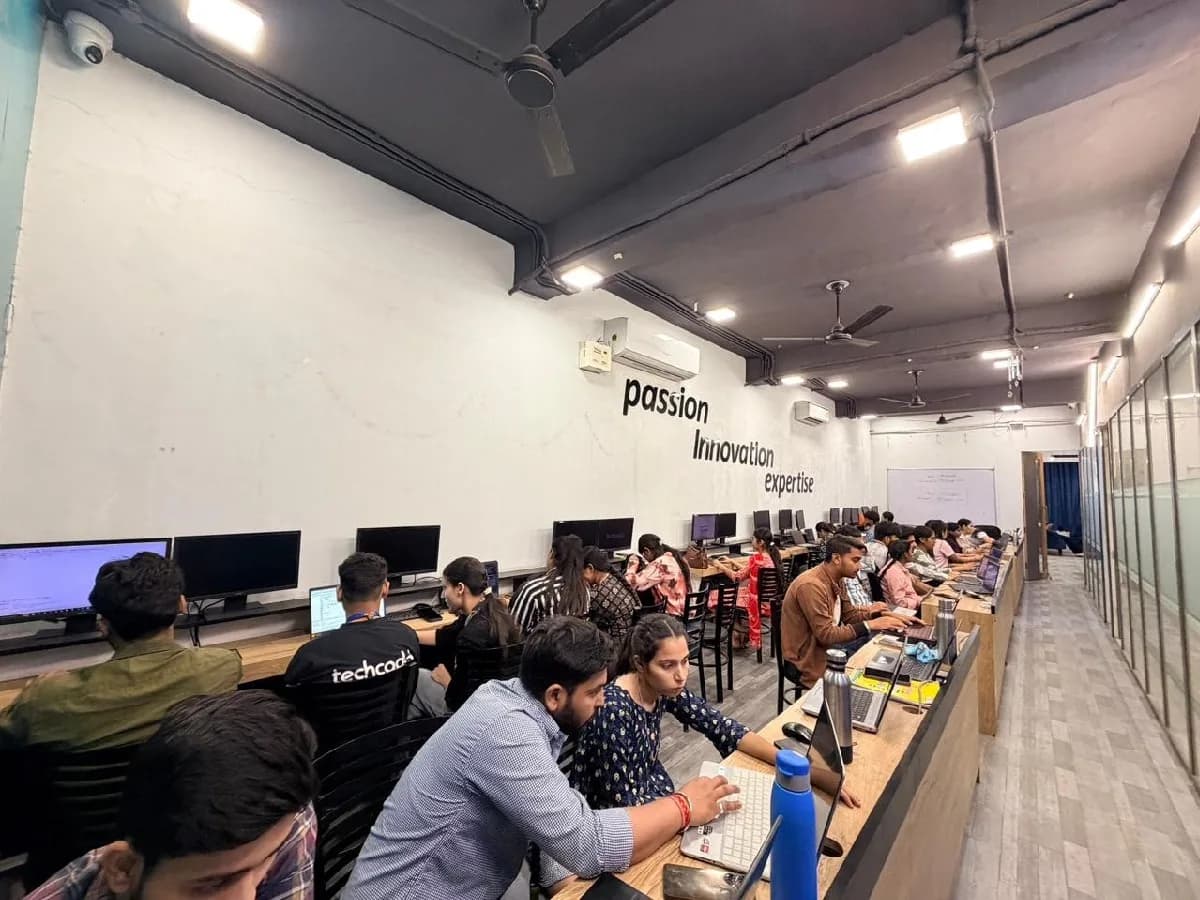
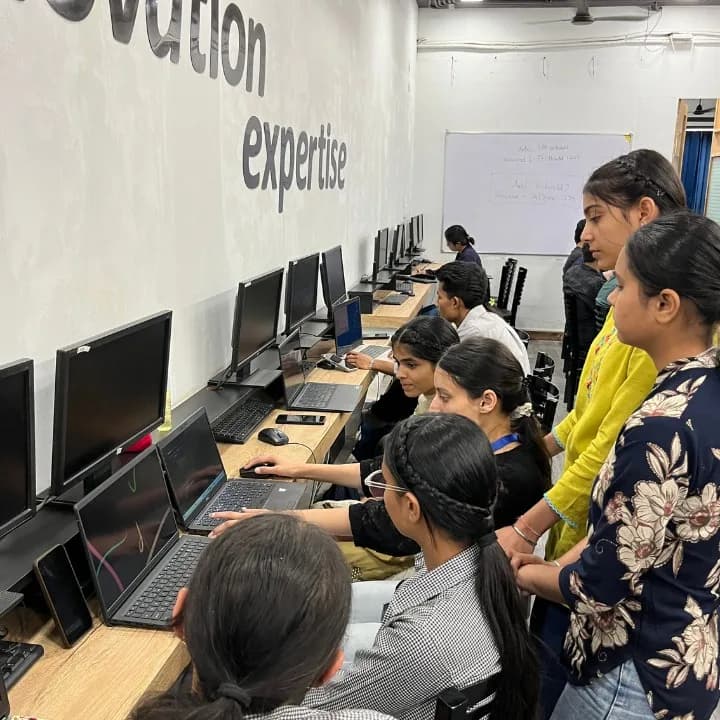
Every trainer here still ships production code. That is the whole basis of the teaching: answers come from current practice rather than from a slide deck written three years ago.
Practitioners, not presenters
Sessions are run by engineers working on live systems, so the examples come from real codebases.
Project-based from week one
You build as you learn. Each module ends in something that runs, not in a quiz.
Personalised guidance
Small batches mean your mentor knows what you are stuck on and what you are aiming at.
Doubt support that continues
Doubt sessions and mentor hours carry on after the certificate is printed.
Frequently asked questions
The questions counsellors are asked most about WordPress.
Yes. WordPress begins from fundamentals, and the pace is set so nothing is assumed.
Ask About WordPress
Send your question and a counsellor will call you back. No obligation to enrol.
- Live Project Training
- Internship Certificate
- Placement Assistance
- Industry Mentors
- Interview Preparation
- Online + Offline Mode
4 Weeks · Online / Offline
Ready to start your learning journey?
Build practical skills, work on real projects and take the next step towards your career.
Related courses
Programmes students often take alongside or after this one.
 Web Development
Web Designing
Design and build websites that look right and work on every screen — HTML5, CSS3, JavaScript, Bootstrap and responsive layout.
2 Months Marketing
Shopify
Launch and run an online store that converts.
4 Weeks Marketing
SEO
Earn search traffic that keeps arriving after you stop paying for it.
6 Weeks Web Development
PHP Full Stack
PHP, MySQL and Laravel with the frontend that sits on top — dynamic, database-driven applications built end to end.
4 Months